Scroll to top

Imprimez tout, partout.

Vos idées, votre espace – imprimez partout où l'inspiration vous vient.

Sans encre, sans souci

Pas d'encre. Un gain de temps, d'argent et respectueux de l'environnement.

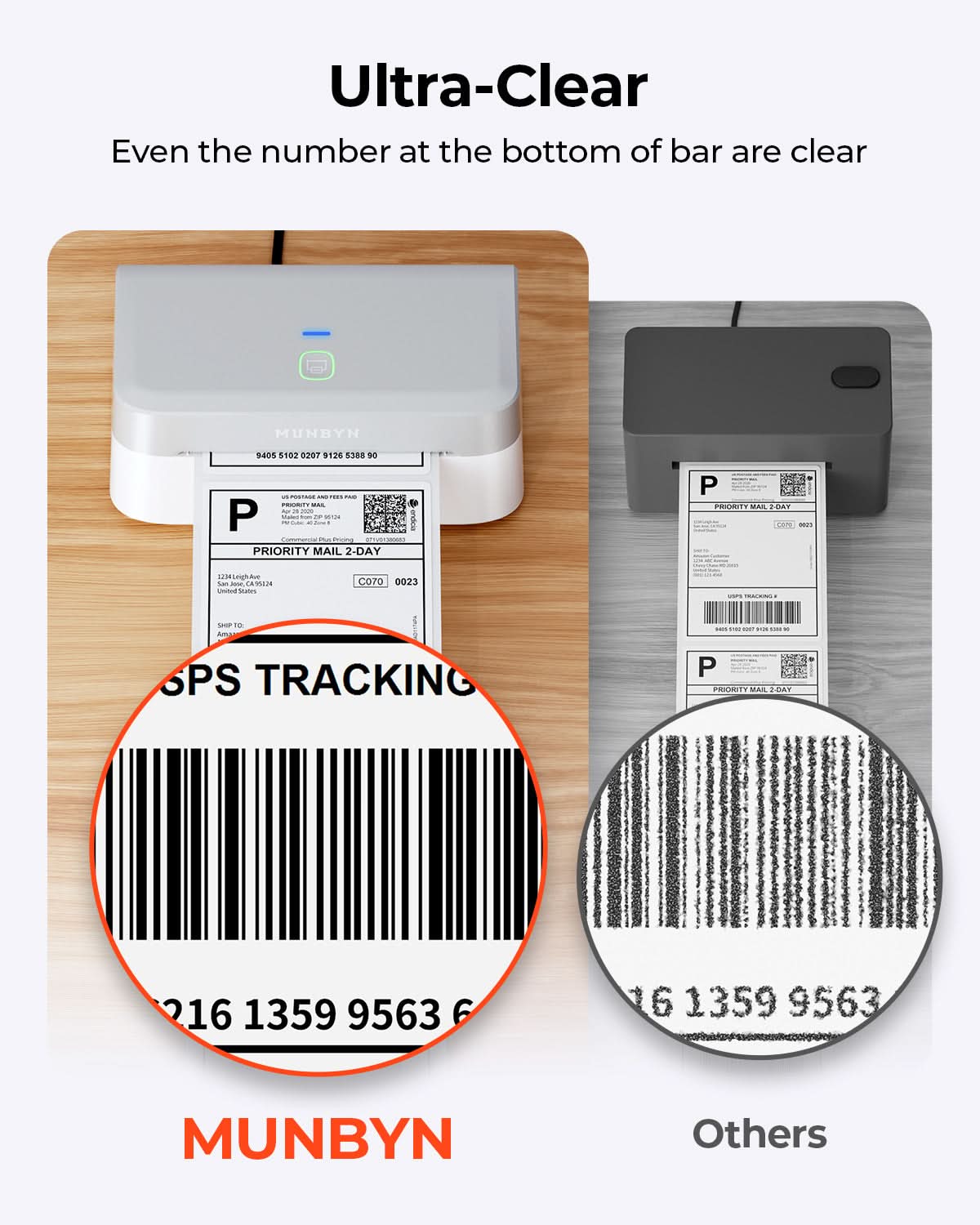
Rapide à imprimer, facile à réimprimer

Grande vitesse: 150 mm/s = une étiquette 4×6 par seconde.

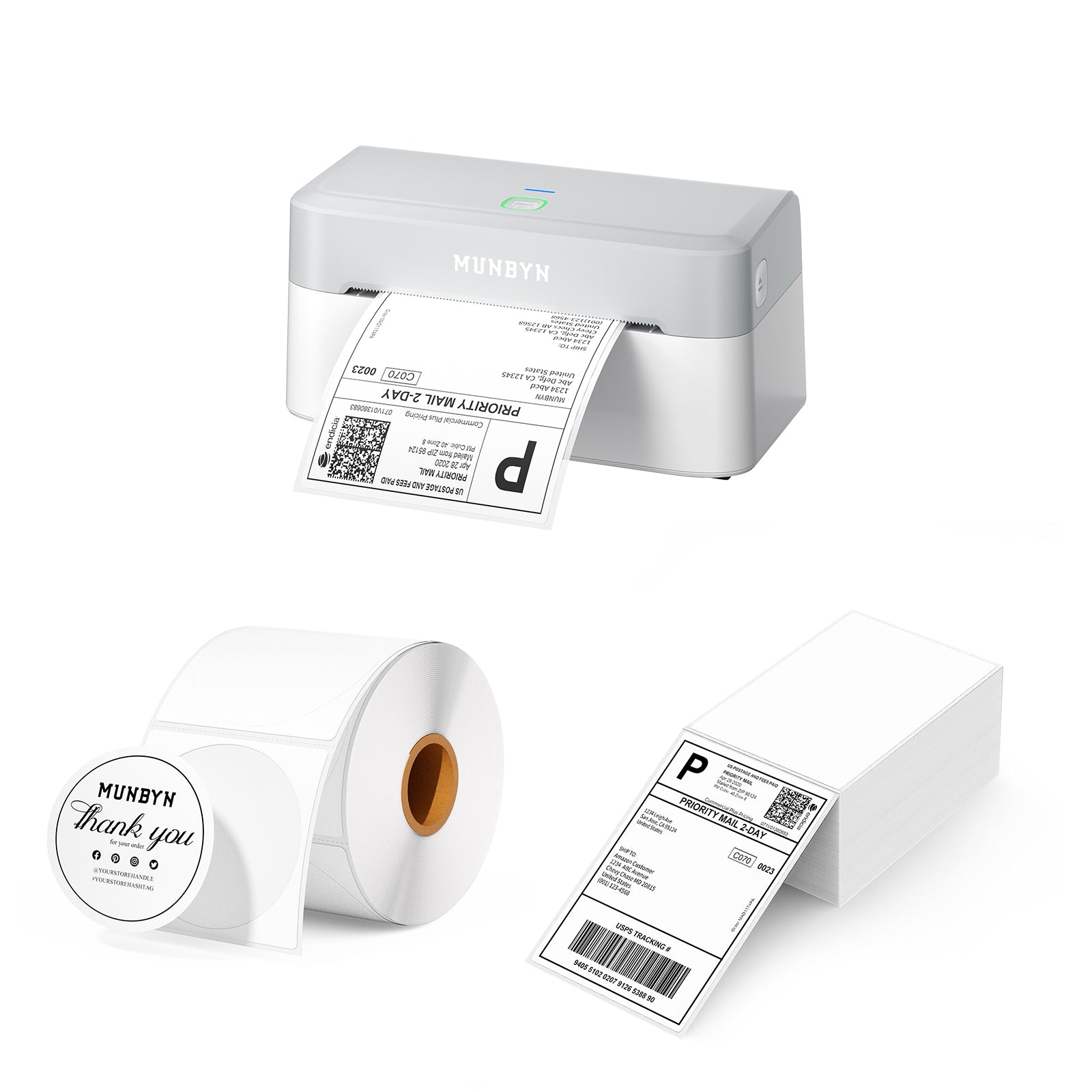
MUNBYN RW403B Kit d'imprimante thermique Bluetooth pour étiquettes d'expédition et de produits
119,99€

Détails du produit

Téléchargez notre application

Des étiquettes de qualité supérieure en quelques minutes

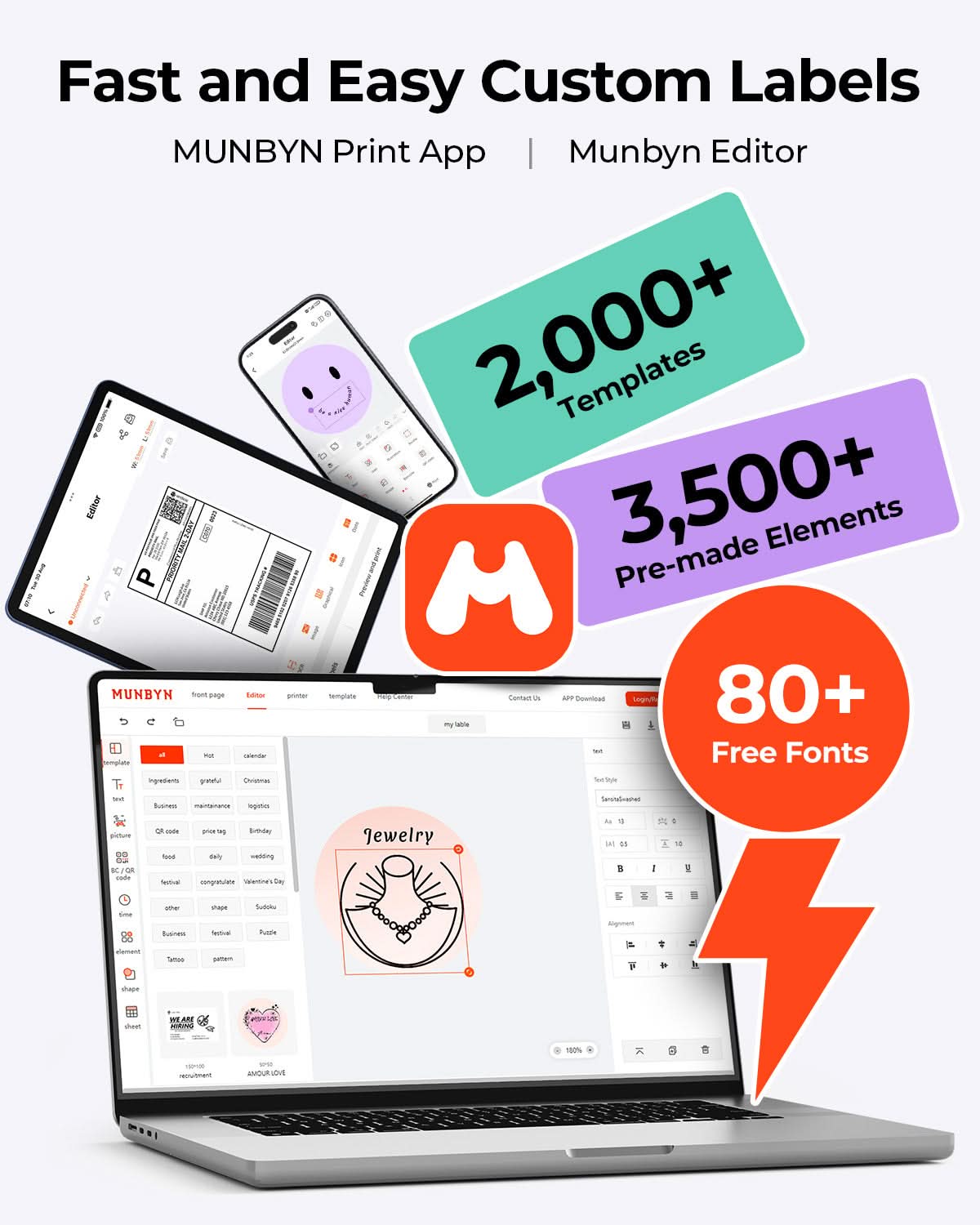
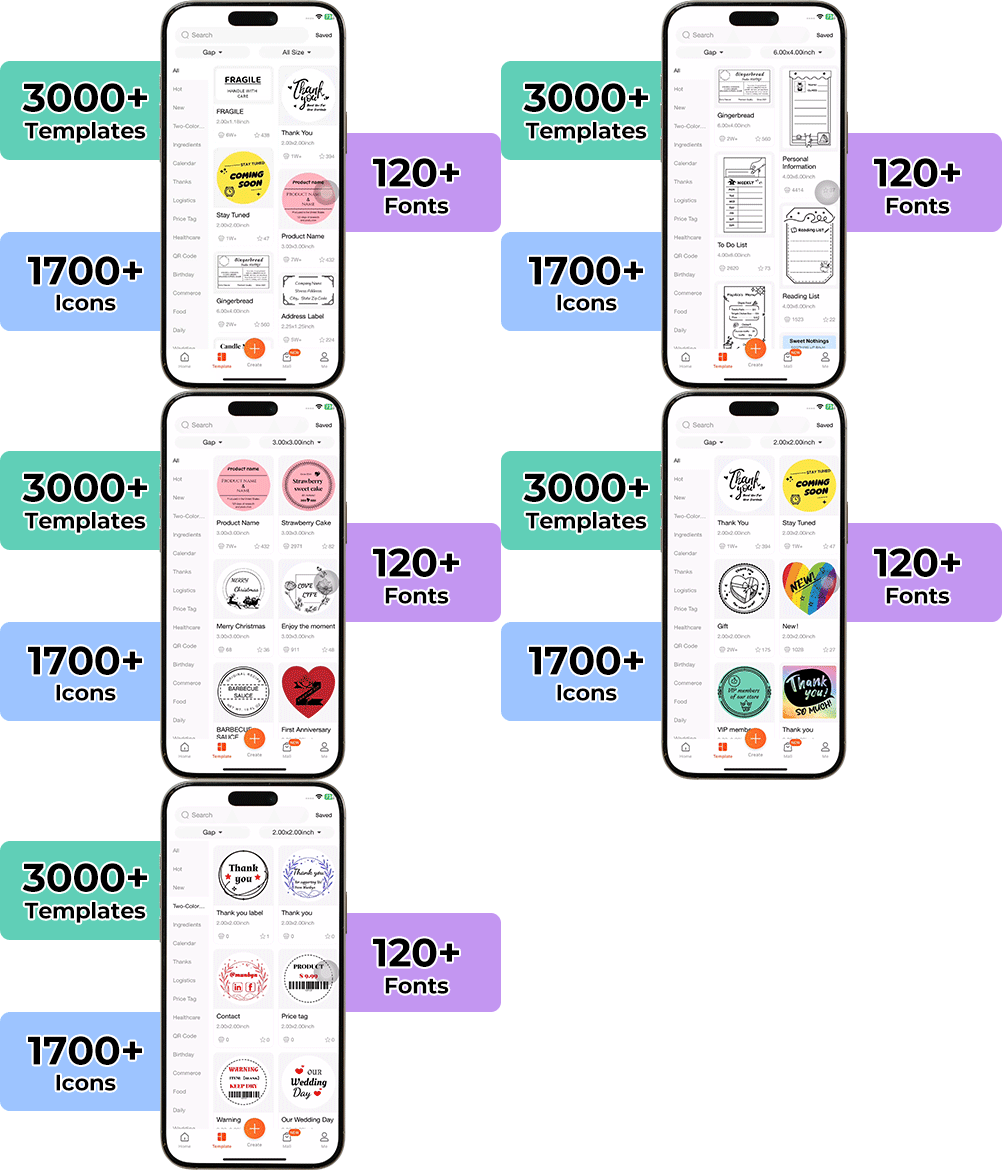
La création d'emballages personnalisés n'a jamais été aussi simple. Grâce à l'application MUNBYN et à nos étiquettes DIY polyvalentes, vous disposez d'une bibliothèque contenant plus de 3 000 éléments de design et modèles.


Créez des logos et des autocollants publicitaires sur mesure qui reflètent parfaitement la personnalité de votre marque, le tout sans dépasser votre budget.


Google Play

Google Play

Télécharger maintenant

 
Rédacteur en ligne

Rédacteur en ligne

Créer maintenant

 
Manuel d'utilisation

Manuel d'utilisation

Téléchargez maintenant

Fiers d'être dirigés par des femmes

80 % de notre équipe de direction est composée de femmes, qui apportent empathie et esprit d'innovation à chaque conception et à chaque décision. Car lorsque les femmes sont aux commandes, la technologie devient plus humaine – et la créativité prend tout son sens.

La liberté sans fil

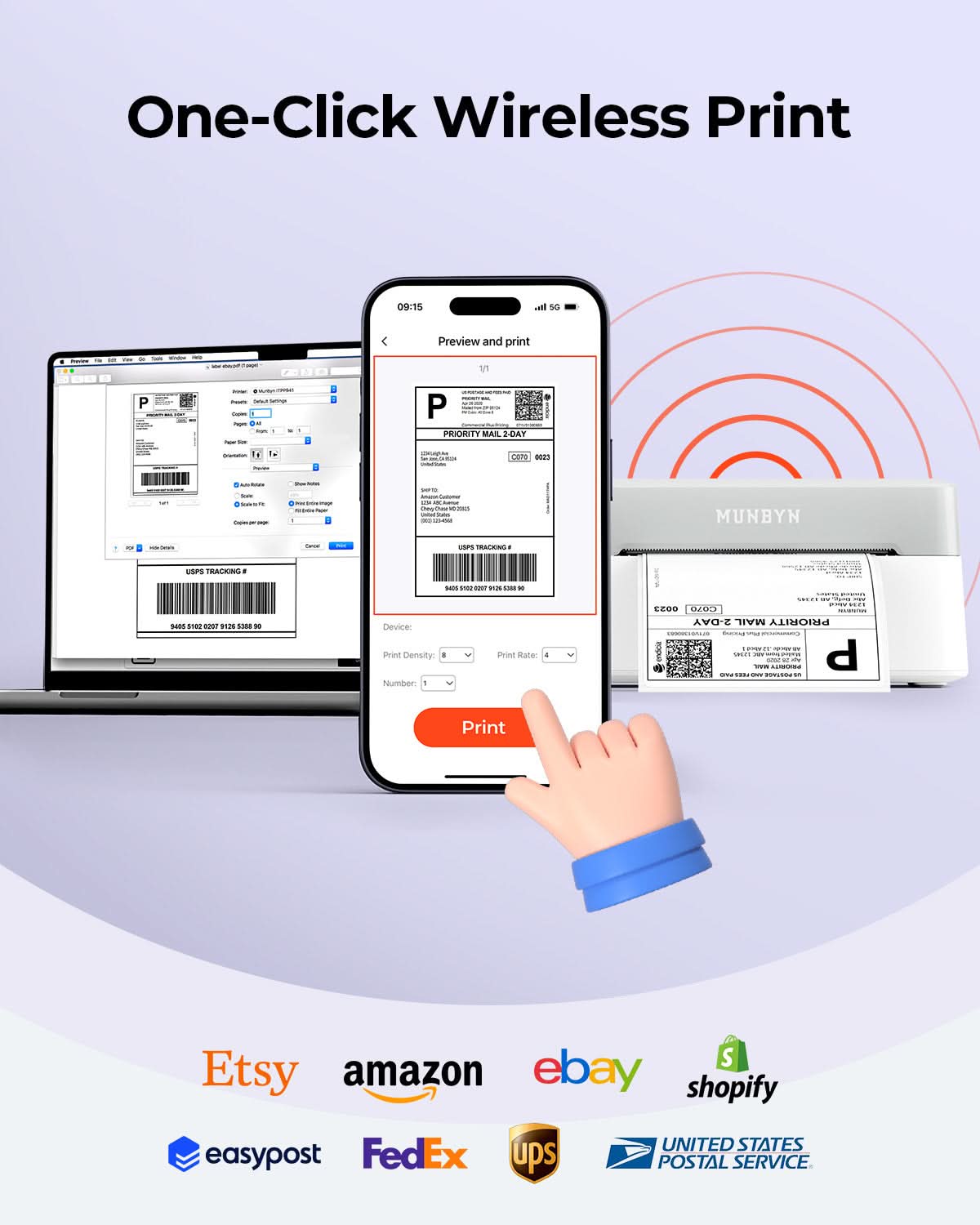
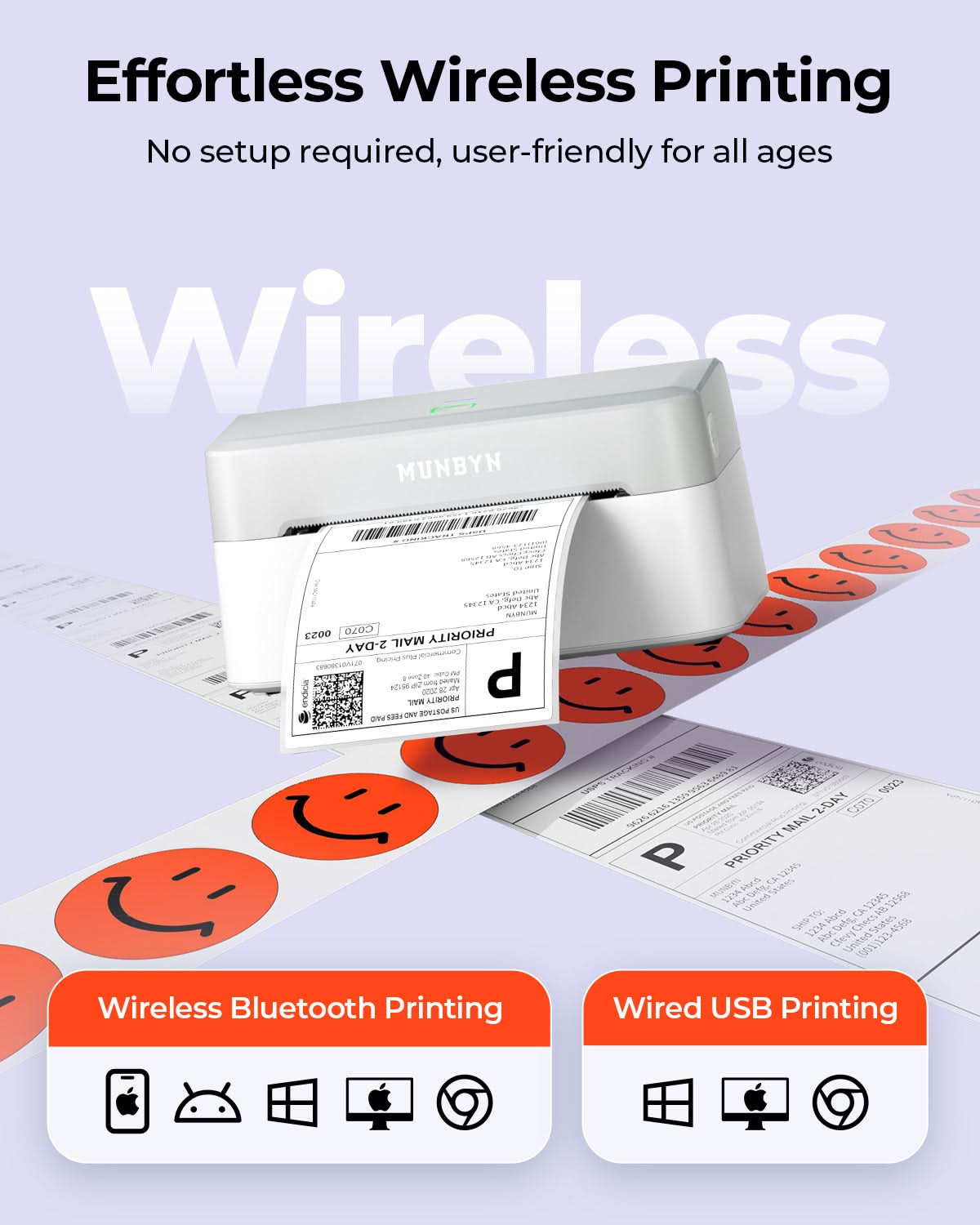
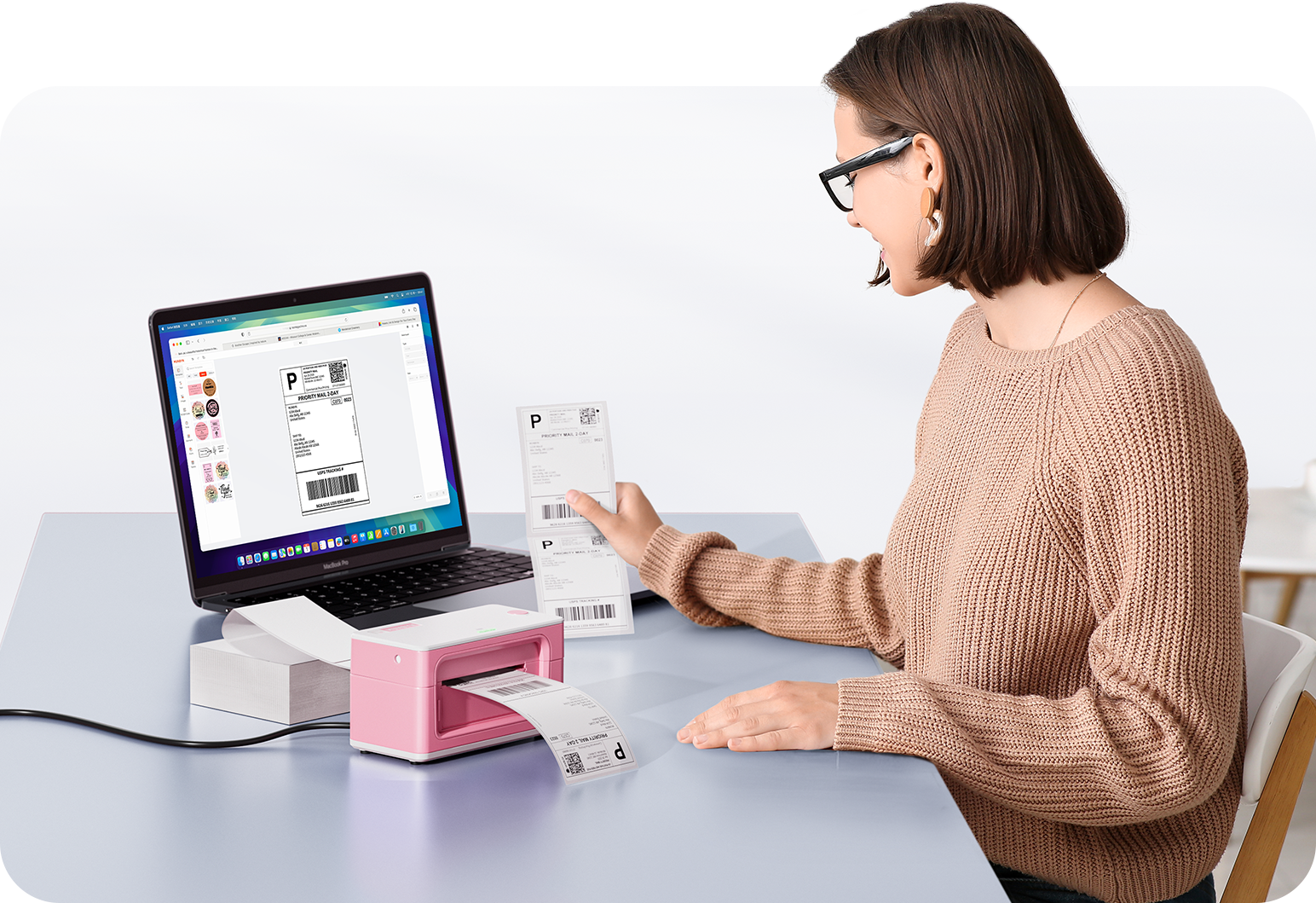
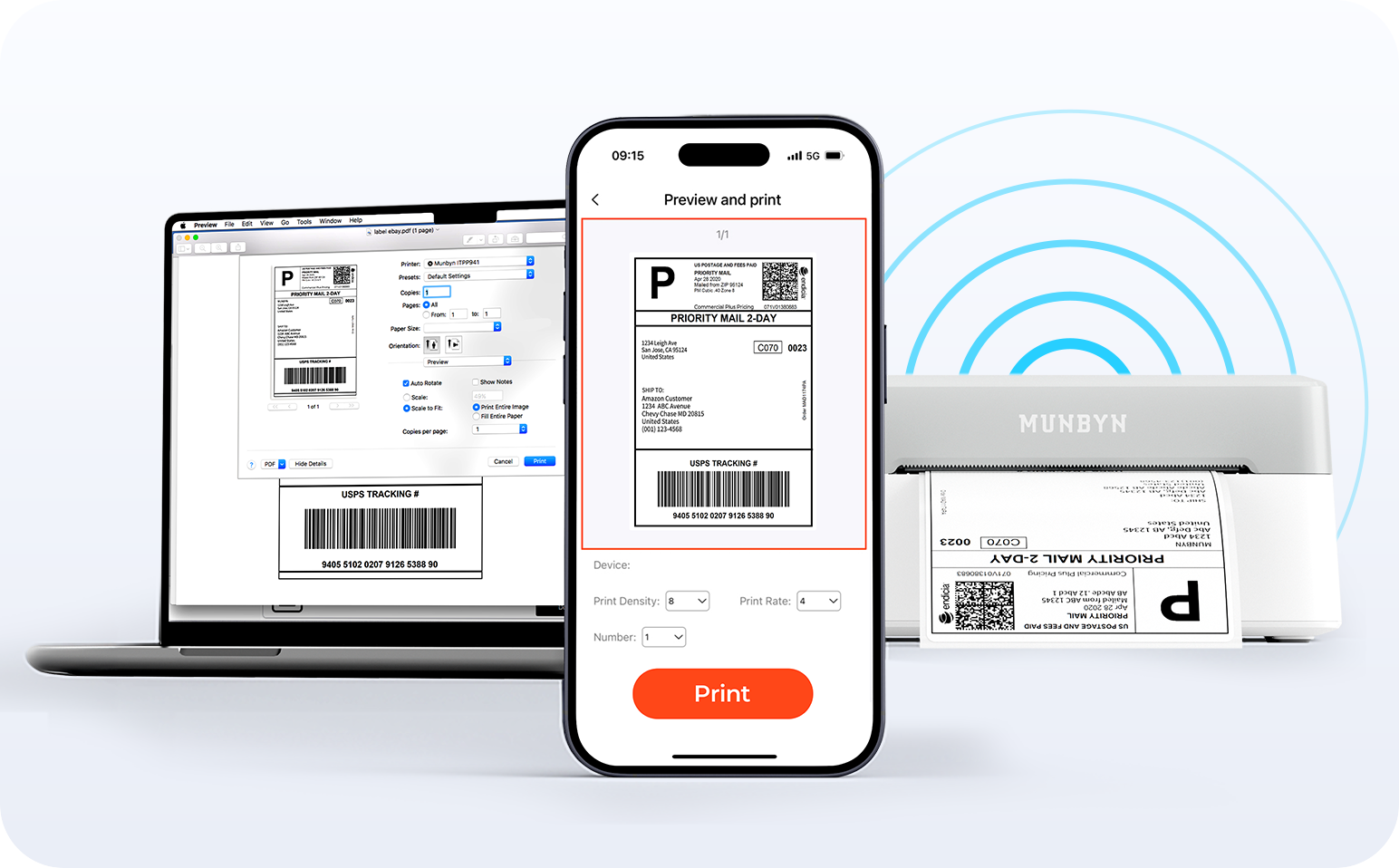
Dites adieu aux enchevêtrements de câbles et découvrez l'impression sans effort. Profitez d'une connexion Bluetooth instantanée, où que vous travailliez, ou connectez votre appareil via USB si nécessaire. Compatibilité totale avec Windows, Mac, iPhone, iPad et Android : tout votre espace de travail est connecté, et l'impression devient un jeu d'enfant.

Charger la vidéo:

Reconnaissance intelligente des étiquettes

Label Freedom. L'impression en toute simplicité commence ici.

Compatible avec tous les types d'étiquettes thermiques directes

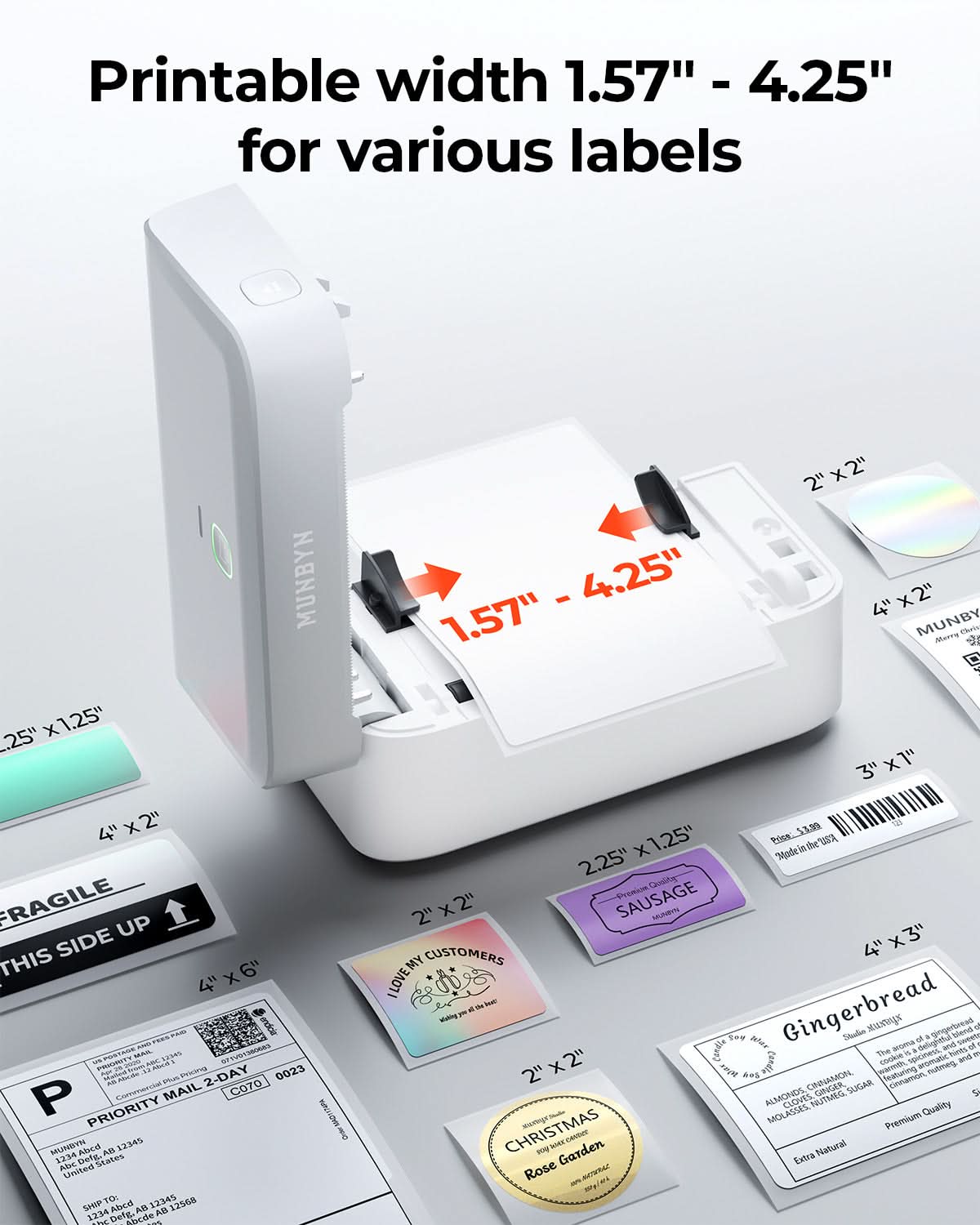
4x6« 3x2 » 3x1« 2x1 » 4« 2 »


Votre imprimante MUNBYN détecte et s'adapte automatiquement aux différentes tailles d'étiquettes – aucun réglage manuel n'est nécessaire. Des étiquettes d'expédition 4×6 aux autocollants de logo 2×2, en passant par une large gamme de largeurs allant de 40 mm à 110 mm, le passage d'une tâche à l'autre ne prend que quelques secondes.

Votre outil tout-en-un pour les principales places de marché et opérateurs de téléphonie mobile, notamment, mais sans s'y limiter :

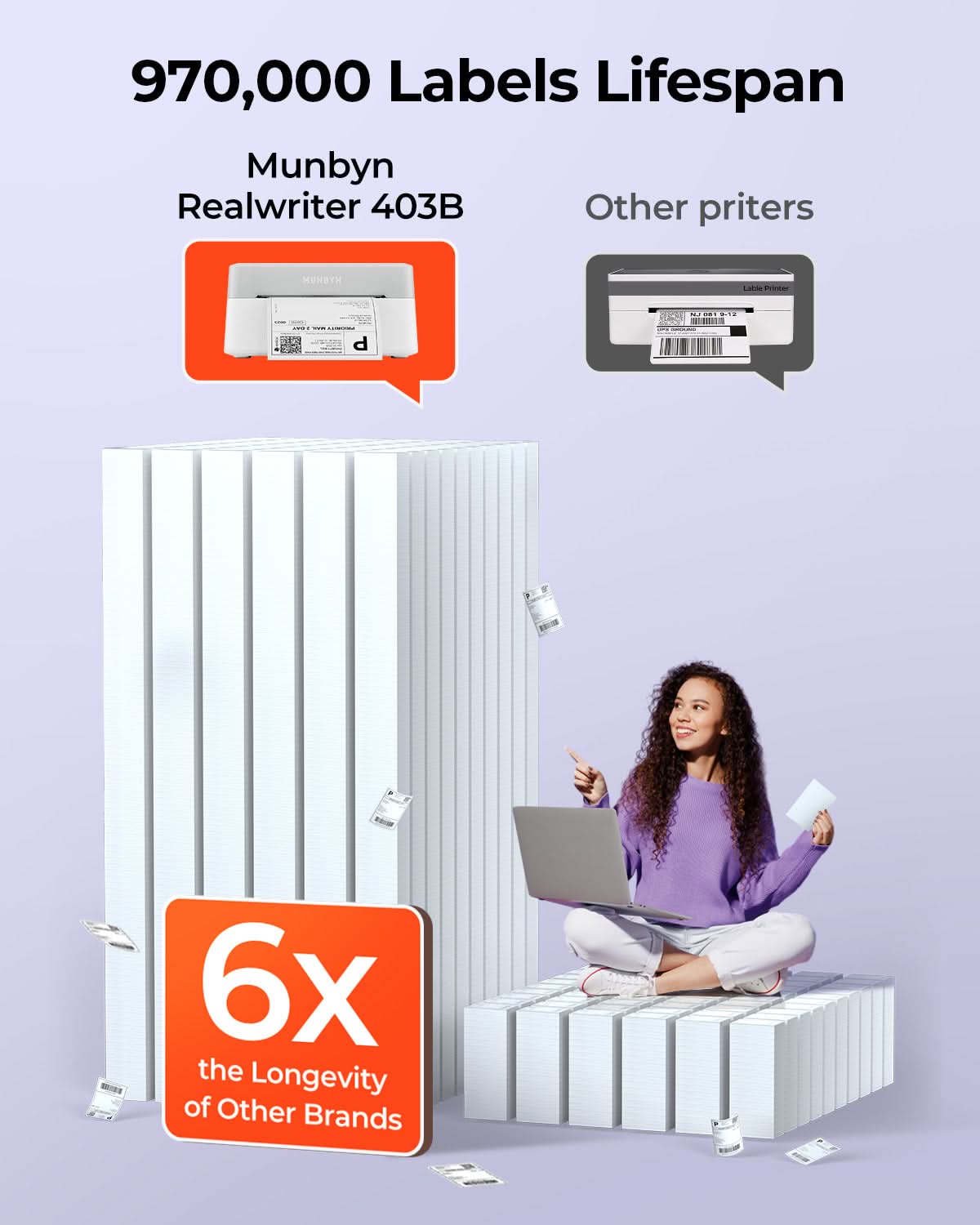
Conçue pour imprimer plus de 980 000* étiquettes d'expédition

Comment les gens utilisent MUNBYN

Les données relatives à la durée de vie de la tête d'impression et au nombre d'étiquettes sont basées sur des calculs en laboratoire (durée de vie de la tête d'impression de 150 km × longueur d'étiquette de 4 × 6 pouces). Les performances réelles peuvent varier en fonction de la fréquence d'impression, du matériau des étiquettes, de l'environnement d'exploitation et des conditions d'entretien.

Étiquette d'expédition

Étiquette personnalisée

Étiquettes à code-barres

Étiquettes fragiles

Étiquettes de marque

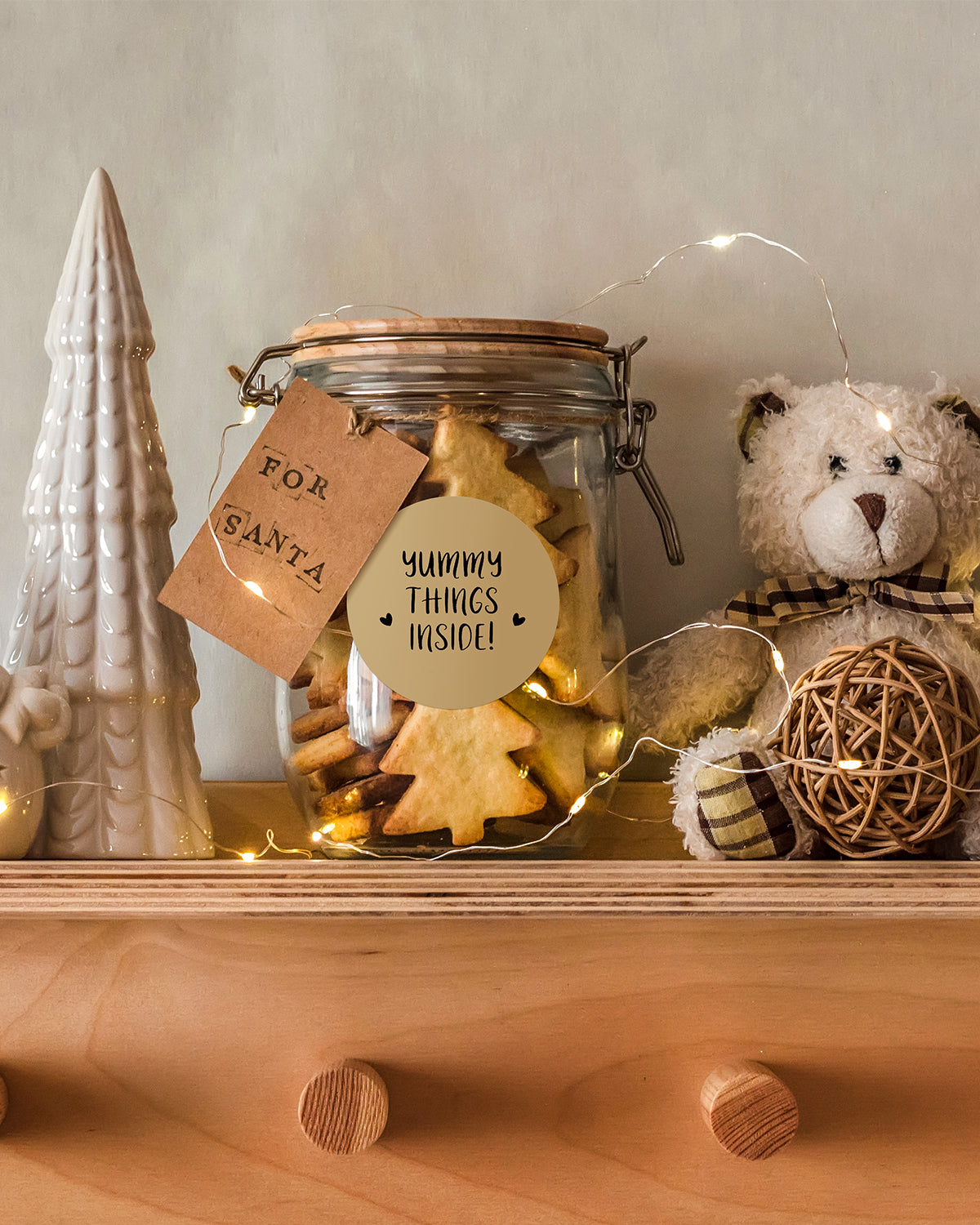
Autocollants pour crèches/écoles

  • 5 stars: 88 (85%)
  • 4 stars: 16 (15%)
  • 3 stars: 0 (0%)
  • 2 stars: 0 (0%)
  • 1 star: 0 (0%)
M
Mademoiselle
Nice printer, but...

I'm literally over the moon with this petite label printer. I have a standard printer and, when needed, I print out some labels, if I have ink left in it, obviously. This little printer thankfully doesn't need any ink or toner, it's thermal printing. That's amazing innovation, very helpful and money saving after all.Original ink (black and colour) for my HP printer costs about £50 so it's not cheap at all. This printer is something I really needed. It needs some setting up (Bluetooth on, Munbyn print app to install, pair the printer with the app and its ready to use, as simple as that).This printer looks like a toy, thanks to its size. It's a bit heavy though. A miniature of a printer :) We get some printing labels with the printer, instruction, usb C-C cable, usb drive and main powered adapter for the printer.It does print clean, clear and quick. I tried it on postage labels and some template preinstalled on the app. You can customise your labels, print out photos from your phone's gallery, anything you need which will come out as 6x4inch sticker label. It's fun to use but you need to be all the time on the app otherwise if you close the app, the printer disconnects. Its not a big deal, if I need the printer I go to the app and activate it again to print something. What is a bit irritating that the labels need to be connected together. I tried to print something on single label and it just 'spat the label out' so basically it needs to be fed all the time by labels connected together.Pa. Also when I tried to connect the adapter with the main powered cord, it fitted really tightly and I had to force the connection in (i checked the connection first to make sure it's the right shape before forcing it in). Once connected I don't need to deal with it again, so that's not that big issue.This printer is pretty expensive but worth having especially for those who post parcels a lot.

R
Rebecca
High speed, good printing quality, fit variable sizes of paper, easy to use

This Bluetooth Thermal Shipping Label Printer is very powerful! It prints super fast! The page comes out in just one second. This little machine can do batch printing for a small business. It is easy to set up and use. I downloaded the app on my phone, and the app found the device automatically and connected right away. When I turn it on, the machine automatically locates the paper to the right position. What I love about this machine is that it doesn’t waste the first page. It finds out the beginning of the paper, and it adjusts to the right position for each page. It always prints at the center of the paper. It has both Bluetooth and USB connection. I didn’t try the USB connection with a computer, because I can do all the editing and printing from my phone via Bluetooth. This machine can print on any size stickers that are smaller than 4 x 6 inches. I used my own 50x80mm sticker roll, and key in the measurements at the customize window. It prints perfectly in high quality. The letters are clear and crisp. This machine is small and beautifully shaped. It doesn’t take much space on the table. It is perfect for a small business or hobby. I highly recommend this thermal label printer.Highlights: clear printing, easy to set up and use, won’t waste the first page, fast printing, compact!

i
iinferno
Belle qualité, instructions claires et fonctionne bien

Récemment, j’ai testé l’imprimante d'étiquettes thermiques Bluetooth RW403B, imprimante d'étiquettes d'expédition sans fil 4 x 6 pour petites entreprises, compatible avec Android, iPhone, Windows, Mac, Chromebook de la compagnie Munbyn. La qualité de l’appareil semble très bien faite avec un matériau résistant.Le produit vient avec une clé USB contenant les pilotes d’installation pour les systèmes Windows, MacOS et Linux. L’installation sous Windows 11 s’est faite très facilement. Après l’installation des pilotes, suivez le guide d’instructions pour bien configurer l’imprimante. Dans mon cas, j’ai ajusté la densité d’impression au maximum.Une fois le setup complété, il suffit d’utiliser l’imprimante pour imprimer les étiquettes. Si vous utilisez une image provenant du web, il pourrait arriver que vous deviez ajuster l’échelle d’impression pour que l’étiquette entre visuellement dans la zone d’impression.Assurez-vous d’utiliser le papier thermique, avec du papier normal, rien ne sera imprimé sur la feuille.L’imprimante détecte automatiquement les étiquettes (les espaces servent de guide), donc l’imprimante se place toujours automatiquement à la bonne place ou sinon utilisez le bouton “feed” pour qu’elle recommande la détection.L’imprimante imprime à une vitesse d’impression très rapide, donc super utile si vous avez plusieurs étiquettes à imprimer.Cette imprimante fait exactement le travail que je voulais, donc je vous la recommande.

J
J
Excellent For Small Businesses, Can't Live Without This

This is my second MUNBYN Bluetooth Thermal Label Printer and just like my other unit this one doesn't disappoint. The printer comes well packaged with the proper inserts and is well organized in the box. It makes you feel like you're receiving a quality product. In this package you'll receive the thermal printer, power cables, USB cords, instruction manual.This printer looks really sleek. It's a power corded label printer and a powerful addition to my small business. Operation is easy, there's just a power switch, a button at the top to skip the label position, and a button on the side to pop open the print head. It's thermal technology makes it feel like you're helping the environment as there's no inks or cartridges needed.This printer was easy to set up, you can connect it directly to your PC or go through Bluetooth to print your labels. You'll just need to download the Munbyn app that is listed in the instructions manual. This printer can print labels generated on multiple platforms like Etsy, Shopify, eBay, and a whole bunch of other shipping platforms. Works seamlessly on Andriod, Apple, and PC platforms.I'm very impressed this printer auto-detects the labels that are inserted and will reverse itself to start on the first shipping label on the feed so you aren't wasting any labels (see video). It prints out shipping labels in like 1 second with ease and the print quality is top notch. The printing is solid and dark, and the barcodes are not jagged and faded. Barcodes scan easily at the post office. I like that you can use rolls of labels or stacks since you feed the labels through the back of this printer. It also accommodates different sizes of rolls/stacks.Print shipping labels, price tags, barcodes, etc, with ease. This is an excellent addition to any small business, highly recommend. The price of $119.99 CAD with a 14% off coupon (at the time of my review) is a small price to pay for any small business who needs to label/ship items.

W
WW
Bluetooth thermal label printer

I have been on the lookout for a label printer for a while that is suitable for printing shipping labels (6x4 inches) . I was therefore very keen to try out this product out by Munbyn.The printer is nice and compact and seems to be well made. It comes with some blank label paper, which enabled me to try this out in advance of ordering a full set. It was quite easy to set up by downloading the app, switching the printer on, and selecting from the list of printers available on the app. Once you have selected the right model, you can then hit connect, and Bluetooth was then connected.The labels are easy to align, and you can't really go wrong providing you put them the correct way around and align the guard rails where the paper feeds in.The app has quite a few templates to try, but I struggled to find a way of importing a pre-made PDF label in. I managed to do this by opening the PDF label outside the app and then associating the file with the app. The app then launched with the PDF label ready to go, and then it was quite easy.I found that the printer disconnects from the app a short time of inactivity, and once or twice it disconnected even when the app was not idle. I would have also preferred a Wi-Fi AirPrint option instead of relying on Bluetooth.Overall, I'm quite pleased with this printer, and I have ordered a full set of labels from the same manufacturer on Amazon. I think there are cheaper alternatives available, but this is quite nicely made, so I guess it's the case of getting what you pay for.

J
JOAN MASO PAU
Impresora profesional y fácil de usar. Imprime etiquetas fácilmente. Superrápida.

Esta impresora me ha impresionado por su velocidad y por la facilidad de uso como una impresora desde Windows. Tiene otros modos más modernos bluetooth y móviles pero lo que he probado es a configurar un papel 10x15 en Microsoft Word y en un momento he tenido impresa una prueba (después de instalar el driver). Imprimiendo a calidad media (configuración del driver pro defecto), la etiqueta se imprime en menos de 1 segundo (increíble!) pero la calidad de las letras pequeñas no es suficiente. Muy recomendada. He comprado un rollo de etiquetas pero pesa demasiado. Es mejor preparar las etiquetas que se deben imprimir como una tira más corta. No puede ser un papel con una sola etiqueta porque la primera etiqueta la "tira" durante el proceso de alineación del papel.

s
sarahbattyll
Easy to set up, great product- highly recommend

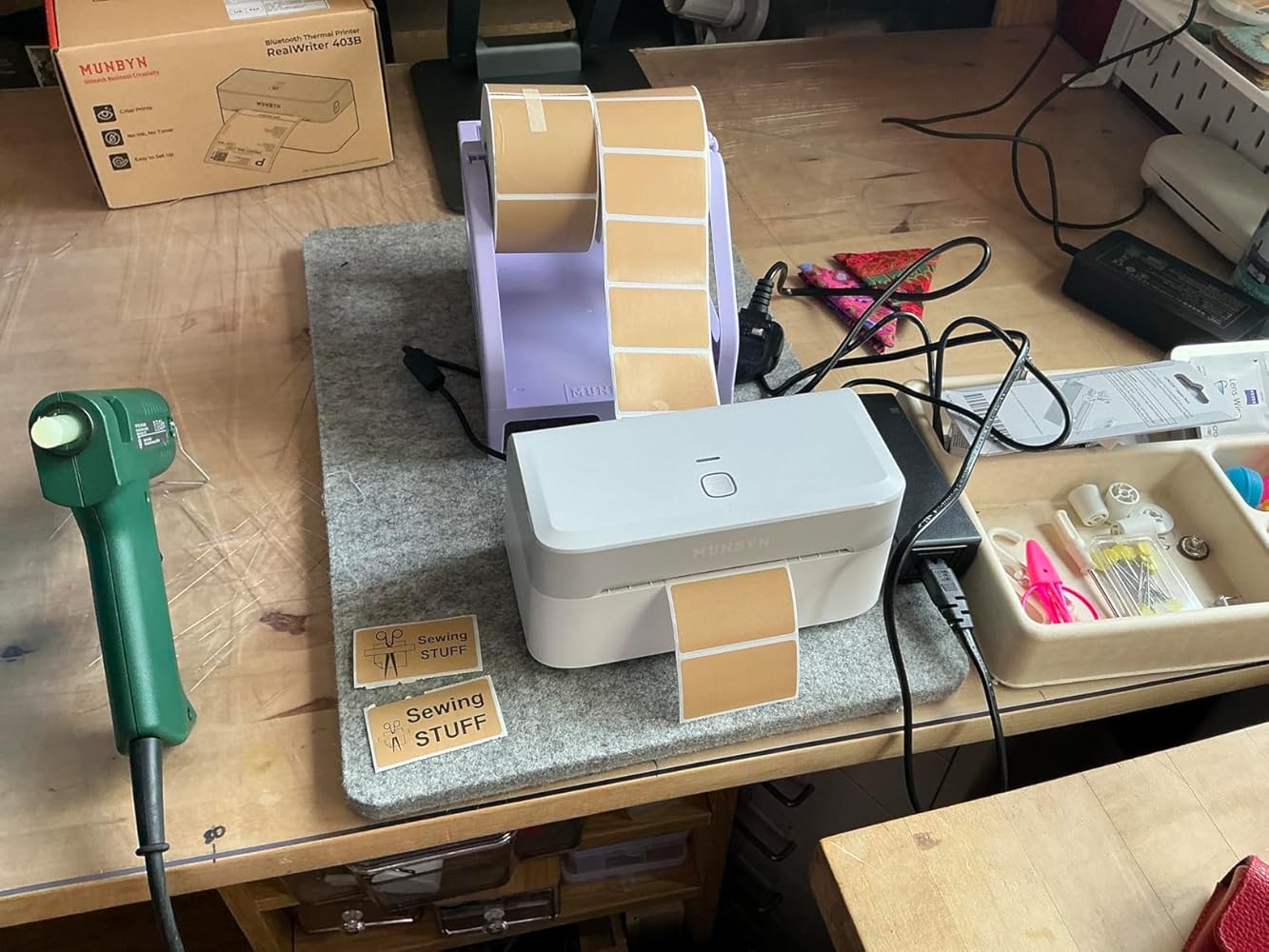
I’m actually very impressed with this lil printer - definitely get the sticker roll stand as it makes it work seamlessly- I had it printing with a design made on my phone using their app within, 5 mins of unpacking the box and setting up! So easy to set up.The brown stickers I brought aren’t real Kraft stickers but they still look convincing

v
vierfachMami
Bis jetzt der beste Etikettendrucker von Munbyn

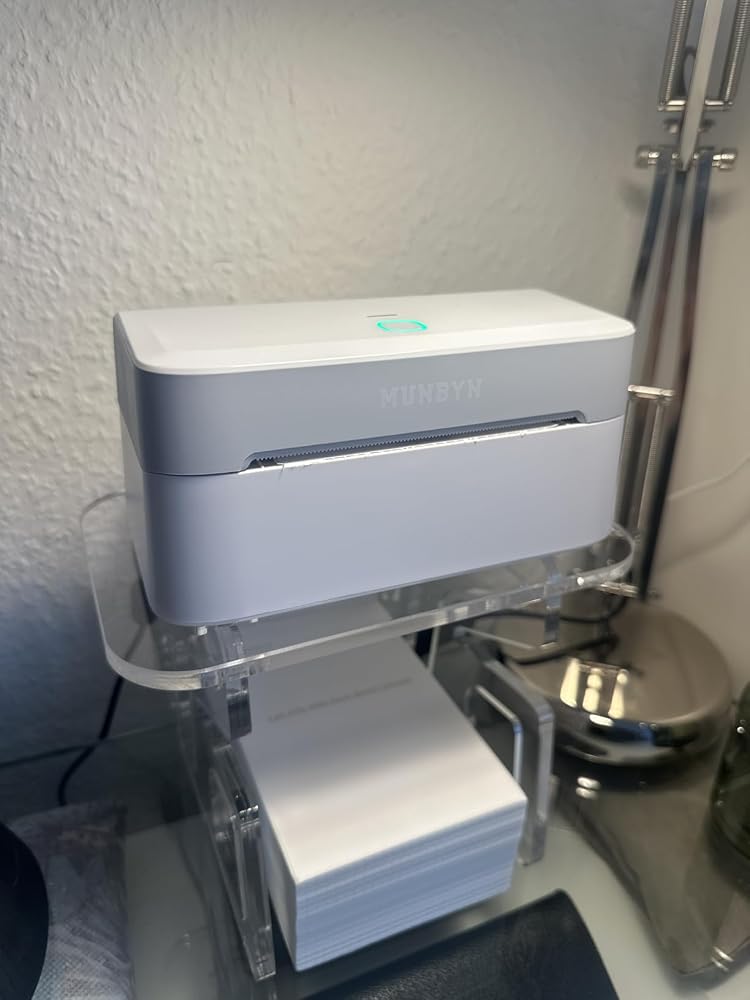
Wir haben bereits drei Etikettendrucker von Munbyn testen dürfen. Ich interessiere mich immer sehr dafür wie sich Produkte, die ich gut finde, weiter entwickeln.Der Drucker 403B ist kleiner, formschöner und Bedienungsfreundlicher als eine "Geschwister". Die Installation ging sehr schnell und einfach (vielleicht auch, weil wir durch die Anderen bereits Vorerfahrung hatten). Über die Munbyn App lassen sich schnell verschiedene Etiketten erstellen. Im Lieferumfang sind bereits ein paar Etiketten enthalten, damit man direkt loslegen kann.500 passende Munbin Etiketten auf der Rolle kosten 24,95 EUR. Ich habe mir ein Gestell für die Rolle beim Chinamann bestellt. So laufen sie flüssig durch. Man kann auch kleinere Etiketten bedrucken z.B. für Marmeladengläser.Mir gefällt der neue Drucker optisch sehr gut.Der Preis in Höhe von 119,99 ist ok.

A
Add to Cart King
Functional Printer – Missing Essential Component

This item was made available to me as part of the Amazon Vine program. My review is based solely on my own experience and represents my honest assessment without any influence from the seller or third parties.I got this MUNBYN Bluetooth Label Printer today, and while it seems well-built, I haven’t been able to fully test its functionality yet. The biggest issue is that absolutely no labels or sticker paper were included in the package. This struck me as odd, as all my other thermal printers – even much cheaper ones – come with a starter roll of paper. For a printer at this price point, it's very strange not to include any consumables.I also noticed it requires a power connection; unlike my other printers, there’s no internal battery for wireless use. I’ve ordered some compatible labels and will update my review once I can actually print something. Hopefully, the printing quality and features justify the cost despite these initial drawbacks. It feels like I may have received a used unit or one with missing parts.

R
Rezensent
Die Hardware ist schon mal sehr gut

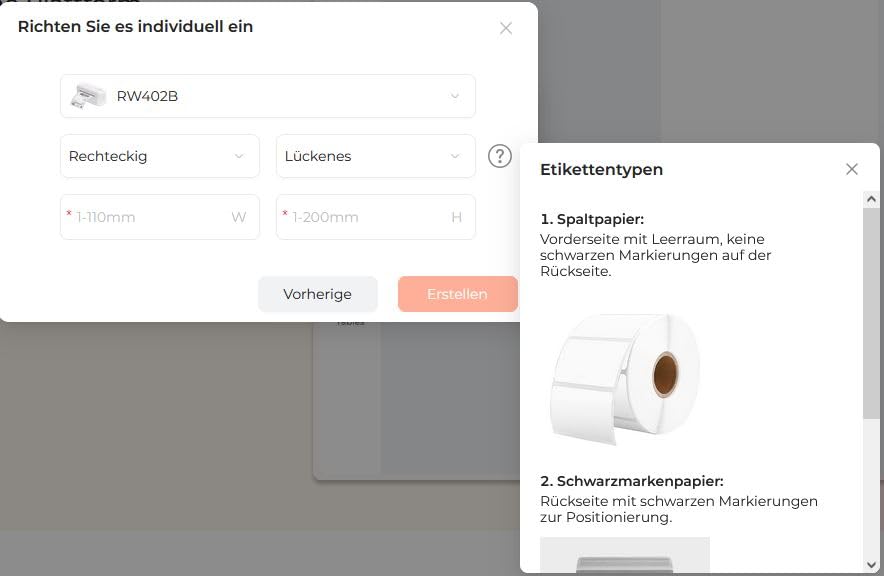
Dieser Thermo-Etikettendrucker eignet sich insbesondere für Betriebe mit kleinem bis mittelgroßem Druckbedarf, speziell für den Druck von standardisierten Versandetiketten. Ist eine Druckroutine einmal eingerichtet, tut er seinen Dienst tadellos. Er druckt schnell, nicht laut und macht insgesamt den Eindruck von guter Qualität. Vorzüglich ist auch die Qualität der Ausdrucke: Gestochen scharf, nichts verschmiert oder ungenau, Ränder werden genau berücksichtigt, alles perfekt. Die Einrichtung war grundsätzlich problemlos.Kritikpunkte gibt‘s erst zum Editor. Hierzu ist Folgendes zu bemerken: Gemäß einer Meldung bevorzugt der eigene Online-Editor den Browser Chrome, er ist also nicht ganz plattformunabhängig, und dann möchte er auch noch lieber Bluetooth anstatt USB (siehe Foto), obwohl grundsätzlich auch Letzteres möglich ist. Nicht ganz optimal, wenn man den Büro-PC gerne ohne Bluetooth betreibt. Aber er funktioniert auch via USB und, wenn man will, mit andern Browsern.Alles mit Online-Tools (und mit dem Handy) zu erledigen, liegt zwar im Trend, dennoch bevorzuge ich zum Arbeiten nach wie vor den PC und Software, die ich bei mir installieren kann, inklusive Datensicherheit. Der Online-Editor ist nach meinem Eindruck noch nicht ganz ausgereift, von fehlenden Funktionalitäten bis zu Übersetzungsfehlern (siehe Foto), welche die Verständlichkeit bei der Bedienung erschweren. So habe ich beispielsweise nicht herausgefunden, wie ich die Rotation von Text numerisch bestimmen kann, nur manuell geht’s. Auch lässt sich die Seite bzw. das Etikett nicht quer ausrichten, ich muss also den Text drehen. Auch die Auswahl der Schriftarten verläuft noch nicht optimal.Solche Feinheiten spielen eine Rolle, sobald man selbst eine Etikette gestalten will. Für das Einfügen von Bildern muss man sich registrieren. Zwar ist mit dem bestehenden Repertoire des Editors schon einiges machbar, bis hin zur Erstellung von Barcodes und QR-Codes. Aber es gibt noch Verbesserungsbedarf. Auf die „3.500 Designelemente“ etc. – reine Spielereien, die keiner braucht – könnte man hingegen gut verzichten.Wer seine Etiketten, sofern sie nicht direkt von Versanddienstleistern stammen, in einem eigenen Programm gestaltet, umgeht die Beschränkungen des Editors und ist frei, perfekte Etiketten im PDF-Format zu drucken. Das englische User Manual ist kurz und eher dürftig, mit einigen Links zu „Video Tutorials“; aber Antworten auf für mich wichtige Fragen muss man anderswo suchen. Beispielsweise: Mit welchen Dateiformaten kann der Drucker umgehen, abgesehen von PDF? Selbst im Online Help Center von Munbyn ist es schwierig, darauf eine Antwort zu finden. Wer deutsch bevorzugt, findet einen QR-Code mit Link zu einem Benutzerhandbuch. Daneben bietet der Hersteller verschiedene Supportkanäle.Was bei diesem Drucker fehlt, ist ein Rollenhalter. Kein Problem, wenn man einfach einen Stapel gefalzter Etiketten dahinter legt. Natürlich bietet der Hersteller auch spezielle Vorrichtungen an, die Rollen halten und Stapel aufnehmen. Zu bedenken ist, dass Falzetiketten bei Drittherstellern tendenziell etwas teurer sind als Rollen.Ich bin zuversichtlich, dass dieser Drucker seinen Dienst über einen langen Zeitraum erfüllen wird. Mit Softwareupdates und einem verbesserten Manual könnten die letzten Schwachstellen behoben werden. Schon jetzt handelt es sich um einen guten Drucker, der sich für den professionellen Einsatz anbietet.

B
Beatriz de Pury
Good purchase

Works well, but if the lettering is a bit fine on the shipping label, it will be kinda difficult to read it. But nothing bad.

N
Naomi Mailly

Très contente de mon achat, ce kit est génial.

H
Hendrik Ahles

Alles werkt perfect,superrrr

U
Uwe Eckstein

Es geht alles sehr einfach, die Bedienung des Gerätes und der Software.

FAQ

Veuillez consulter notre page FAQ pour en savoir plus.

1. Pourquoi devrais-je choisir une imprimante thermique MUNBYN plutôt qu'une imprimante à jet d'encre ou laser ?

MUNBYN utilise une technologie d'impression thermique de pointe, ce qui signifie : pas d'encre, pas de toner et pas de rubans. Vous n'avez besoin que d'étiquettes thermiques. Cela vous permet non seulement d'économiser des centaines de dollars par an en consommables, mais aussi d'éviter les désagréments liés aux cartouches qui fuient et la frustration de se retrouver à court d'encre en plein milieu d'un processus d'expédition.

2. Puis-je utiliser n’importe quelle marque d’étiquette thermique avec cette imprimante ?

Oui ! Les imprimantes MUNBYN sont compatibles avec toutes les étiquettes thermiques directes. Que vous préfériez les étiquettes en accordéon ou en rouleau : tant que leur largeur se situe entre 1,57« et 4,3 » (40 mm – 110 mm), notre imprimante thermique les détecte et s'y adapte automatiquement.

3. Quelles sont les plateformes d'expédition et les places de marché compatibles ?

MUNBYN est très apprécié des propriétaires de petites entreprises. Les imprimantes d'étiquettes MUNBYN sont entièrement compatibles avec les principales plateformes, notamment :
  • Plateformes de vente en ligne : Amazon, eBay, Etsy, Shopify, Zalando et Shopee.
  • Services de livraison : UPS, FedEx, ShipStation, Pirate Ship, USPS et DHL.

4. Quelles étiquettes puis-je utiliser avec cette imprimante ?

Nos imprimantes thermiques prennent en charge une large gamme d'étiquettes thermiques directes, notamment les étiquettes d'expédition 4×6 pouces, les étiquettes 3×2 pouces et 2×1 pouces, les étiquettes à code-barres, les étiquettes rondes ainsi que des formats d'étiquettes personnalisés (largeur de 40 à 110 mm, selon le modèle). L'imprimante détecte automatiquement la taille des étiquettes ; aucun calibrage manuel n'est nécessaire.

5. Cette imprimante d'étiquettes est-elle facile à configurer ?

Oui. L'imprimante d'étiquettes est conçue pour une configuration rapide ; des guides d'installation étape par étape ainsi que les pilotes à télécharger sont disponibles. La plupart des utilisateurs peuvent terminer l'installation en quelques minutes.

6. Comment calibrer l'imprimante pour différentes tailles d'étiquettes ?

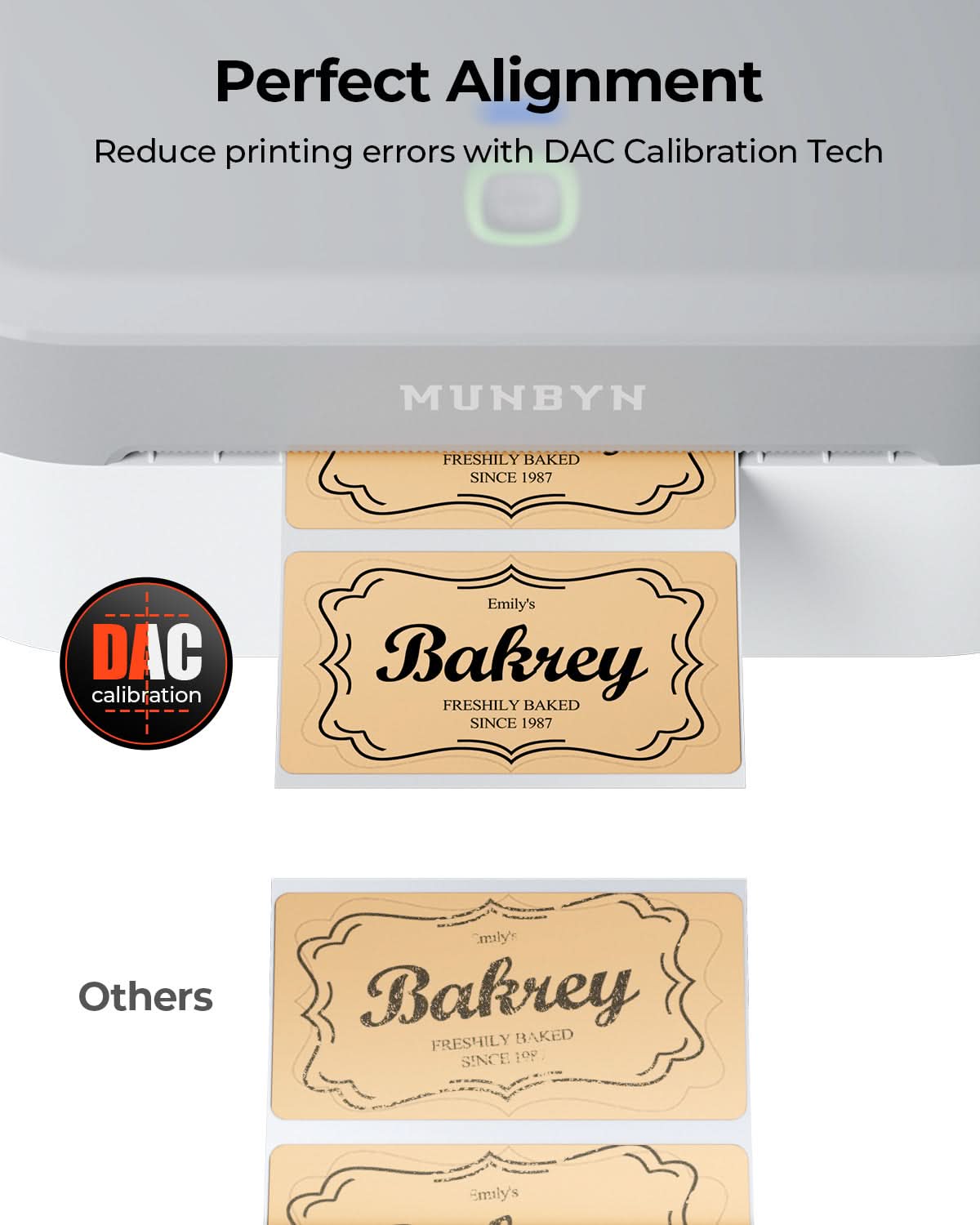
Notre système intelligent de détection automatique des étiquettes s'occupe de tout à votre place. Insérez vos étiquettes, maintenez le bouton du haut enfoncé jusqu'à ce que vous entendiez un seul bip, et l'imprimante ajuste automatiquement la taille des étiquettes et l'espacement pour garantir un alignement parfait.

7. Que dois-je faire si mes étiquettes sont floues ou comportent des bandes blanches ?

Pour obtenir des impressions de qualité, il faut commencer par nettoyer la tête d'impression. Si la qualité d'impression baisse :

  1. Éteignez l'imprimante et laissez-la refroidir.
  2. Nettoyez la tête d'impression thermique à l'aide d'un tampon imbibé d'alcool ou d'un chiffon en microfibre.
  3. Ajustez les paramètres de densité et de vitesse d'impression dans les paramètres du pilote.

  4. Si le problème persiste, veuillez contacter le service client pour obtenir de l'aide.

8. Cette imprimante d'étiquettes est-elle couverte par une garantie ?

Oui, nous en accordons un pour chaque imprimante MUNBYNGarantie 2 ans. Nous soutenons notre matériel et vous fournirons un appareil de remplacement ou effectuerons une réparation si vous rencontrez des défauts de fabrication.

9. Puis-je utiliser l'imprimante d'étiquettes aussi bien à des fins professionnelles que pour m'organiser à la maison ?

Oui. Vous pouvez utiliser cette imprimante pour les deuxétiquettes commerciales(expédition, codes-barres, inventaire, étiquettes de vente au détail) ainsi que pour leOrganisation dans le ménageUtilisation (étiquettes de stockage, étiquettes de garde-manger, fichiers, projets d'artisanat). Grâce à son procédé d'impression thermique directe polyvalent et à la prise en charge de nombreux formats d'étiquettes, elle convient à un large éventail d'applications privées et professionnelles.

10. Existe-t-il des options de personnalisation pour les étiquettes ?

Oui, nous proposons des options flexibles pour la personnalisation de vos étiquettes, notamment des autocollants, des étiquettes avec logo et des modèles créatifs pour votre image de marque. Commandez ici vos étiquettes personnalisées.

Vous n'avez pas trouvé votre réponse ?

N'hésitez pas à nous contacter.

Livraison et retours gratuits