Scroll to top

Print anything, anywhere

Your ideas, your space – print wherever inspiration strikes.

Ink-free, worry-free

No ink. Saves time, money, and the environment.

Fast to print, easy to keep printing

High Speed: 150 mm/s = one 4x6 label per second.

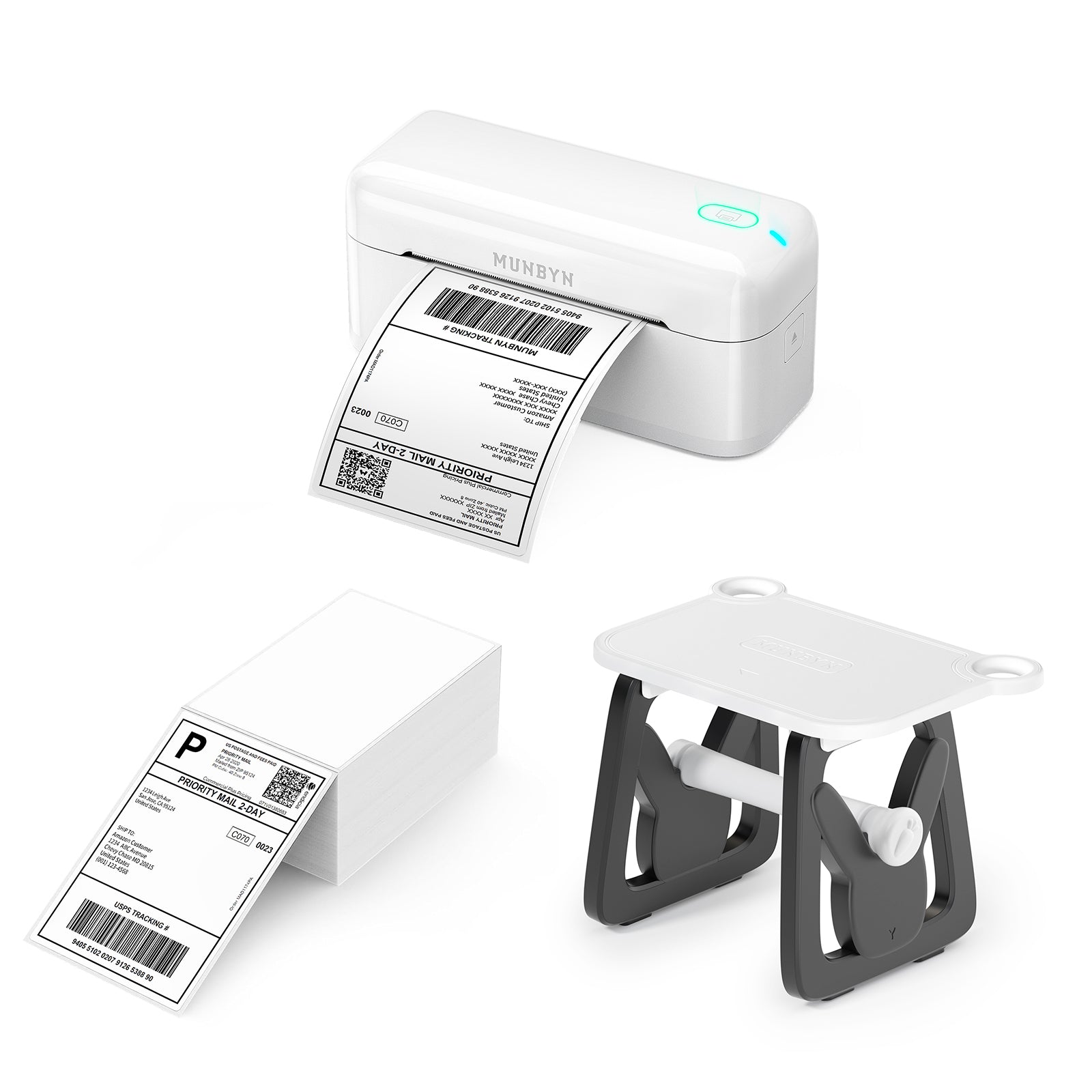
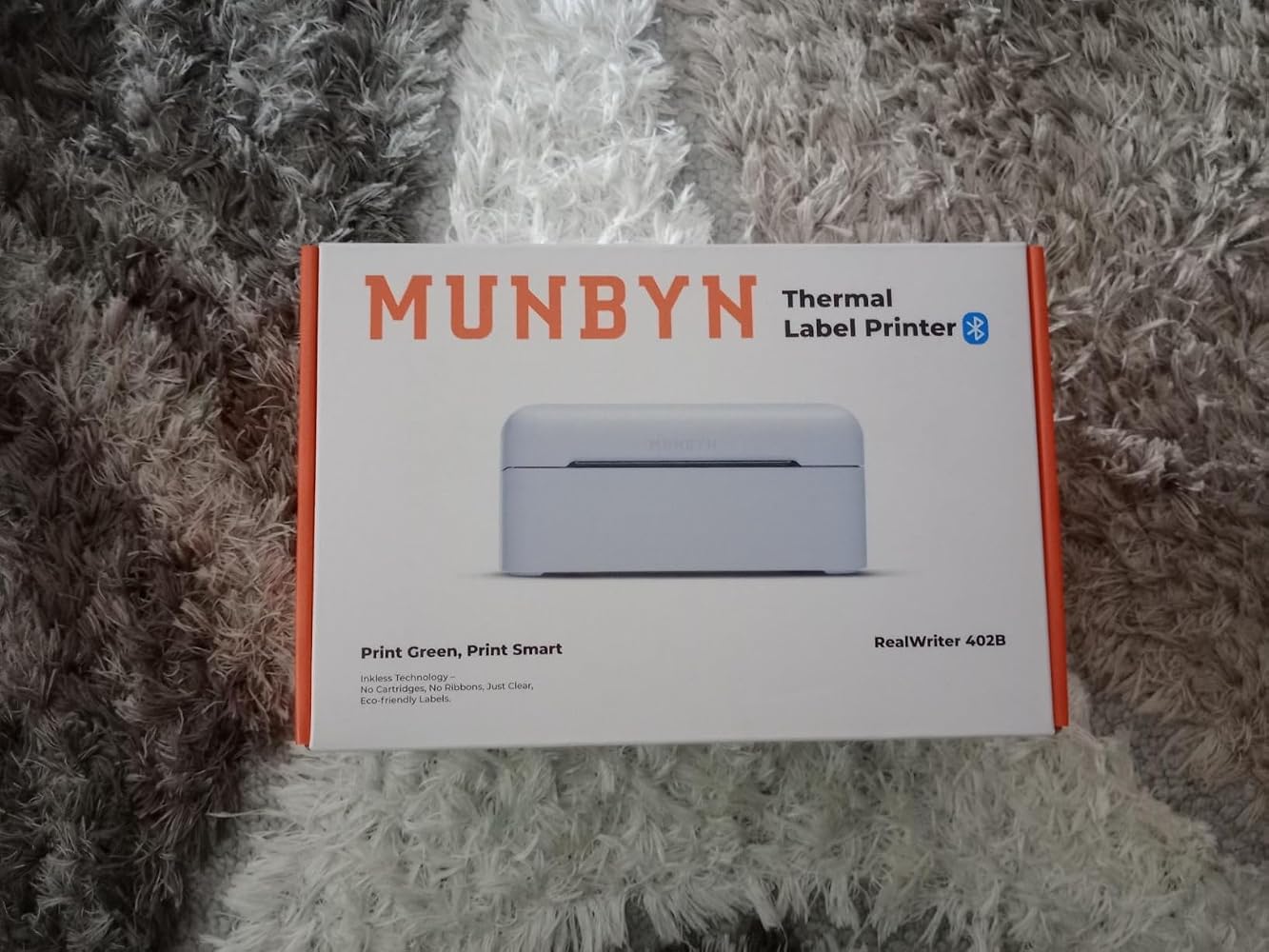
MUNBYN RW402B Bluetooth Thermal Label Printer Kit for Daily Shipping Labels
119,54€

Product details

Download our app

High-Quality Labels in Minutes
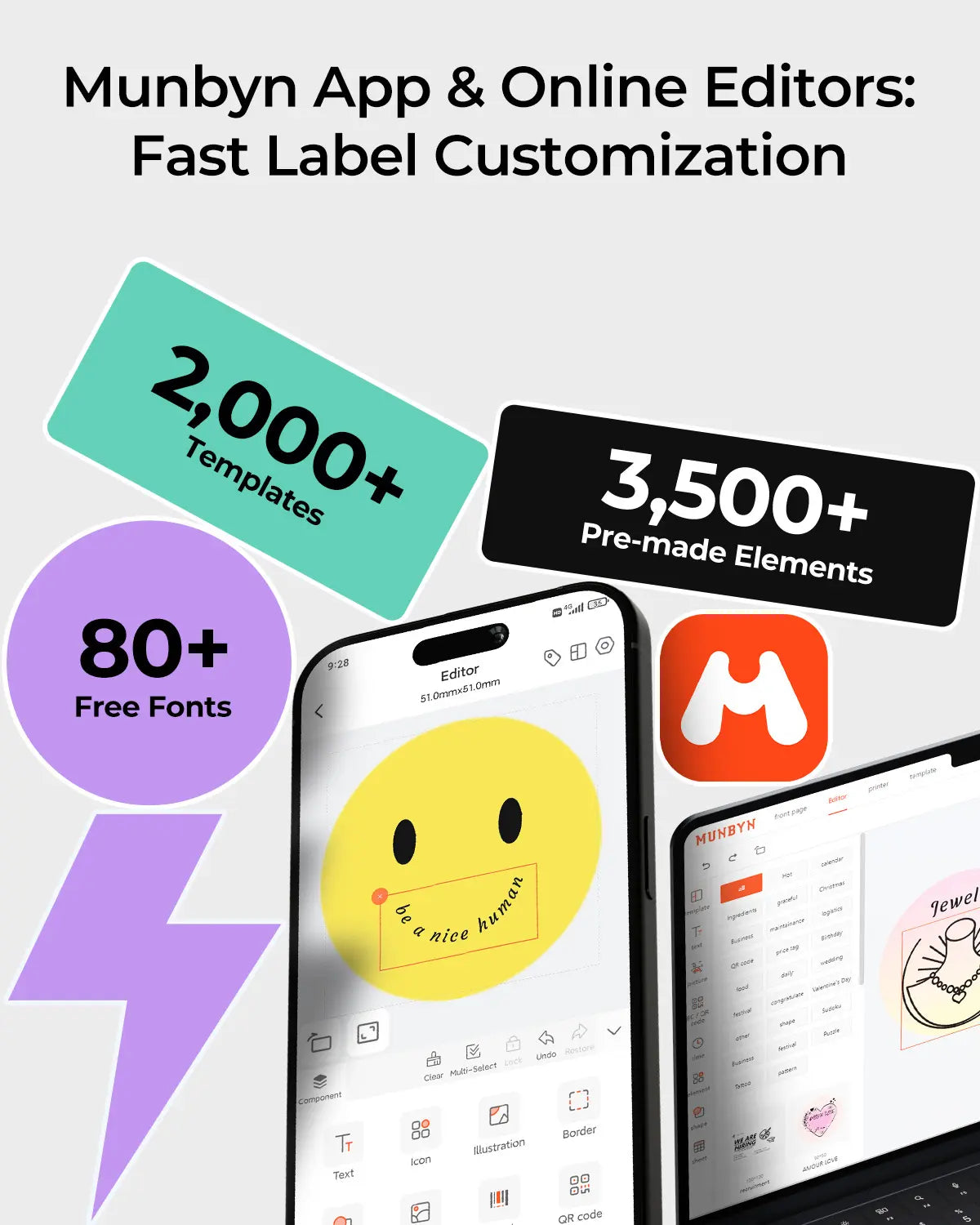
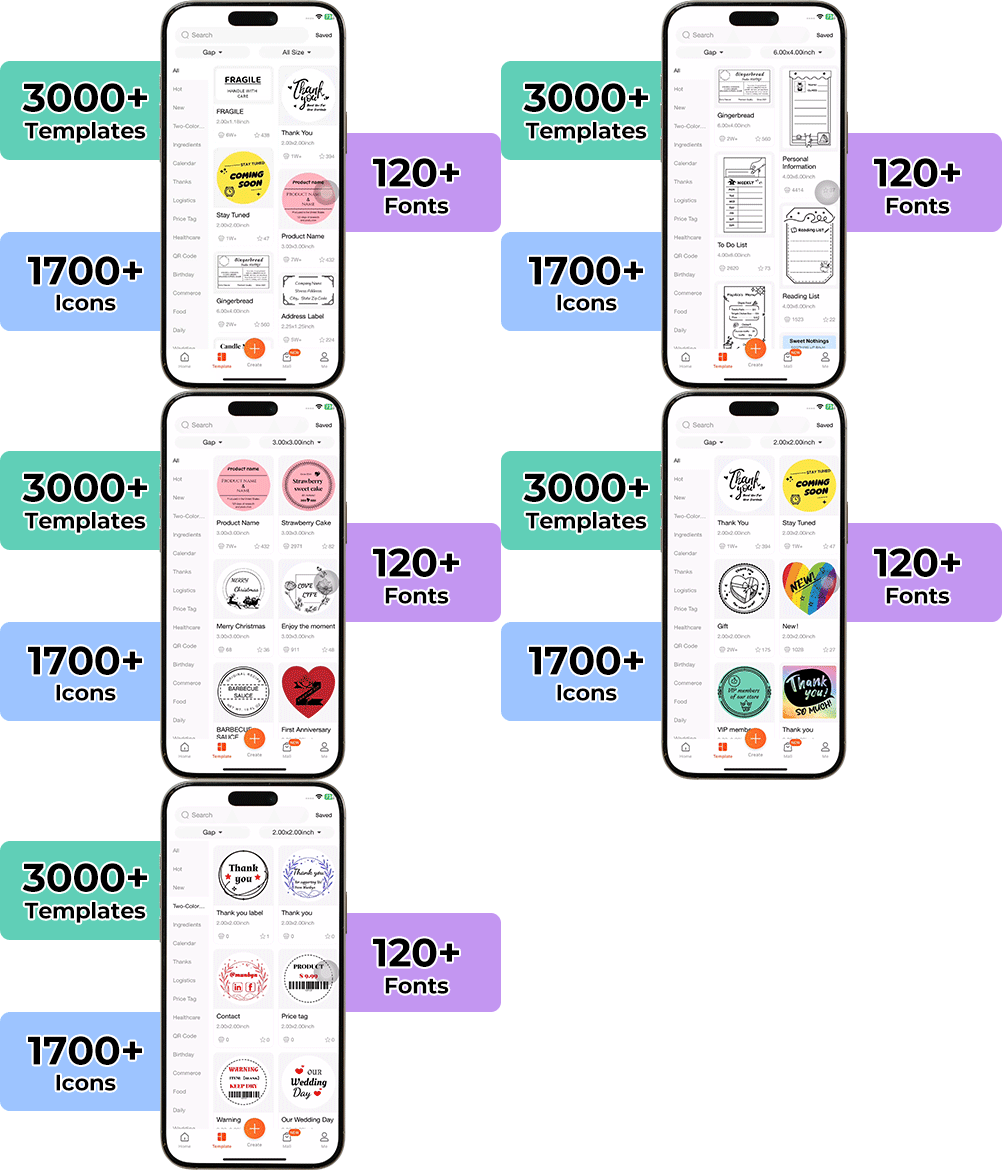
Designing custom packaging has never been easier. With the MUNBYN App and our versatile DIY Labels, you have a library of over 3,000 design elements and templates at your fingertips.

Create custom logos and promotional stickers that perfectly reflect your brand's personality – all without breaking the bank.


Google Play

Google Play

Download now

 
Online Editor

Online Editor

Create now

 
User Manual

User Manual

Download now

Save Money With Professional Thermal Printing

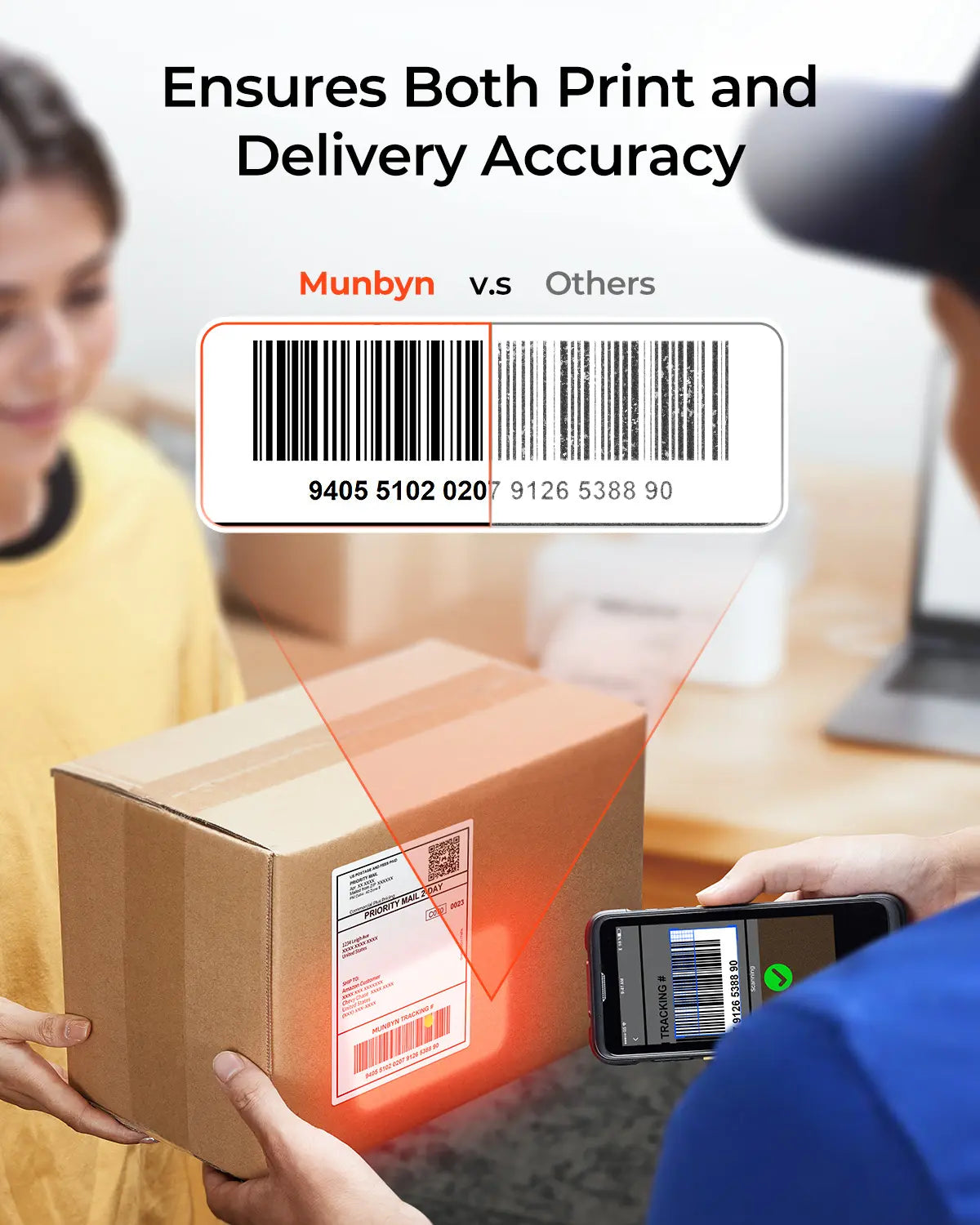
Print 4x6 shipping labels at 150 mm/s with zero ink costs. The RW402B thermal postage label printer saves you hundreds annually while delivering professional-grade FedEx, UPS, and USPS quality.

Connect & Print in Minutes

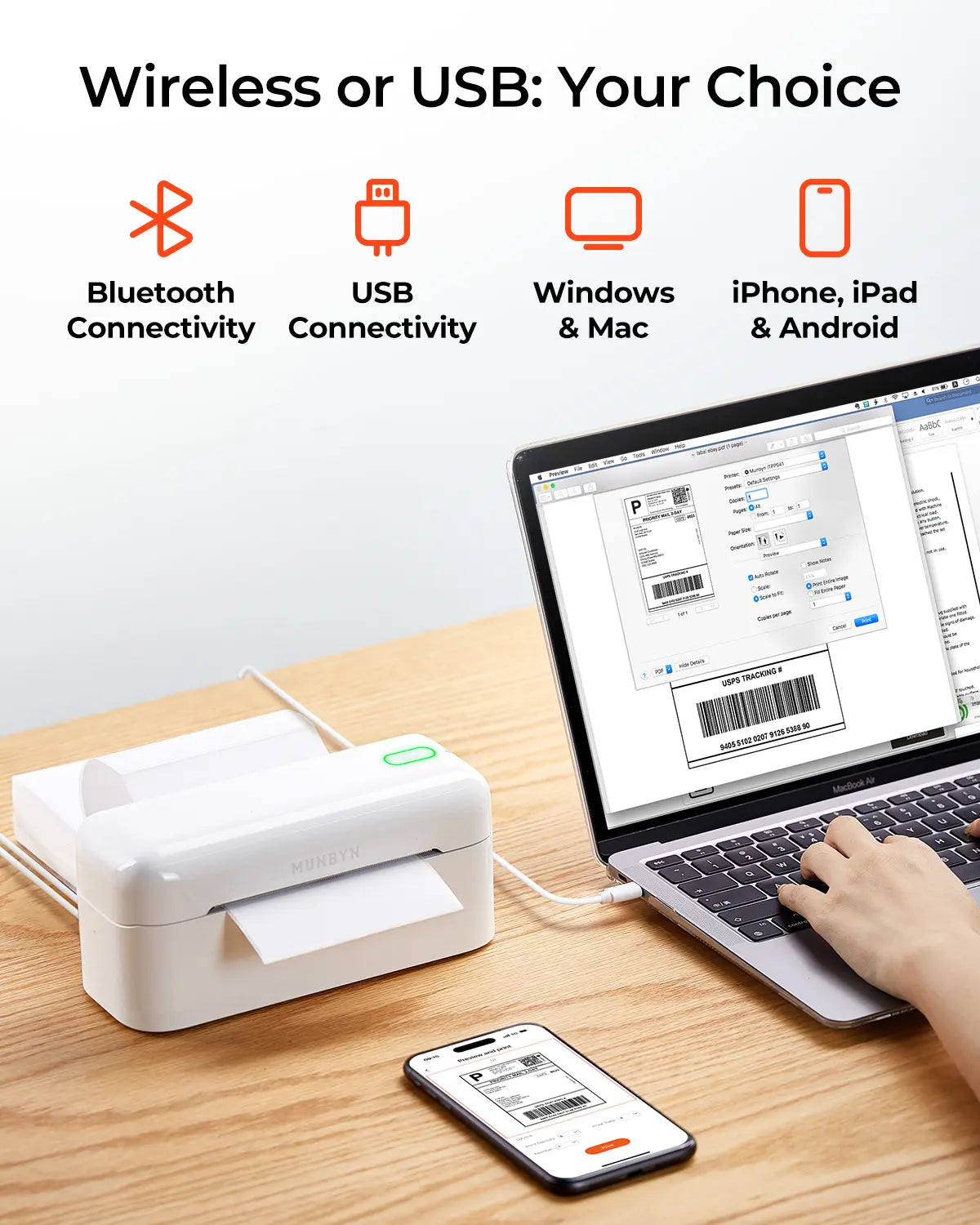
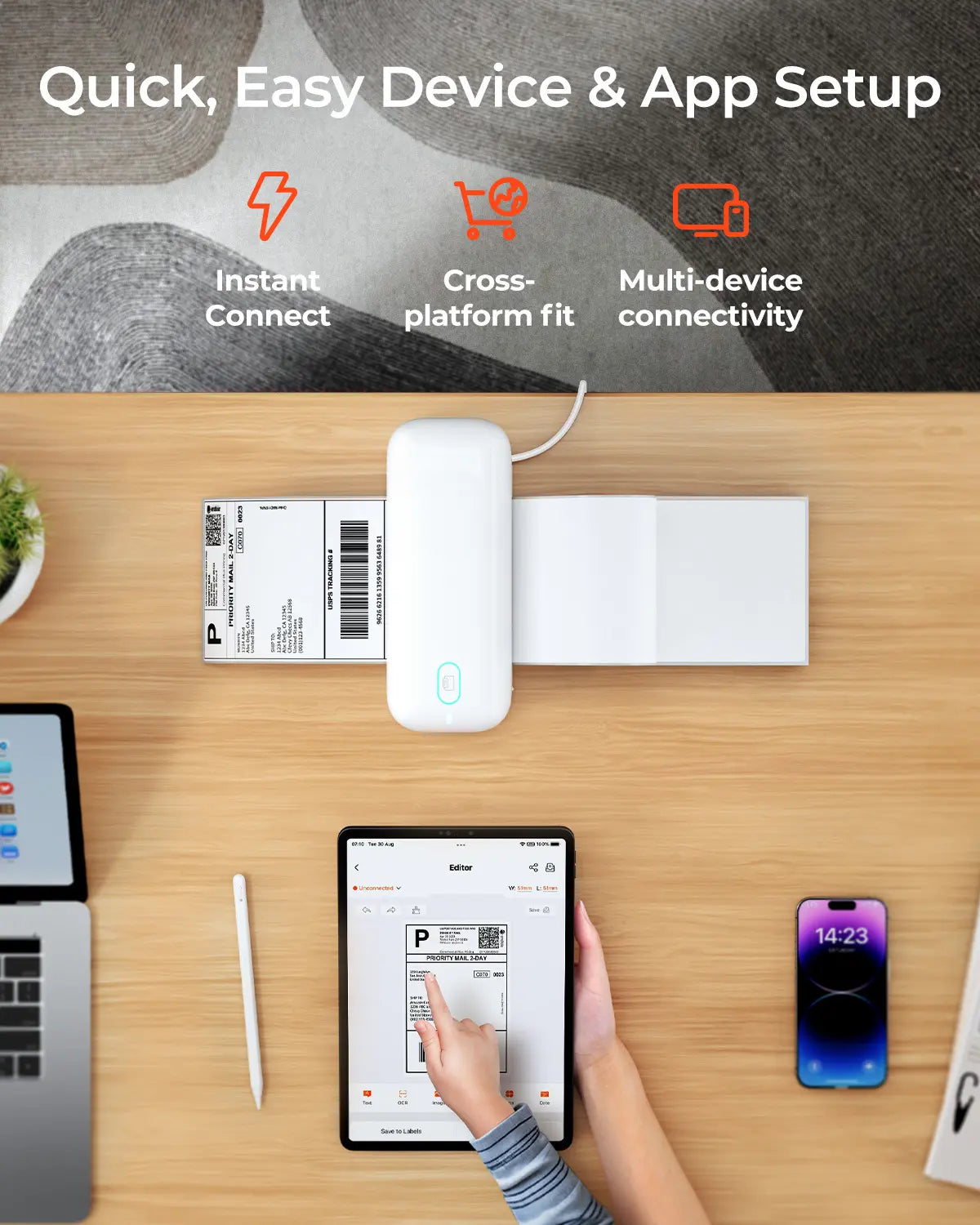
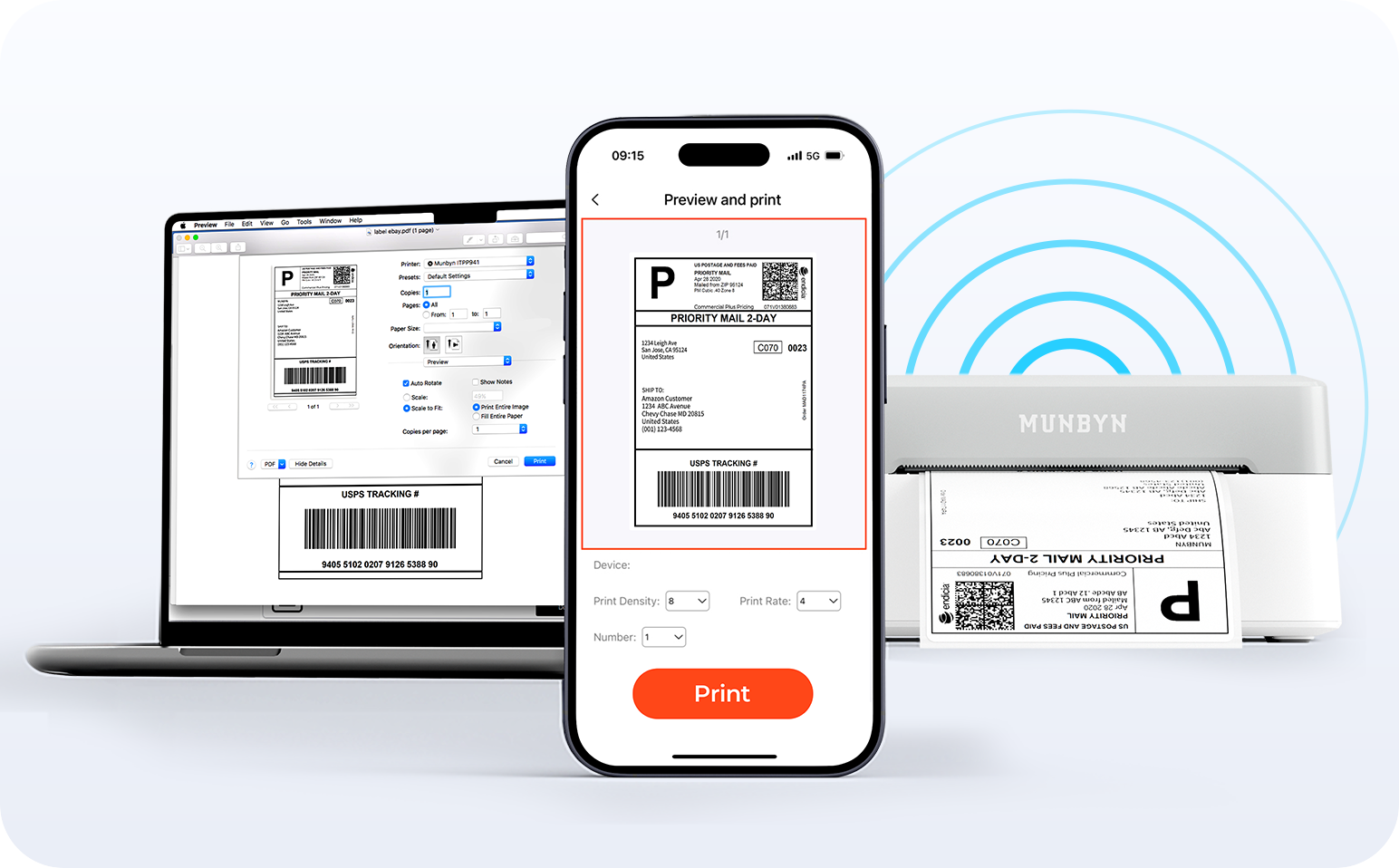
Connect your device, load your labels, and begin printing within minutes. Print directly to FedEx, UPS, USPS, Amazon, Shopify, and Etsy orders with this wireless postage printer.

Simple Workflows, Faster Shipping

Auto-Detecting Thermal Printing

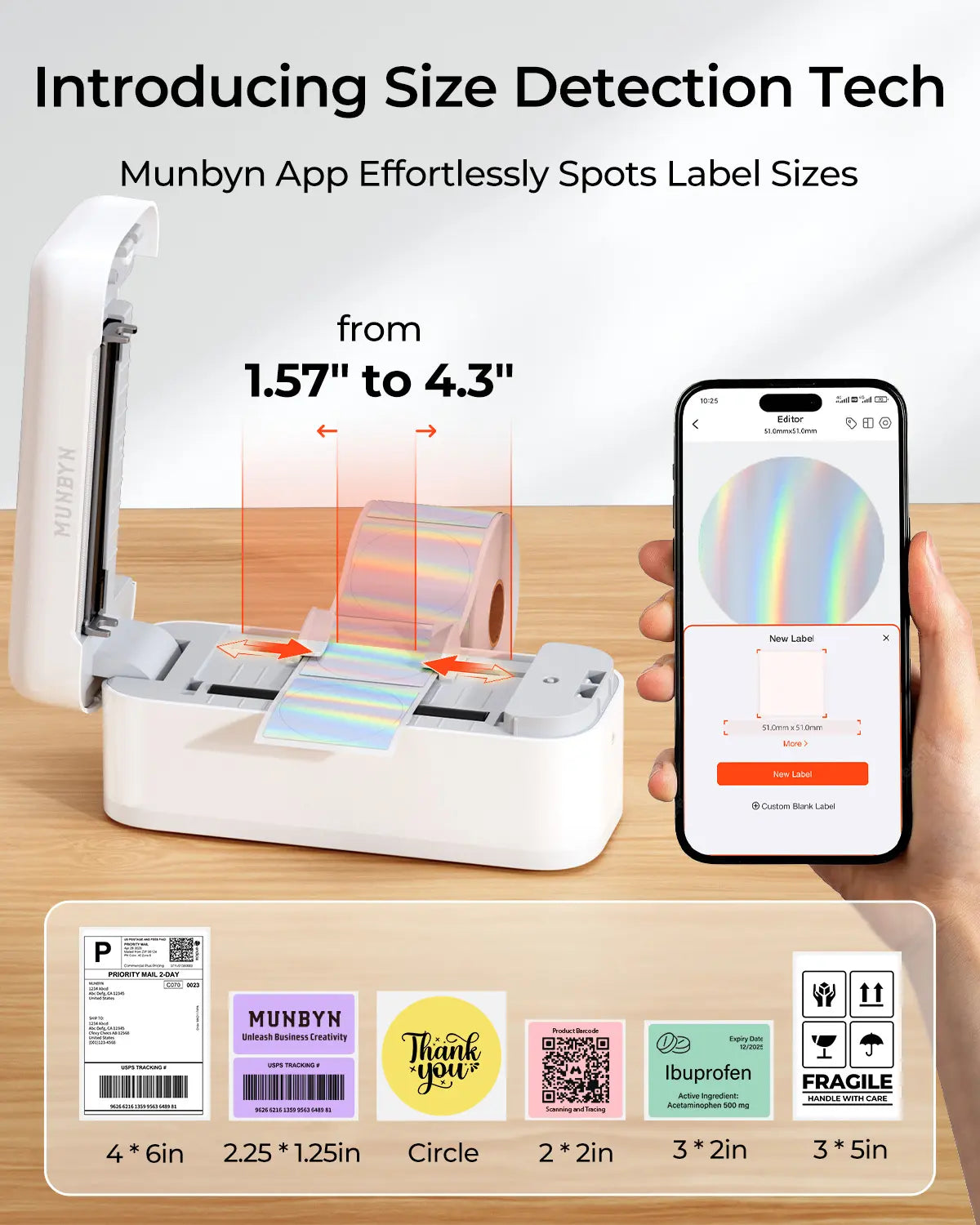
Load any postage label size, including 4x6 shipping labels, 3x2" stickers, 2x1" barcodes, or round labels, and RW402B's Auto Size Detection automatically adjusts in seconds. Process orders 3x faster with zero calibration needed.

Proud to be led by women

80% of our leadership team are women, who bring empathy and innovative power to every design and decision. Because when women lead, technology becomes more human – and creativity more meaningful.

Wireless Freedom

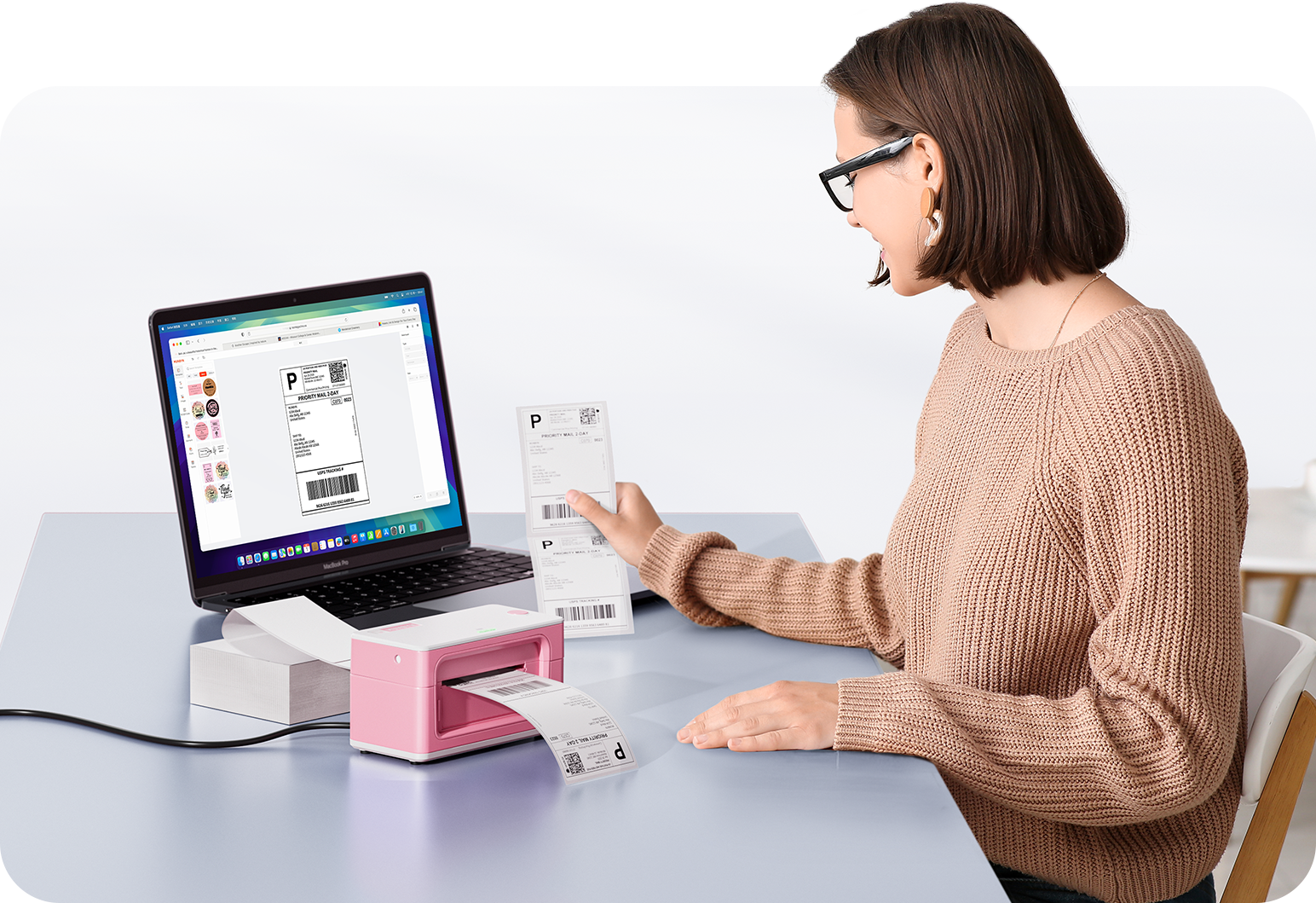
Say goodbye to tangled wires and hello to effortless printing. Enjoy instant Bluetooth connections wherever you work, or plug in via USB when needed. Seamless compatibility with Windows, Mac, iPhone, iPad, and Android – your entire workspace connected, printing made easy.

Load video:

Intelligent Label Recognition

Label Freedom. Effortless printing starts here.

Supports all types of direct thermal labels

4x6" 3x2" 3x1" 2x1" 4" 2"

Your MUNBYN printer automatically detects and adapts to various label sizes—no manual setup required. From 4×6 shipping labels to 2×2 logo stickers, and a wide spectrum of 40mm to 110mm widths, switching between different tasks only takes seconds.

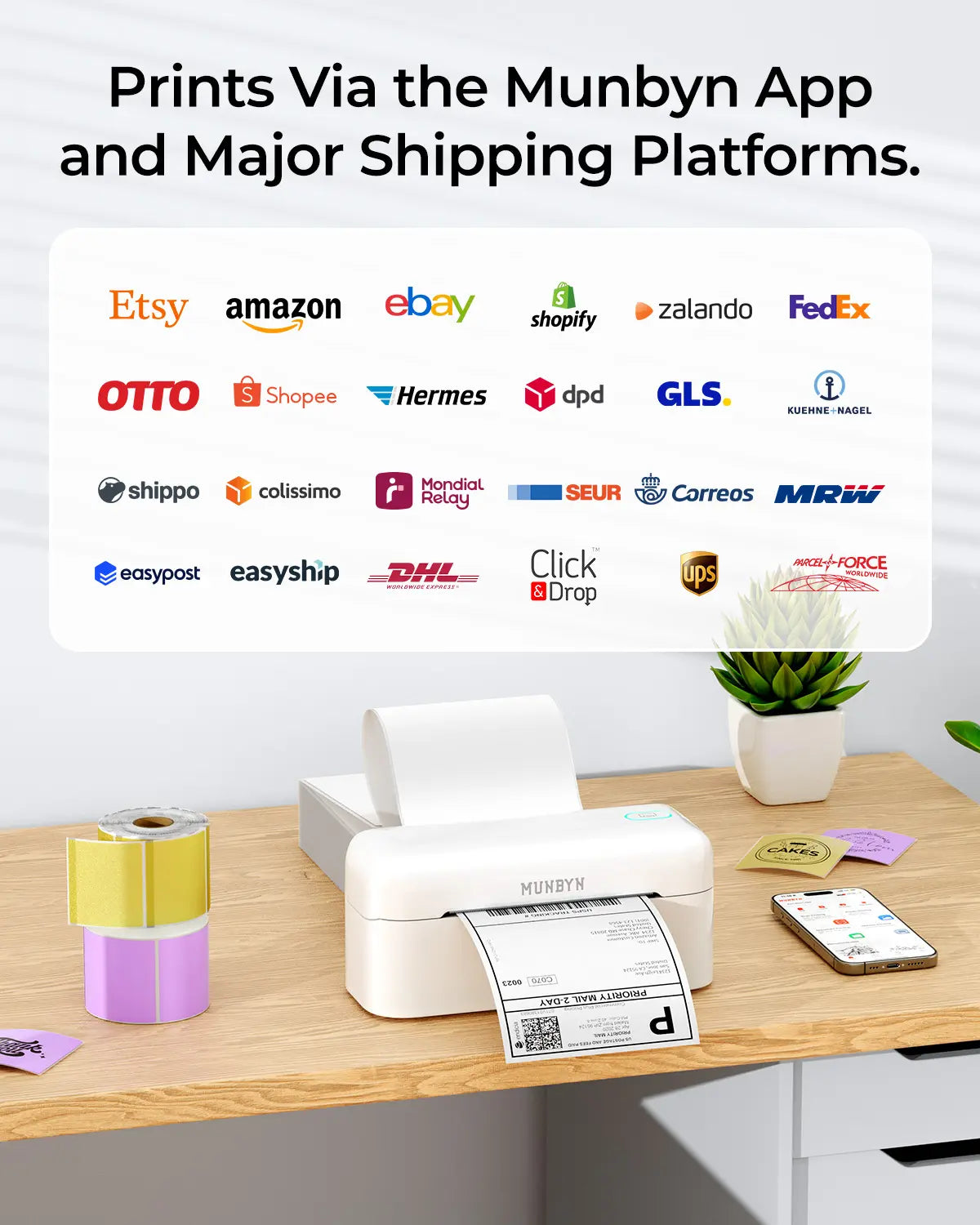
Your all-in-one tool for the most important marketplaces and mobile network providers, including but not limited to

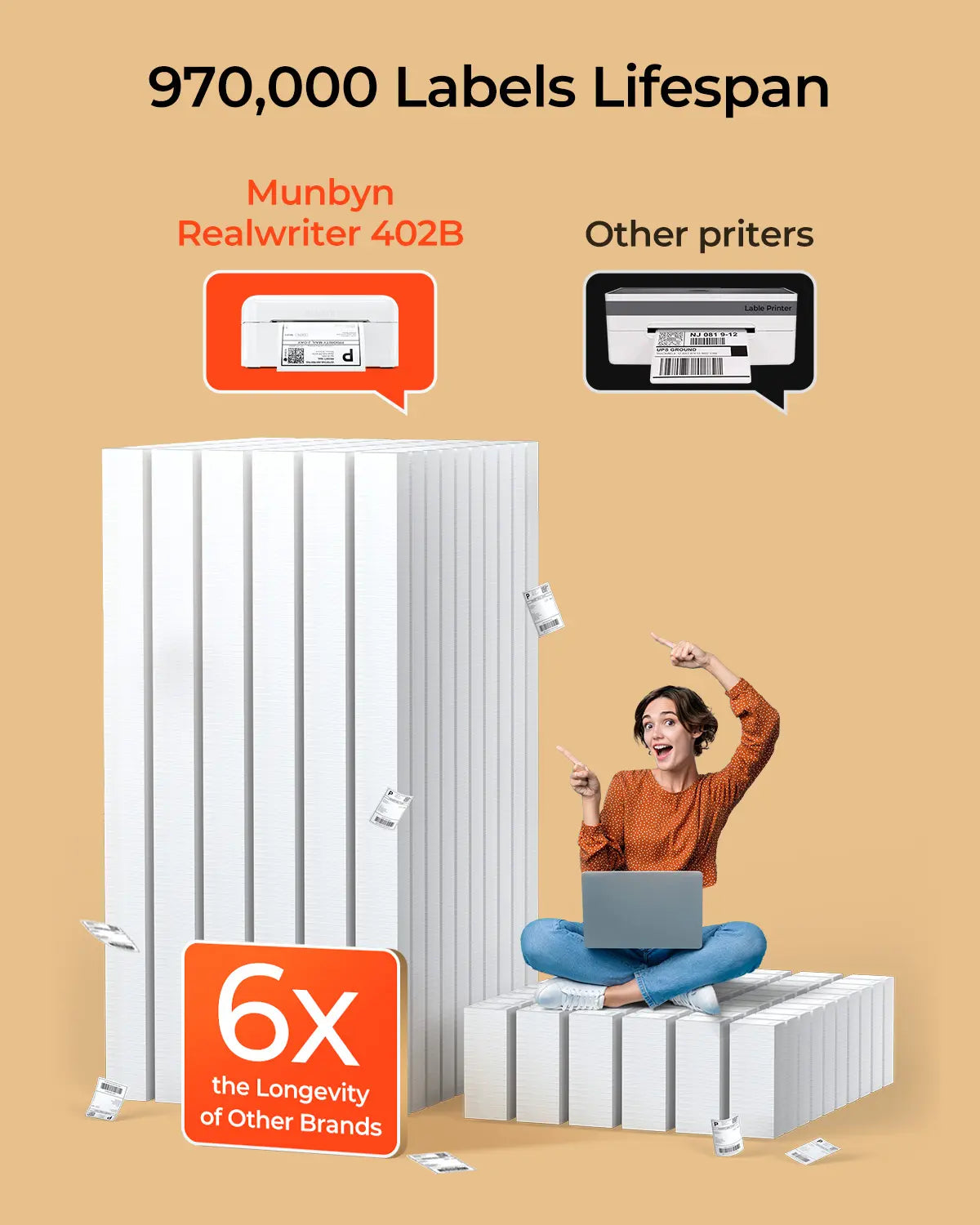
Designed to print over 980,000* labels on shipping labels

How People Use MUNBYN

Printhead lifespan and label quantity data are based on laboratory calculations (150 km printhead lifespan × 4x6 inch label length). Actual performance may vary depending on printing frequency, label material, operating environment, and maintenance conditions.

Shipping Label

Custom Label

Barcode Labels

Fragile Labels

Brand labels

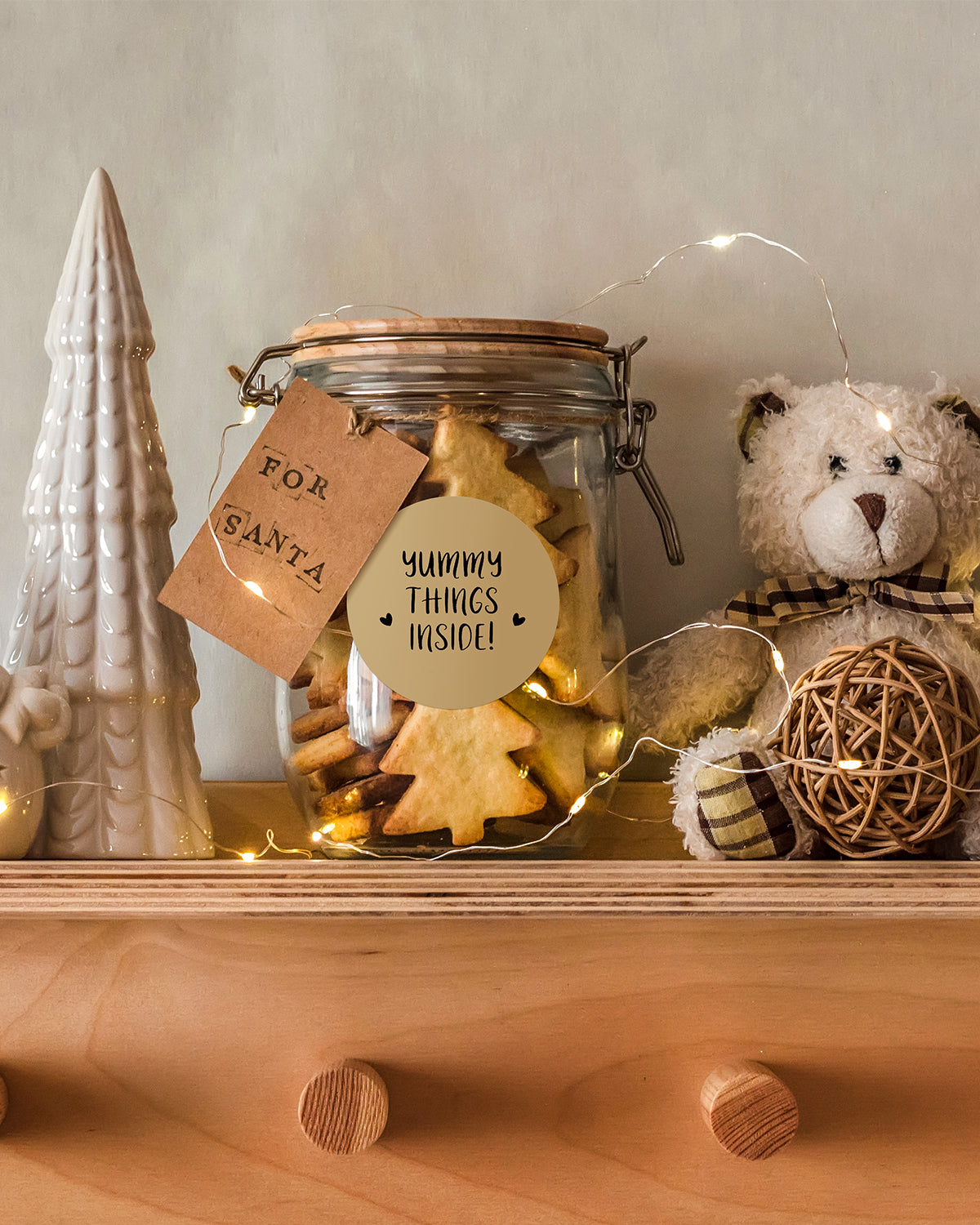
Stickers for daycare/school

  • 5 stars: 81 (86%)
  • 4 stars: 13 (14%)
  • 3 stars: 0 (0%)
  • 2 stars: 0 (0%)
  • 1 star: 0 (0%)
T
TalesOfShop
Petite imprimante top !

Petite imprimante parfaite pour faire des étiquettes !

g
grande famille
Bon produit

L'imprimante n'est pas très grande et il est facile d'utilisation.Il peut se connecter avec une prise usbc a notre smartphone ou avec une prise USB pour autres appareil ou portable ou ordi et se connecte également avec le Bluetooth.Dans l'application il y a plein d'outil pour personnaliser son étiquette comme des codes barres, des QR codes, des mots, des images ou tout autres.Une rapidité d'impression.Je trouve que c'est un très produit dont je suis satisfaite et je recommande.Je n'ai pas tenue compte du prix pour l'évaluation de ce produit.

V
Val
Perfect for home use and small business

This Munbyn Bluetooth Thermal Label Printer has been a great addition to my home setup. I don’t run a business, but I often need to print shipping labels, and this printer has made the process so much easier. The automatic calibration and no-ink design save me time and hassle. The labels print fast, and the 203 dpi resolution makes them sharp and easy to read.The Bluetooth feature is super convenient, I can print directly from my phone using the Munbyn app, and it works perfectly with all the platforms I use. While Mac users need a USB connection, it works flawlessly with my iPhone.What’s really fun is the custom label maker feature. I’ve used it to create thank you stickers which adds a personal touch to my packages. I think this printer is reliable, efficient, and incredibly easy to use! I would recommend it

M
M
Brilliant little printer

Fantastic little printer, it does loads not just shipping labels. The machine feels very well made and very sturdy and was super easy to set up. It's Bluetooth so it was easy to connect it to my phone and you download the app which has a lot of designs to use on it already. It's a thermal printer so you don't need to buy toner or anything it just plugs in and goes. It includes all the cables you will need, USBc and includes a usb to USBc which is super handy.The label that came with it are good to test it out and get used to using it but you only get a few so you might want to buy a roll of labels at the same time, I found a big roll of 100 for 5 pounds.The app is very easy to use and you can create your own design if you are wanting to make labels for jars for example you can change the text and add a border etc it's totally customisable.The printed labels are very sharp and very clear.Overall I absolutely love it it's very good quality and will last years with a lot of heavy use, it's definitely worth the price for a good high quality printer.

B
B&E
What a fantastic little printer, and I mean little!

£140 at time of reviewFrom the moment you open the box you know this is a going to go well, the attention to detail and the packaging is worthy of a big named brand, top marks already. The printer itself is very compact, and weighty too, nothing extreme, but you know there’s a lot of tech crammed inside there.I already have a label printer, so was able to do a quick comparison between the two and knew what to expect from this. Set up is pretty simple, there’s 6 QR codes that link to tutorial videos for windows, Mac, phone, tablet, Munbyn app etc, all very well thought out and simple to follow, just click the links, download and install the drivers for your device and away you go.In use this is fast, these types of printers usually are anyway, you hit print and in about 2 secs it makes a sound and 5 sec later you have the print in your hand!Quality is superb, on par with my other printer, so all in all this is fantastic, it’s so small, the tray I have for my labels is bigger than the printer!Hope my review was helpful

P
Printier
Its all about the labels

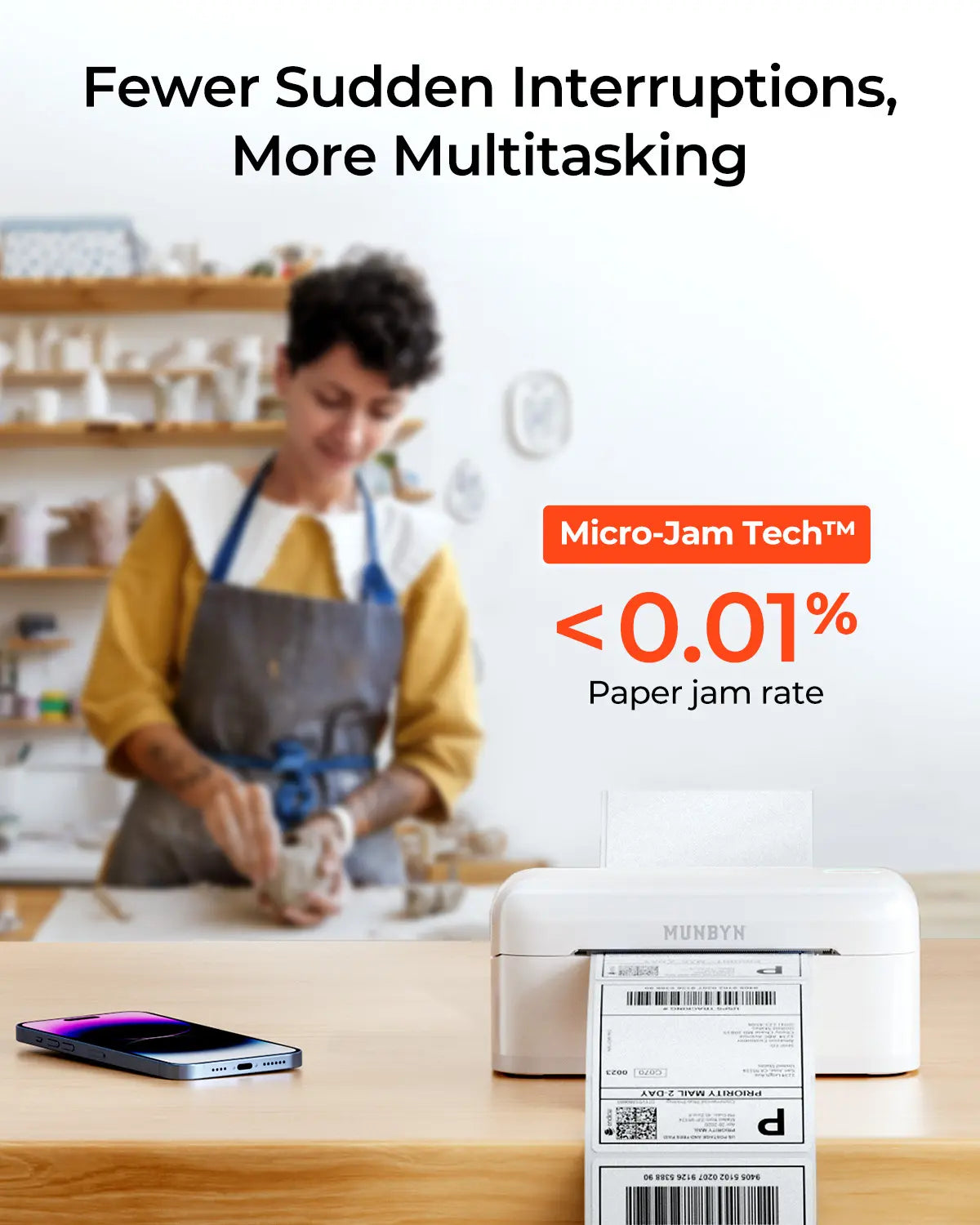
This is quite the unit, it runs from a 24V power brick which is included.I used mine connected to Windows over Bluetooth and this was a slightly weird experience.There is a QR code in the manual which is supposed to link to the drivers, but it doesn't... it links to a video which demonstrates how I should manually type in the actual URL for the drivers myself which is just broken and weird.And then when I manually type the URL shown in the video, the file is called something like "The Drivers (2).exe", seriously you couldn't even rename that before you uploaded it?Slightly weird support aside, once installed those drivers do work and make discovering and installing the printer simple, it appears to show up as a Bluetooth COM port and the Windows driver points to that as the port.In use I had no issues (with labels), the print quality was a little sparse to begin with but the speed and density can be increased in the driver. If all you want to do is create 6x4 labels on the Royal Mail website and print them out, this is perfect.I did have issues when I started to play with other things though, I tried to define some custom sizes and that just resulted in repeated "Parameter is Invalid" messages and so I ended up deleting them. There are however a good number of predefined labels to choose from already and the printer has variable width guides to accommodate them, this led me to try thermal paper...Here I ran into a quirk of one of its features, the top feature listed on the product listing is its automatic calibration and intelligent positioning. In use (with labels) this works great, there are paper sensors before and after the printhead and so the printer can move back and forth lining up the labels perfectly based on the gaps between them.This however makes it impossible to use with thermal paper rolls, there is an option in the driver for a Media Type but it is greyed out and cannot be changed from labels with gaps. When used with thermal rolls the printer becomes very confused, as it cannot find the gaps it has trouble even accepting continuous supplies and when the roll is accepted the madness starts after printing the first job.The printer will always print, then feed, looking for the gap between the labels to make sure it stops in the right place. With paper rolls the gap never comes so it feeds quite a lot before giving up in confusion.It is these rough edges which lose it a star; The hardware itself is sturdy and well thought out, with the two paper sensors and the ability to accept supplies of varying width it should be able to print on just about any thermal supplies imaginable.The developer then clearly got carried away with the idea of automatic positioning and they forget about everything else, limiting this otherwise versatile piece of hardware to only print labels and even then, only individual labels with gaps between them.



C
Client d'Amazon
Excellente imprimante à étiquettes

Enfin une vraie imprimante à étiquettes polyvalente.Le support à étiquette est sur glissière et il est donc possible d'utiliser n'importe quelle dimension dans la limite de la largeur, contrairement à certaines imprimantes qui ont des dimensions pré imposées.Possible de s'en servir sur ordinateur ou smartphone.Plutôt pour quelqu'un qui fait beaucoup de DIY, d'envois, ou une petite entreprise.L'avantage des étiquettes thermiques, c'est qu'elles sont en général résistantes à l'eau contrairement au papier, ça limite les risques de perte de colis à cause d'une étiquette endommagée.

O
Osiris
Simple d'utilisation et une belle qualitée d'impression

Je suis agréablement surpris par la qualité d’impression. L’imprimante peux être utilisé de plusieurs façon possible, en Bluetooth depuis un ordinateur ou un smartphone, en câble USB Type C standard depuis un ordinateur ou un téléphone ou en USB normal depuis un ordinateur.En connectant la première fois l’imprimante sur mon ordinateur Windows 11, le pilote de l’imprimante cette imprimante était présent sur le partage USB de cette imprimante.L’impression par téléphone via l’application MUNBYN PRINT permet directement de dimensionner les étiquette prés défini suivant le fournisseur.A l’aide de l’ordinateur pour ma part en simple impression (mode imprimé depuis mon document PDF) j’ai redimensionné l’image en 90% et cela prend la taille idéale pour étiquette.C’est un bon rapport qualité prix, cette imprimante ne prend pas de place et l’impression est très rapide.

S
Sam Robert
Handy compact printer

This handy little printer it’s very useful to be carried around and travel with. It can print a lot of label very easily as long as the cartridge does not jam. However it can get hot when using it extensively.

K
Katy Sandy
Great label printer for my small business

I like that this thermal printer is very easy to set up and has saved me a lot of time. One of the best things about it is that I can connect it using Bluetooth which means that I don't need to use any cable and it works really well with my iphone. I have also connected it with my laptop which runs on windows and it also works very smooth I already had the right size of labels and the quality of the print is decent they come out sharp and I am using my labels scanner and so far I didn't have any problems for the labels not to be able to be scanned. Because it's a thermal printer it doesn't use any ink which means that I don't have to buy it and this is very useful because in the long term it is going to save me a lot of money. I can print a lot of royal mail and evri label and the size is correct. It is a compact printer which is easy to set up and it works properly.

H
Hasan
Pratique et utile

L'imprimante d'étiquettes MUNBYN 402B est une solution idéale pour les petites entreprises et les colis à domicile. Elle offre une connectivité Bluetooth pratique pour une impression sans fil.*Caractéristiques clés :*- _Imprimante thermique 4x6 convient parfaitement pour les étiquettes d'expédition standard²- _Compatibilité multiple_ compatible avec iPhone, Android, Mac, Windows, Colissimo et UPS- _Conception compacte et noir_ s'intègre facilement dans n'importe quel espace de travailCette imprimante est également équipée d'une vitesse d'impression élevée, ce qui la rend idéale pour les entreprises qui ont besoin d'imprimer rapidement un grand nombre d'étiquettes.

J
J
Labels Printed With Ease, Great For Small Businesses!

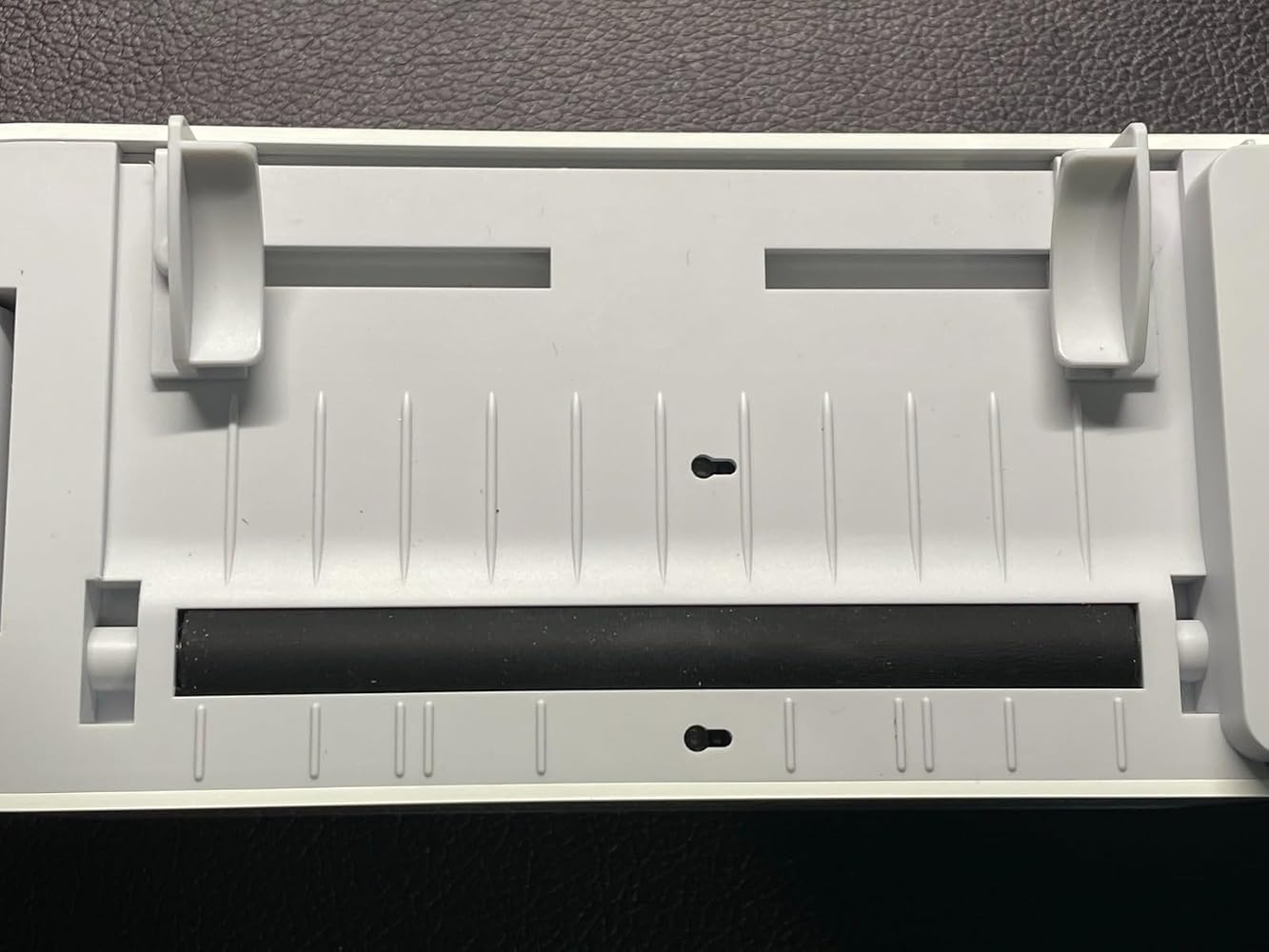
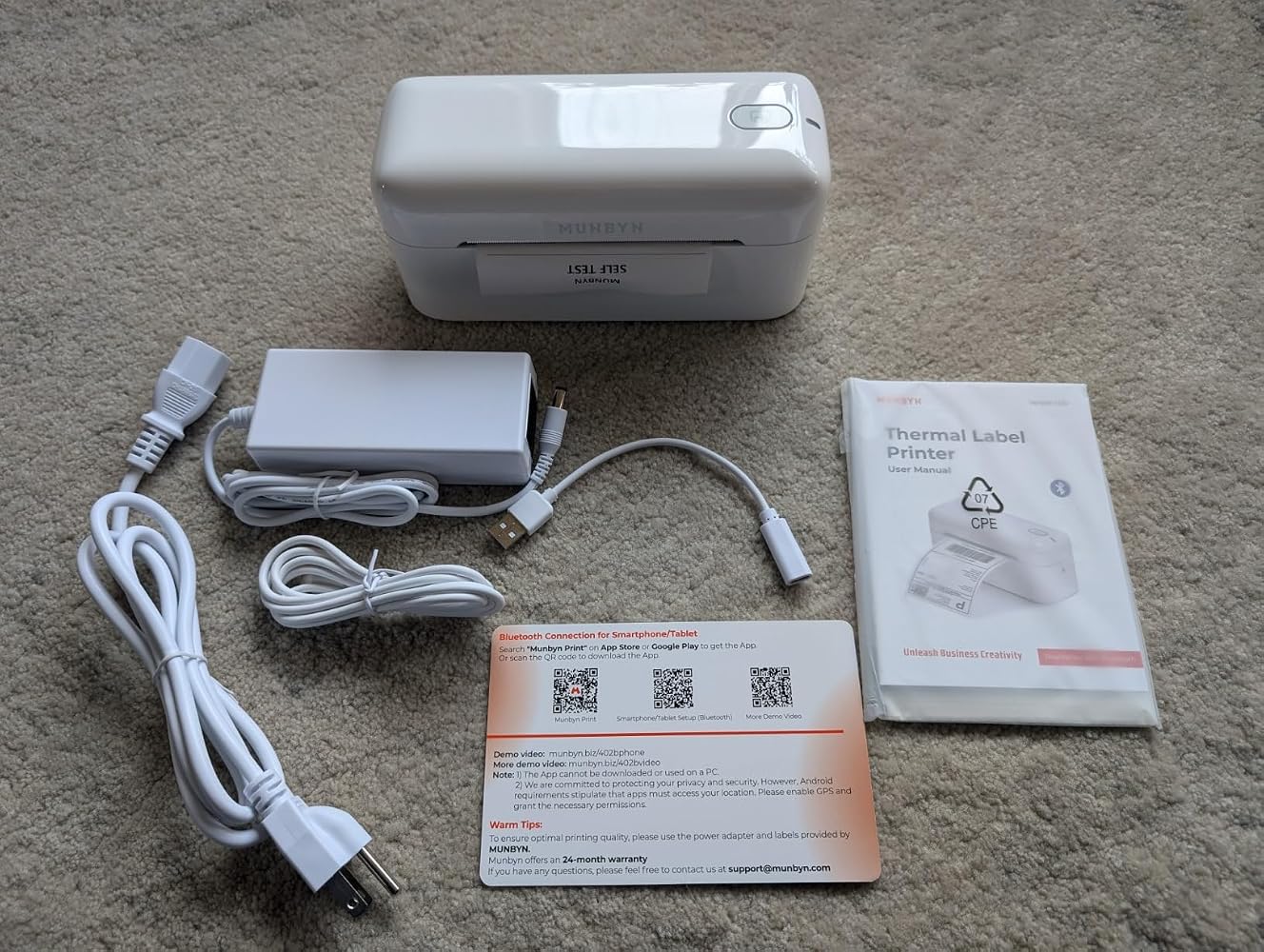
The MUNBYN Bluetooth Thermal Label Printer is exactly what I was looking for. The printer comes well packaged with the proper inserts and is wells organized in the box. It makes you feel like you're receiving a high end product. In this package you'll receive the thermal printer, power cables, USB cords, instruction manual.This printer looks really sleek. It's a power corded label printer and a powerful addition to my small business. Operation is easy, there's just a power switch, a button at the top to skip the label position, and a button on the back to pop open the print head. It's thermal technology makes it feel like you're helping the environment as there's no inks or cartridges needed.This printer was easy to set up, you can connect it directly to your PC or go through Bluetooth to print your labels. You'll just need to download the app that is listed in the instructions manual. This printer can print labels generated on multiple platforms like Etsy, Shopify, eBay, and a whole bunch of other shipping platforms. Works seamlessly on Andriod, Apple, and PC platforms.I'm very impressed this printer auto-detects the labels that are inserted and will reverse itself to start on the first shipping label on the feed so you aren't wasting any labels (see video). It prints out shipping labels in like 1 second with ease and the print quality is top notch. The printing is solid and dark, and the barcodes are not jagged and faded. Barcodes scan easily at the post office. I like that you can use rolls of labels or stacks since you feed the labels through the back of this printer.Print shipping labels, price tags, barcodes, etc, with ease. This is an excellent addition to any small business, highly recommend.

C
ChoYceCnTrl
Perfect!

Great for any business or craft room this thermal label maker works great. It does only come with some sample labels to experiment and try out but I instantly ordered coloured stickers and more labels that were actually very cost effective.I easily used Bluetooth to connect to my phone and used the app to create some labels for my crafts. It was simple and easy to do.I like that there is cords to attach to your computer if you prefer to use that instead. For Mac users you have to connect via a cord as it will not work with Bluetooth.It works quickly, effectively and quietly.

FAQs

Please read our FAQ page to learn more.

1. Why should I choose a MUNBYN thermal printer instead of an inkjet or laser printer?

MUNBYN uses advanced thermal printing technology, which means: no ink, no toner, and no ribbons. All you need are thermal labels. This not only saves you hundreds of dollars annually on supply costs but also spares you the mess of leaking cartridges and the frustration of running out of ink in the middle of a shipping process.

2. Can I use thermal labels of any brand with this printer?

Yes! MUNBYN printers are compatible with all thermal direct labels. Whether you prefer fanfold or roll labels, as long as the width is between 1.57" and 4.3" (40 mm – 110 mm), our thermal printer will automatically detect and calibrate to them.

3. Which shipping platforms and marketplaces are compatible?

MUNBYN is a favorite among small business owners. MUNBYN label printers are fully compatible with major platforms, including:

  • Marketplaces: Amazon, eBay, Etsy, Shopify, Zalando, and Shopee.
  • Couriers: UPS, FedEx, ShipStation, Pirate Ship, USPS, and DHL.

4. What labels can I use with this printer?

Our thermal label printers support a wide range of direct thermal labels including 4x6" shipping labels, 3x2" and 2x1" labels, barcode labels, round labels, and custom sticker sizes (40–110 mm wide, depending on the model). The printer automatically identifies the label size—no manual calibration required.

5. Is this label printer easy to set up?

Yes. The label printer is designed for quick setup; step-by-step installation guides and driver downloads are available. Most users can complete the installation in a matter of minutes.

6. How do I calibrate the printer for different label sizes?

Our intelligent automatic label recognition does the work for you. Insert your labels, hold down the top button until you hear a single beep – and the printer automatically adjusts label size and spacing to ensure perfect alignment.

7. What should I do if my labels are printing blurry or with white streaks?

High-quality print results start with a clean print head. If print quality declines:

  1. Turn off the printer and let it cool down.
  2. Wipe the thermal print head with an alcohol swab or a microfiber cloth.
  3. Adjust the print density and print speed settings in the driver settings.

    If the problem persists, please contact customer support for further assistance.

8. Does this label printer come with a warranty?

Yes, all MUNBYN printers come with a 2-year warranty. We stand behind our hardware and will provide a replacement device or perform a repair if you encounter any manufacturing defects.

9. Can I use the label printer for both business and home organization?

Yes. You can use this printer for both business labeling (shipping, barcodes, inventory, retail labels) and home organization (storage labels, pantry labels, files, craft projects). Thanks to its versatile direct thermal printing method and support for numerous label sizes, it is suitable for a wide range of private and professional applications.

10. Are there customization options for labels?

Yes, we offer flexible options for customizing labels – including stickers, logo labels, and creative templates for your branding. Order custom labels here.

Didn't find your answer?

Do not hesitate to contact us.

Free shipping and free returns