


 Portugal
 Bestseller
 All Printers
 All Labels
 Money Counters
 All Accessories
Limited-time offers
Save 47%
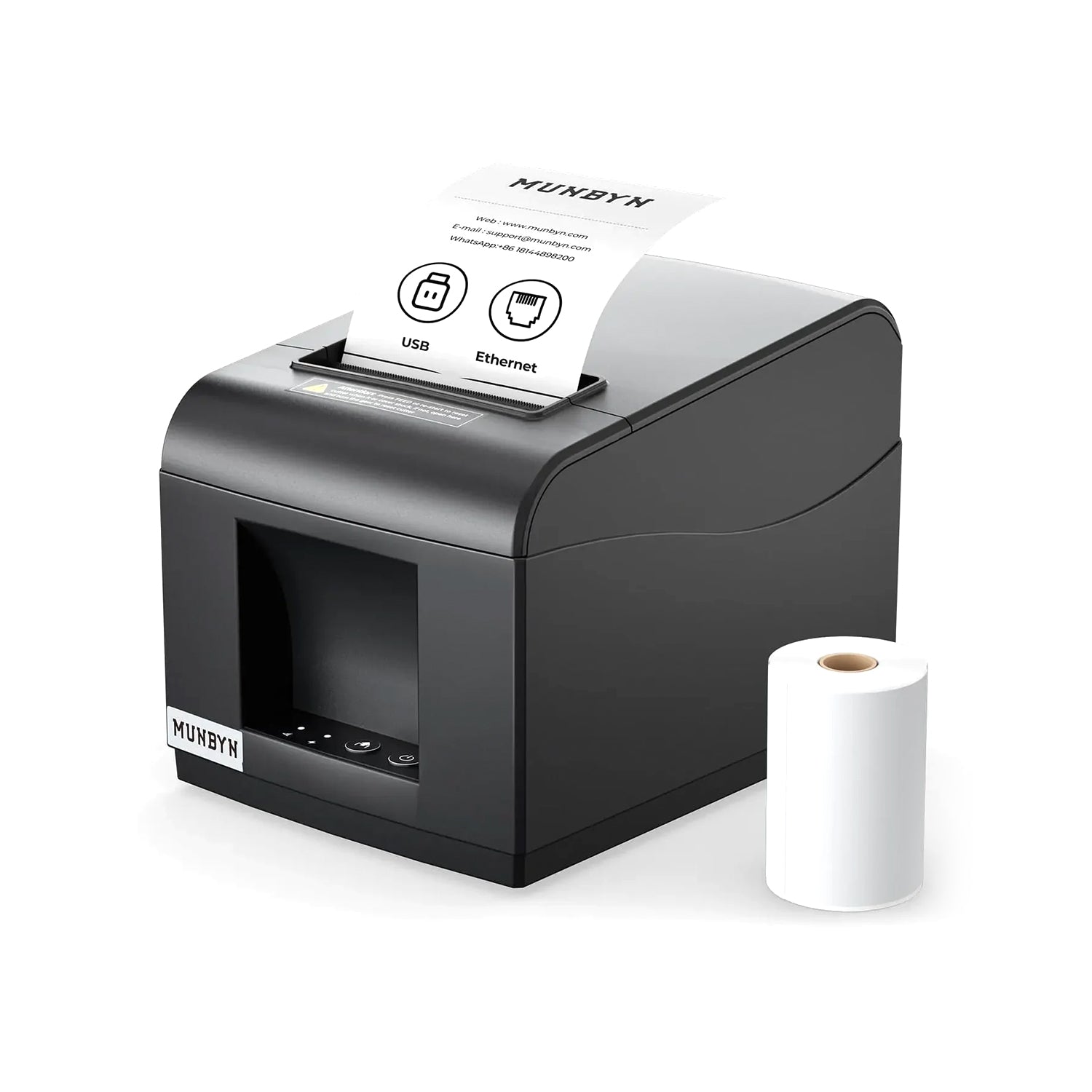
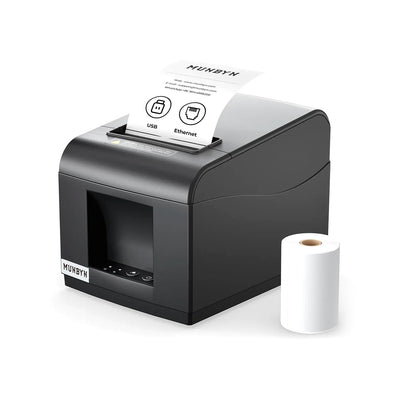
MUNBYN P072 80mm Receipt Printer with Auto Cutter for POS Systems
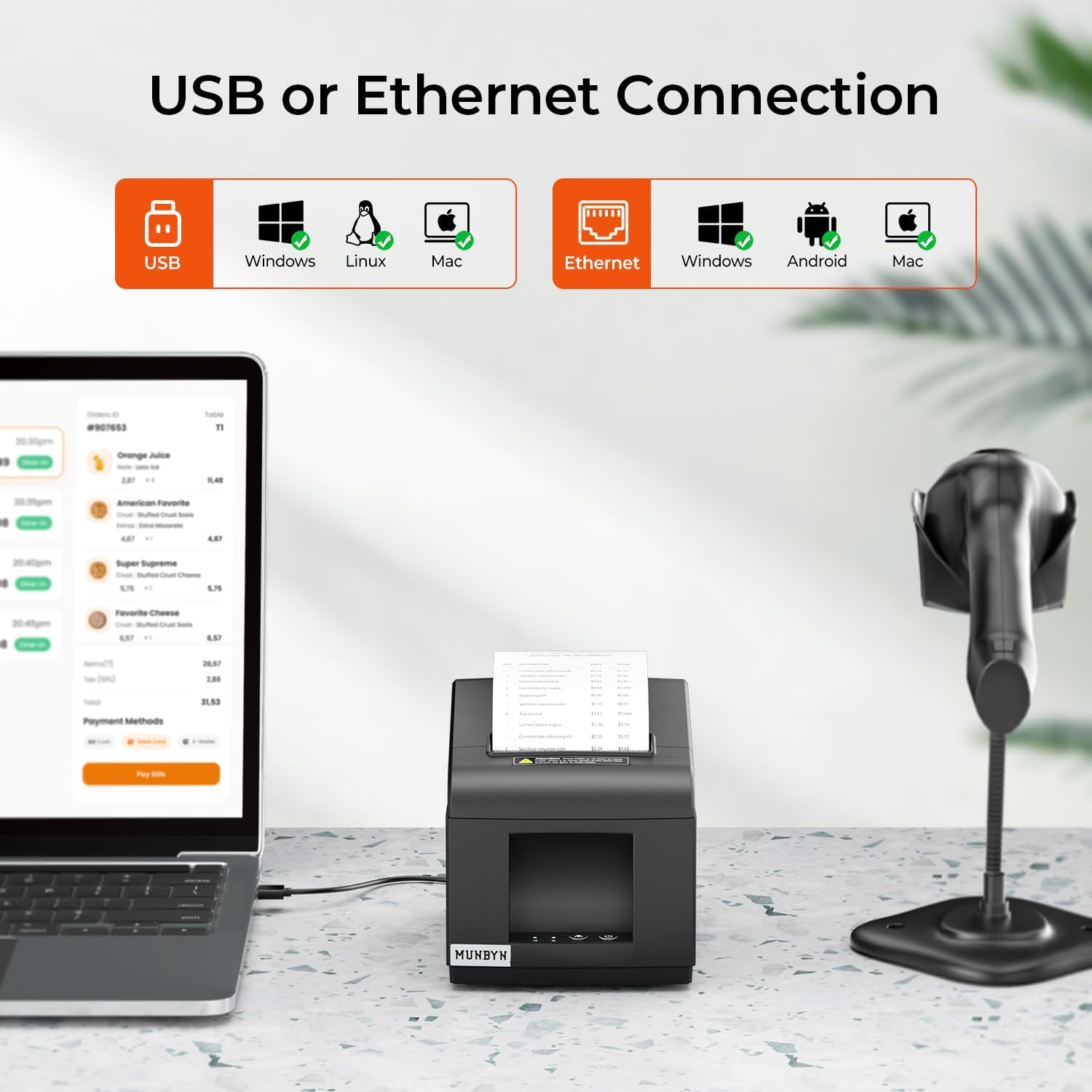
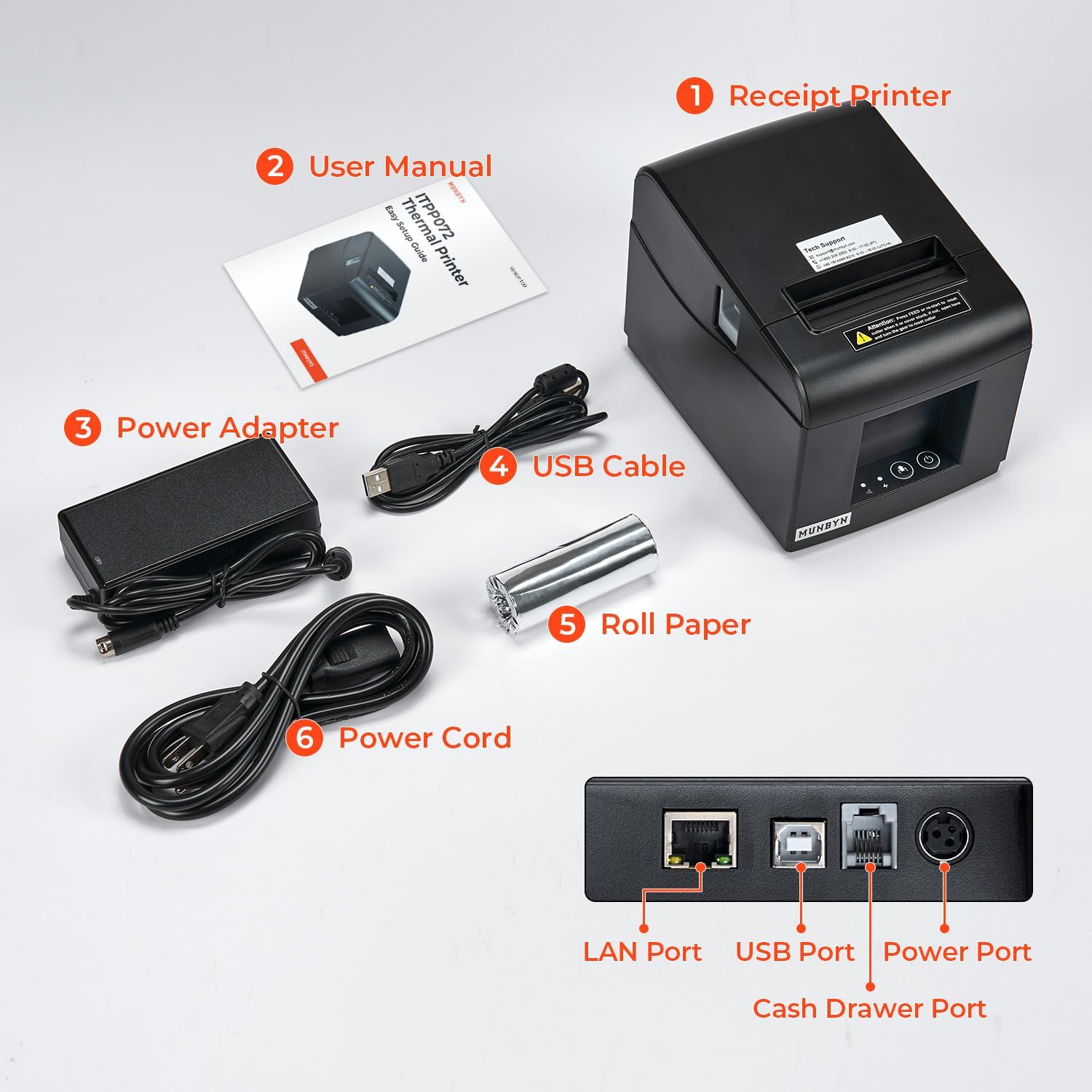
USB & Ethernet
Multiplattform-kompatibel
Kassenladen-Anschluss
Netzwerk-POS-bereit
Einfache Integration
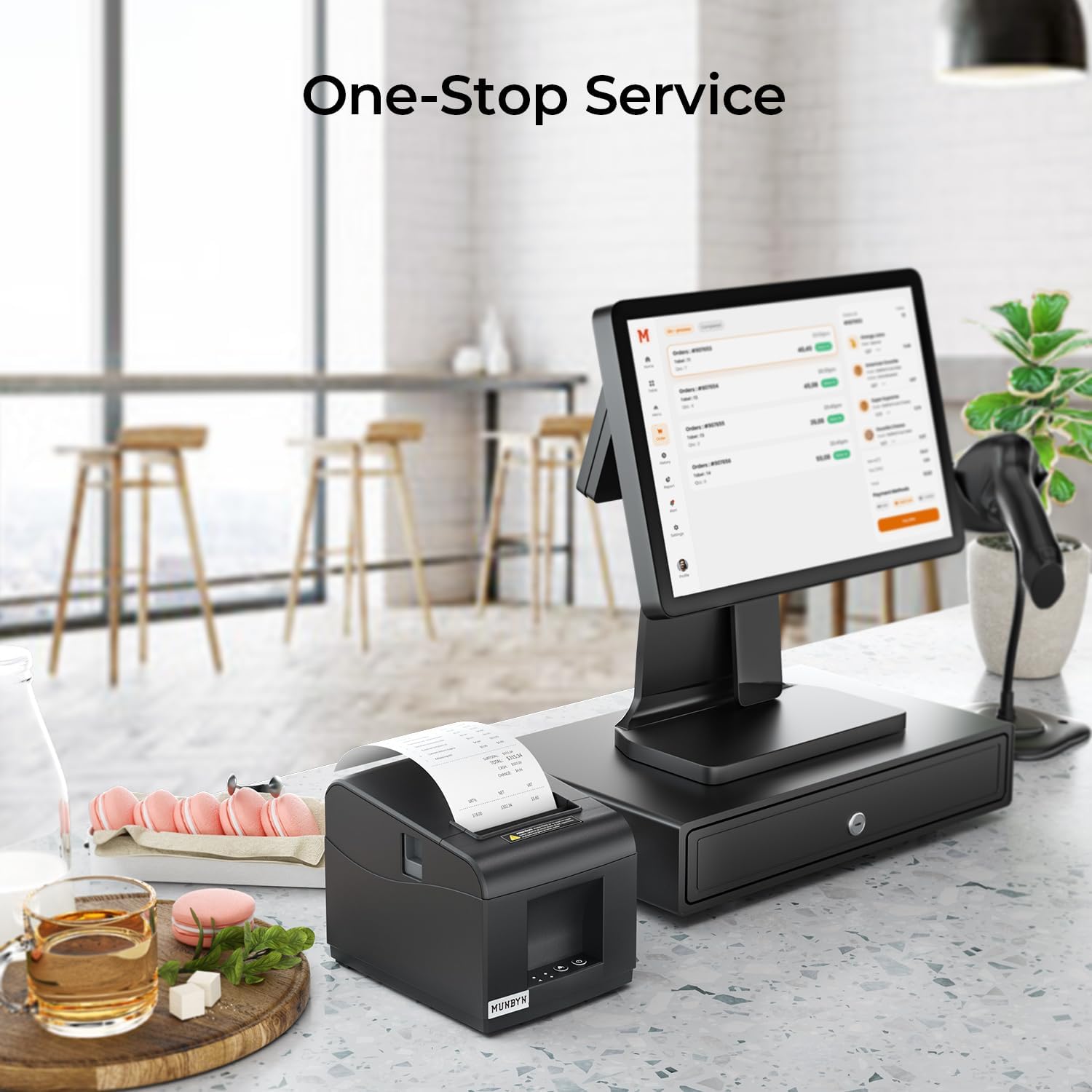
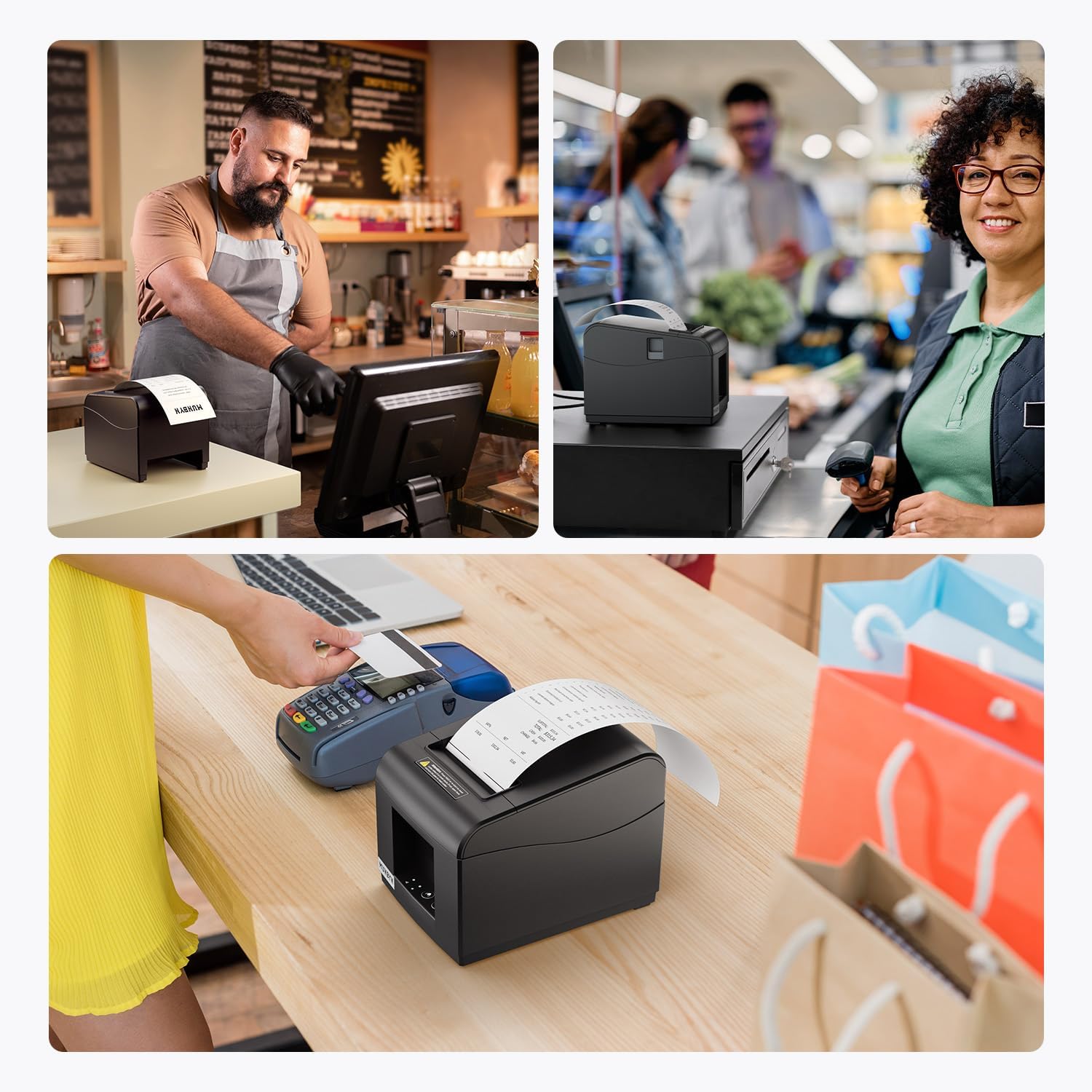
Designed for modern POS systems
Broad operating system compatibility makes deployment easier for businesses with mixed hardware environments.
Now
84,67€
Save 74,73€
Original price
Tax included.Shipping calculated at checkout.

Weekend Mega Sale
00
D
00
H
00
M
00
S
Code:
WK7
Get the best price of the week
Code copied to clipboard!
Would you like to add Extended Warranty?
Buying for a business?
Request a custom quote and benefit from volume discounts for business customers.
Do you need help?
💡Supports USB, Ethernet (LAN) and cash drawer interfaces.
💡Compatible with Windows x86, Windows ARM, MacOS, Android, ChromeOS, and Linux.
💡User-friendliness: with automatic cutter function.
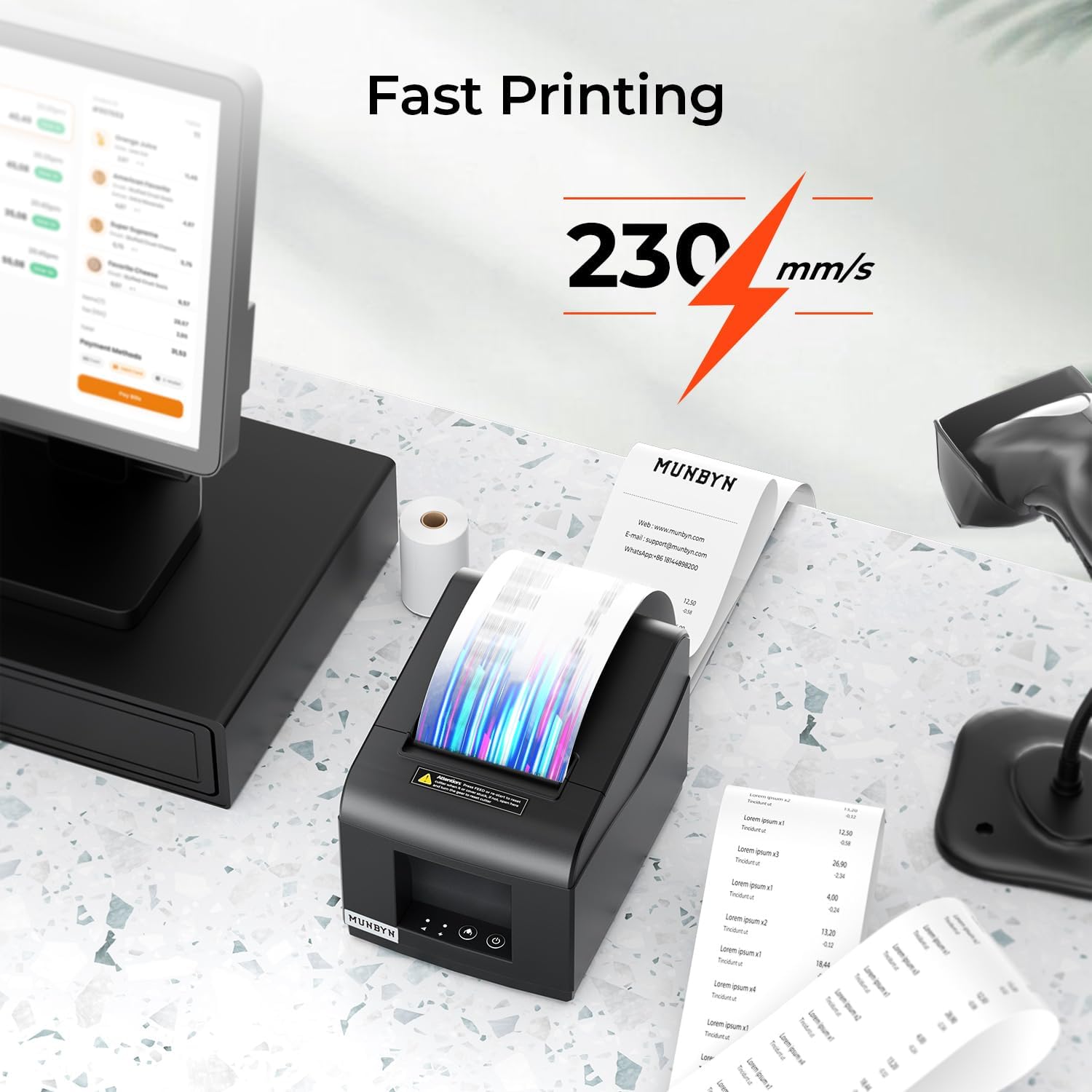
💡Fast printing: print over 40 receipts per minute (230 mm/s)
Ideal for retail stores, grocery stores, clothing stores, supermarkets, cafés, points of sale, food trucks, banks, restaurants, or any other business.
Shipping from DE | Within 48h
2–4 Day Delivery · No Import Delays · Local Returns
14-day risk-free trial period
2-year warranty & lifetime support
30-Day Price Guarantee
84,67€159,40€
Save 74,73€
Order now, ships within 48h
Need help choosing the right product or placing an order?
Our MUNBYN support team is here to help. If you have any questions about products, compatibility, orders, or after-sales service, feel free to contact us at any time. We respond to all inquiries within 24 business hours (Monday–Friday).
-
Shipping Information
We offer free shipping straight to your door throughout the contiguous US*. It usually takes 2-5 business days* for your package to be delivered, so you can sit back and relax, worry-free.
*Please see ourshipping policyfor more details. -
Help Center
Find everything you need in one place:
- Manuals & drivers
- Setup guides and troubleshooting
- Order, shipping, and warranty support
-
FAQs
Have a quick question?
Visit ourFAQ page, which covers the most common topics, including:
- Product features and specifications
- Compatibility with devices and software
- Shipping, returns, and warranty policies
- Troubleshooting and basic setup
If you can’t find the answer you’re looking for, our support team is always ready to help.
-
Still need assistance?
Contact Us at
Order: order@munbyn.com
Tech: support@munbyn.com
+1 628 229 3612
Mon - Fri: 7AM - 5PM (UTC-8)

MUNBYN P072 80mm Receipt Printer with Auto Cutter for POS Systems
84,67€
Product details
Basic Introduction
Compatibility
Other
Product Comparison
| Models |
THIS MODEL
 MUNBYN P072 80mm Receipt Printer with Auto Cutter for POS Systems
Current Page
|
---
|
---
|
|---|---|---|---|
| Name | ITPP072UE | --- | --- |
| Interface | USB+Ethernet | --- | --- |
| Color | Black | --- | --- |
| Support System | Windows/Android/LinuxMacChrome | --- | --- |
| Print speed | 230mm/s | --- | --- |
| Resolution | 203 DPI | --- | --- |
| Print Width | 72mm | --- | --- |
| Paper width | 3 1/8" (80mm) | --- | --- |
| Wireless connection | LAN | --- | --- |
| Special feature | Automatic paper cutting | --- | --- |


Why Customers Choose MUNBYN
Discover the difference that choosing MUNBYN makes.
Over
Happy Customers
Over
Products Sold
Over
Patents
Selling in
Countries
Over
Factory
Over
Mitarbeitende
Over
Technicians
Immer
Service & Tech Support
Our Partners












J
Es una impresora para tickets de rápida impresión térmica y de calidad, cuando termina de imprimir el ticket se corta y con tan solo estirar un poco lo tienes, es de fácil instalación y manejo, es pequeñita y ocupa muy poco espacio, incluye todos los cables necesarios para conectarla y las clavijas de la impresora están en la parte trasera quedando así más disimuladas.Un dato muy importante a destacar es el soporte técnico que ofrece este producto, ya que cualquier duda o proble te lo resuelven de manera muy eficaz


V
La impresora es para imprimir recibos en tiendas con papel térmico en royo que no necesita tinta de ningún tipo. El diseño es compacto y elegante, tiene las conexiones de los cables en la parte inferior en un escalón adentrado para que no se vean las clavijas y queden más disimuladas.Viene con un pequeño rollo de papel para empezar a funcionar, pero en la caja interior le cabe un rollo de los grandes para que dure mucho más tiempo. En el interior tiene una tira de papel con los datos de conexión y con una serie de caracteres escritos para ver cómo queda la impresión.Funciona con un adaptador de corriente similar a los que usan lo ordenadores portátiles, con transformador incluido. Las conexiones de entrada son de tres tipos diferentes, para utilizar el sistema que más se adapte al equipo utilizado. Se puede conectar por cable directamente al ordenador o al router para que funciones en red.Tiene un librito de instrucciones sencillo para ponerla en marcha rápido, pero con un código QR se descarga de internet el manual completo que tiene 67 páginas, en donde salen todo tipo de detalles, aunque lo malo es que viene todo en inglés solamente.La impresión es rápida y cuando termina, el recibo se corta inmediatamente estirando del papel sobre una línea de corte dentada que tiene incluida en la salida del papel. A parte de la fuente de alimentación, tiene un cable USB para conectar al ordenador directamente, como conexión sencilla. La impresión es clara y nítida, en negro debido a que es térmica.


g
Sembra funzionare bene per ora ,con il tempo si vedrà
T
Top fait le job
M
fonctionne parfaitement de bonne qualité. Il faut juste installer un pilote en ligne. Ceci est dans la notice une fois branché à l’ordinateur au tiroir-caisse elle fait parfaitement son boulot, elle est capable d’ouvrir sans imprimer le ticket le tiroir-caisse etc.
J
Impresora de calidad muy compatible
M
Einfache ubd schnelle Bedienung. Anleitung sehr klar und enthält alle wichtige Informationen. Der Drucker funktioniert auch einwandfrei mit Raspberry Pi
C
Ma première imprimante thermique à tickets. Rapide, plus que j'espérais, ultra simple à utiliser sur windows (peaufiner les options d'impression dans windows pour décaler l'impression de -4 unités pour bien centrer le contenu sur les tickets.). Fonctionne très bien avec développement perso en mode POS mais aussi en mode impression traditionnelle.
S
This item arrived on time, and just like the instructions say its plug in and a case of once its got the driver installed its ready to go. It can print via MS work and my machine recognised it as a printer. Compared to the other items on the market this for the ease of access and use and price its just AMAZING value. Thanks!
X
good
M
excellent produit, ne prend pas beaucoup d'espace et imprime très bien
A
Installation et configuration terminée : tout est OK !Il faut un peu d'expérience informatique pour comprendre l'installation, mais au bout du compte, lorsque cela fonctionne, on est soulagé !Utilisation dans une médiathèque avec un logiciel de caisse en ligne (hiboutik), l'imprimante est reliée via le réseau en RJ45, 3 postes impriment des reçus.L'imprimante était bien en DHCP, donc facile à retrouver sans devoir modifier la configuration du poste. Une fois connecté sur l'interface, on peut changer les IP à notre guise.Si vous n'avez pas de logiciel pour scanner les IP, vous pouvez éteindre l'imprimante, appuyer en les maintenant sur les 2 boutons de marche et de papier pour que sorte un rapport de configuration.Cherchez sur Google la marque et la référence de l'imprimante ITPP072 pour accéder au bon site Internet du support et télécharger tout ce qu'il faut (manuel, drivers et application Setting tools).Une fois le pilote installé avec l'adresse IP, vous aurez éventuellement besoin de l'application Setting Tools pour modifier certains paramètres, si vous vous en sentez capables, mais surtout pour ajouter votre logo en format BMP.Enfin, il faut que votre application soit compatible avec le protocole POS. Hiboutik propose dans ce sens l'installation d'une application pour l'impression : HIMP. Une fois tout installé, le logiciel de caisse communique sans faille.L'impression est propre et rapide. Rien à redire.J'ai mis d'autres rouleaux que celui fourni, en 80 x 80.Pour conclure : le prix est bas, mais il demande une peu de compétence. Ne foncez pas tête baisser sur un prix bas sans savoir pourquoi certains vendent des produits similaires 2 à 4 fois plus chers. Rien n'est traduit, des termes techniques apparaissent sans savoir précisément si cela correspond.Etant donné que c'était la première fois pour ma part, j'ai un peu avancé à tatons, sans savoir si cela allait fonctionner. Pour cela j'aurais mis que 4,5 au lieu de 5.
f
De momento no fantástico
C
Recomiendo
G
IDEAL, BON RAPPORT QUALITE/PRIX
Q
Top super efficace
B
Mit diesem Drucker habe ich unsere Kasse ausgestattet. Der Drucker ist schnell und einfach zu bedienen. Wenn man beim Einschalten die Feedtaste drückt bekommt man die Konfiguration ausgedruckt. Dann kann man den Drucker per HTTP erreichen oder den Windowstreiber installieren. Beides hat sofort funktioniert. Der Drucker ist robust und macht einen guten Job.
J
Facilité d'utilisation, n'encombre pas trop l'espace, silencieuse.
s
rien a dire
w
Got this, as a POS printer for a restaurant. It works with Loyverse, and it is about 200 bucks cheaper than the Epson ones. The only watch out is that when you plug it in, then it automatically picks up the IP address like 192.168.1.10, which was fine for the test on my home network. But the problem is that my business has an ip address like 192.168.0.100. So there is a toolkit to download that let's you set the IP address to a new value over USB.Support helped, but I had to have a play with it to change the IP address. Would be good if there was a hard reset switch somewhere. But overall very happy!
A
Top
G
Imprimante pratique et très rapide. Facile à installer...
D
Nach langem suchen und probieren habe ich endlich einen Thermo Bon-Drucker, der unter Windows ARM funktioniert, gefunden. (das sind z.B. Microsoft Surface, bei denen ein Qualcomm Snapdragon ARM Prozessor verbaut ist). Man kann sie die Anleitung als PDF downloaden, darin sind "Links" zu den Treibern für fast alle gängigen Betriebssysteme.
A
Fonctionne super bien rien à dire merci
j
Tuve dificultades en la instalación pero en [****] rápidamente me dieron la solución enviándome enlace para descargar los drivers
R
Todo bien
I
Der MUNBYN Thermodrucker ITPP072 hat sich in meinem Einzelhandelsgeschäft als äußerst zuverlässig erwiesen. Die hohe Druckgeschwindigkeit von über 40 Belegen pro Minute hat unsere Kassenabläufe erheblich beschleunigt. Besonders schätze ich die automatische Schneidefunktion, die das Handling der Belege nach dem Druck enorm erleichtert und somit die Effizienz unseres Geschäfts steigert.Die Verbindungsmöglichkeiten des Druckers sind vielseitig: Die Unterstützung für USB und LAN ermöglicht eine flexible Integration in unser bestehendes Kassensystem. Auch die Kompatibilität mit verschiedenen Betriebssystemen wie Windows, Android und Linux sorgt dafür, dass wir keine Komplikationen bei der Einrichtung hatten. Zudem ist der Drucker sehr wartungsfreundlich, da keine Tintenpatronen erforderlich sind – die Thermodrucktechnologie funktioniert einwandfrei ohne zusätzliche Kosten für Verbrauchsmaterialien.Allerdings gibt es zwei kleinere Nachteile. Erstens war es etwas herausfordernd, die richtigen Treiber und Einstellungen für unsere speziellen POS-Anwendungen zu finden, da der Drucker nicht mit allen Softwarelösungen kompatibel ist. Zweitens könnte die Lautstärke des Druckers während des Betriebs für manche Benutzer störend sein, insbesondere in ruhigen Umgebungen.Insgesamt bin ich mit der Leistung des MUNBYN Thermodruckers sehr zufrieden und kann ihn für den Einsatz in geschäftigen Umgebungen, die eine hohe Druckgeschwindigkeit benötigen, empfehlen
FAQs
Please read our FAQ page to learn more.
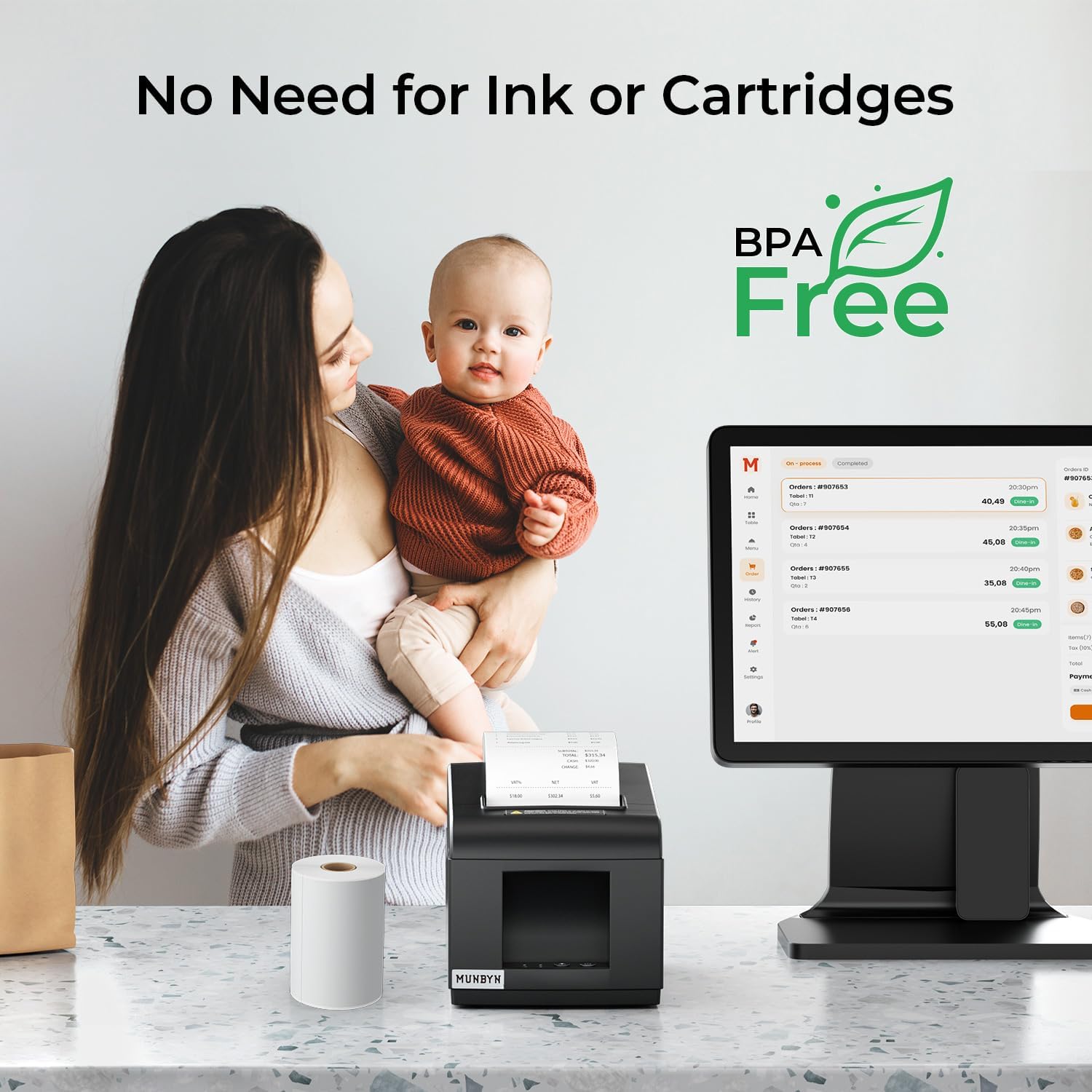
Does this receipt printer require ink or toner?
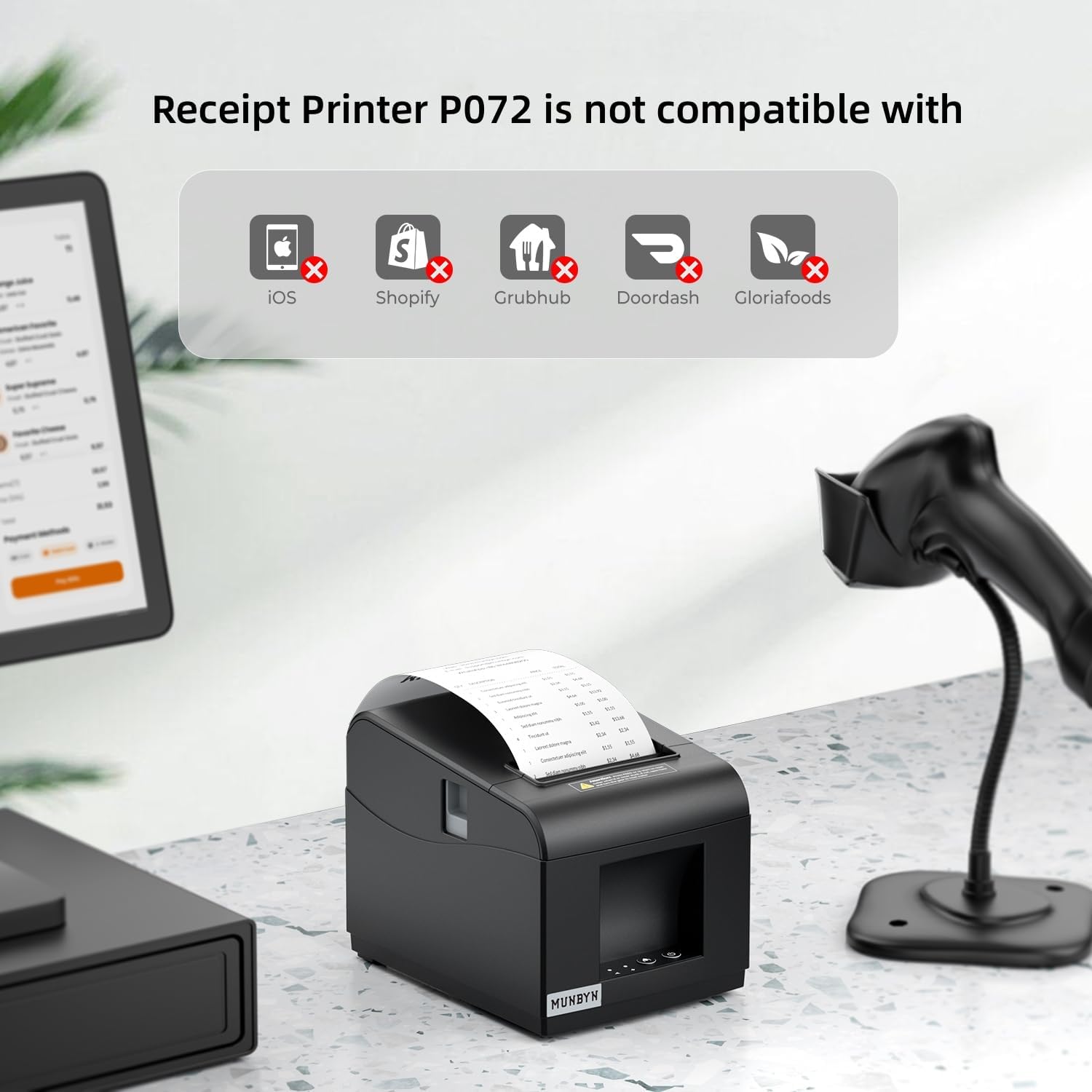
Which POS systems is this printer compatible with?
Will the thermal receipt printer work in a high-traffic checkout area?
Is the device suitable for continuous daily operation?
Does the MUNBYN receipt printer make a lot of noise?
I only need a simple receipt printer. Which model should I choose?
Which receipt printer offers the greatest flexibility?
Why choose ENERGY STAR® certified receipt printers?
Free shipping and free returns