Scroll to top

Drucken Sie alles, überall

Ihre Ideen, Ihr Raum – drucken Sie, wo immer Sie die Inspiration packt.

Tintenfrei, sorgenfrei

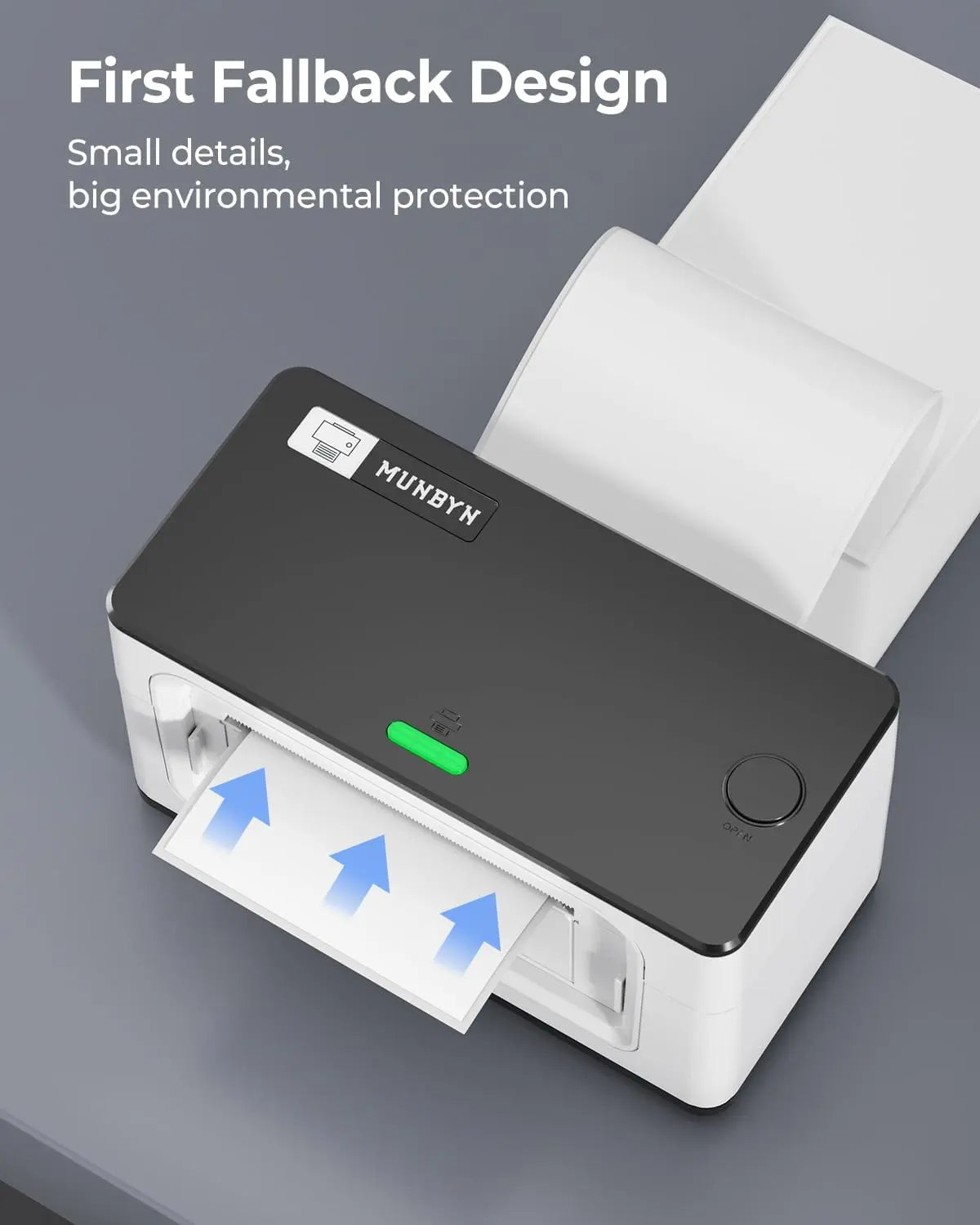
Keine Tinte. Spart Zeit, Geld und die Umwelt.

Schnell zu drucken, einfach weiterzudrucken

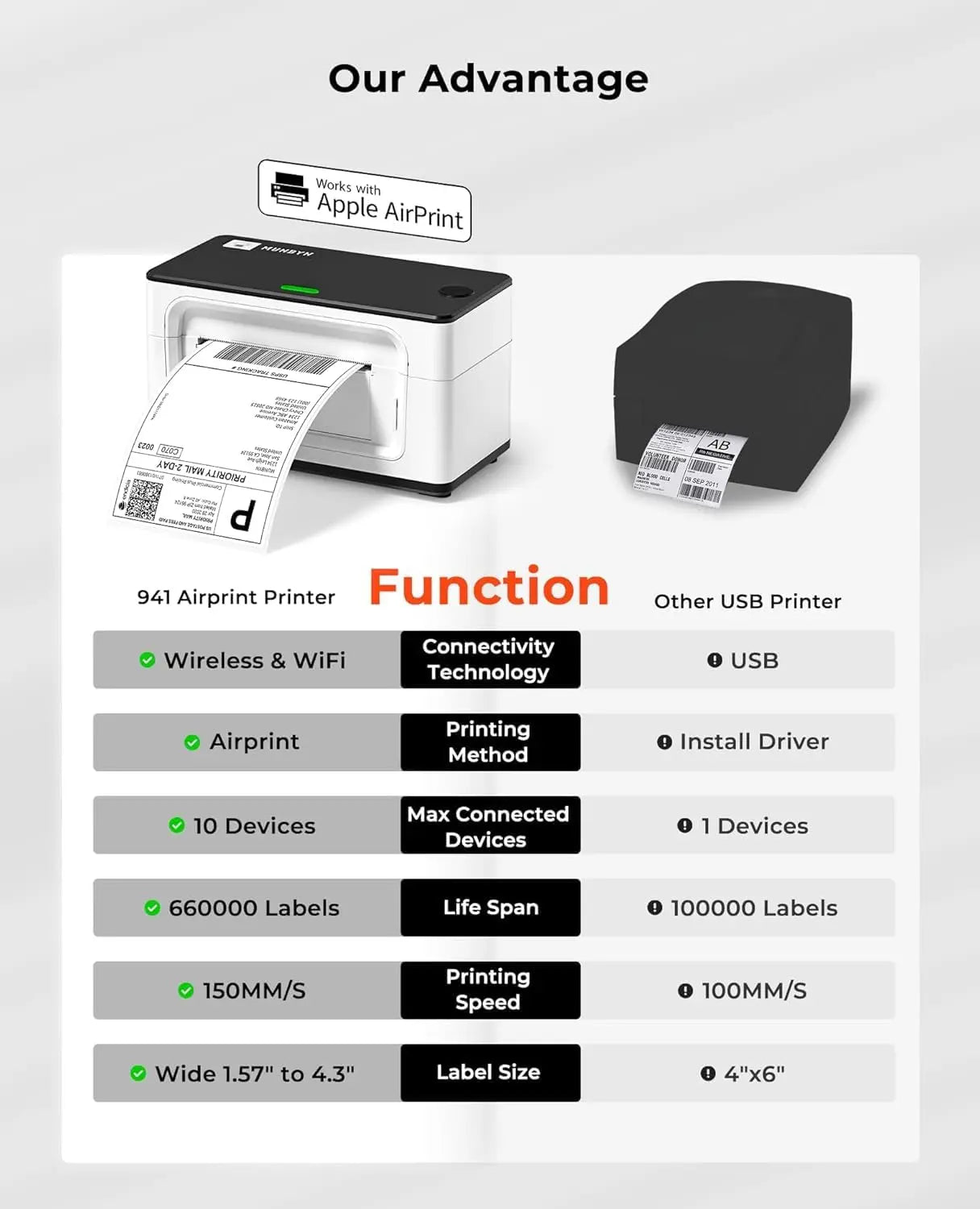
Hohe Geschwindigkeit: 150 mm/s = ein 4×6-Etikett pro Sekunde.

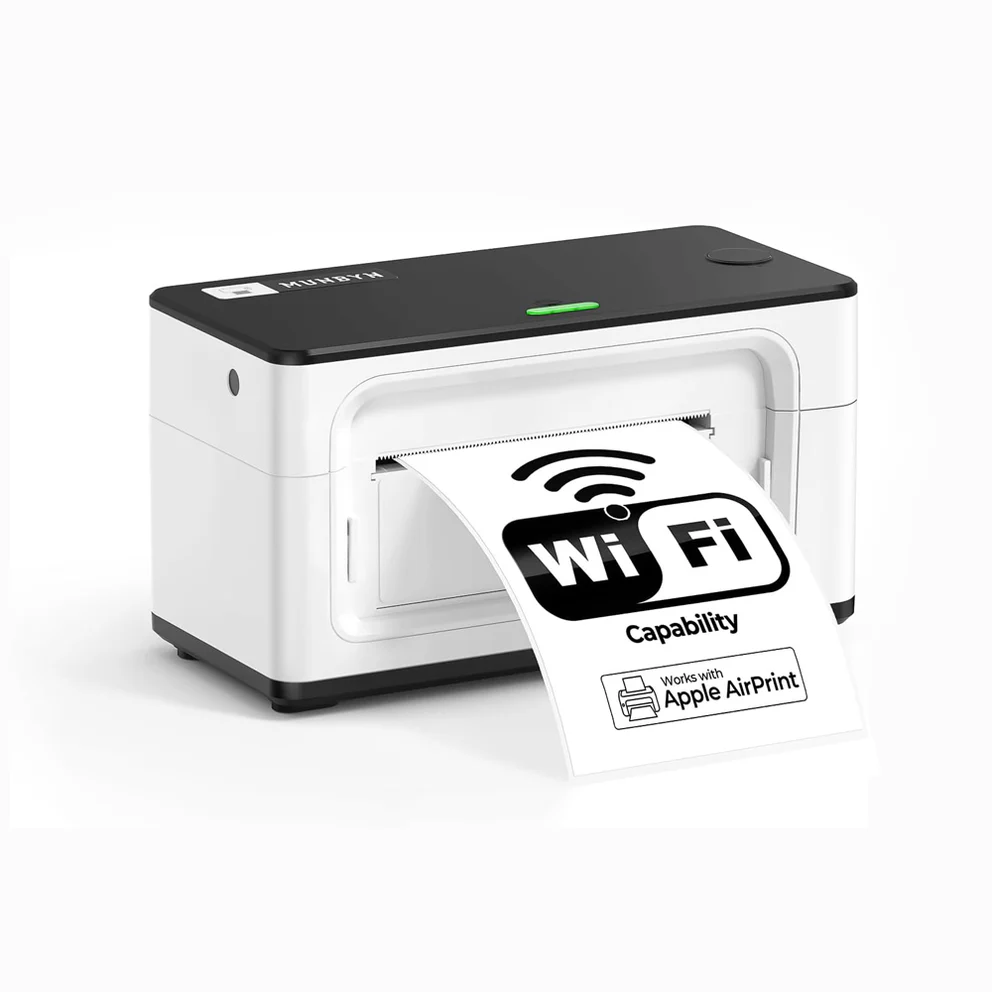
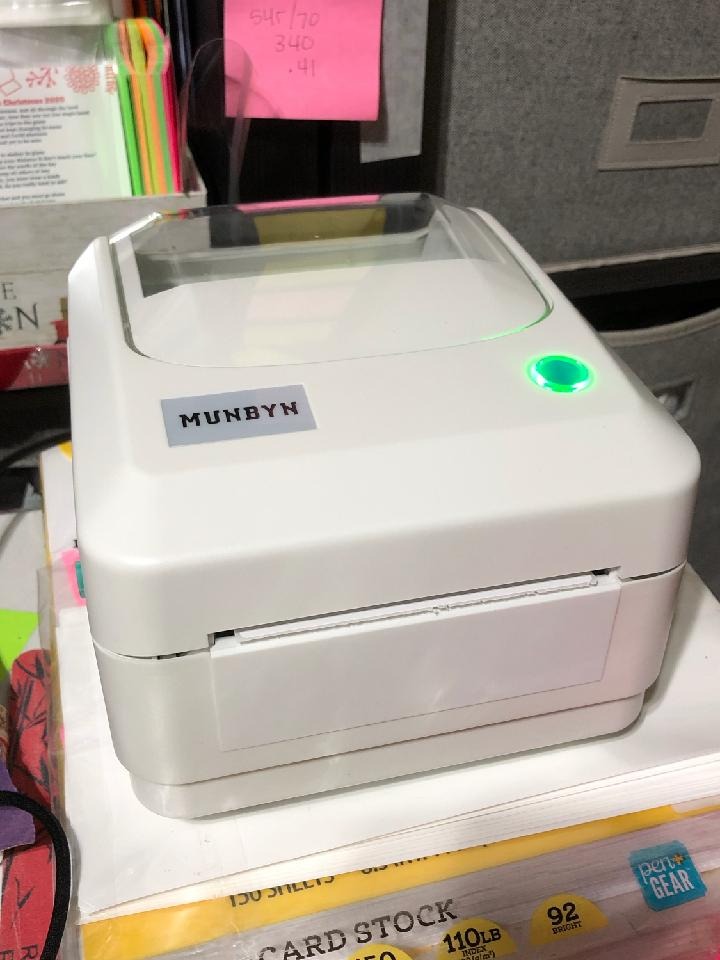
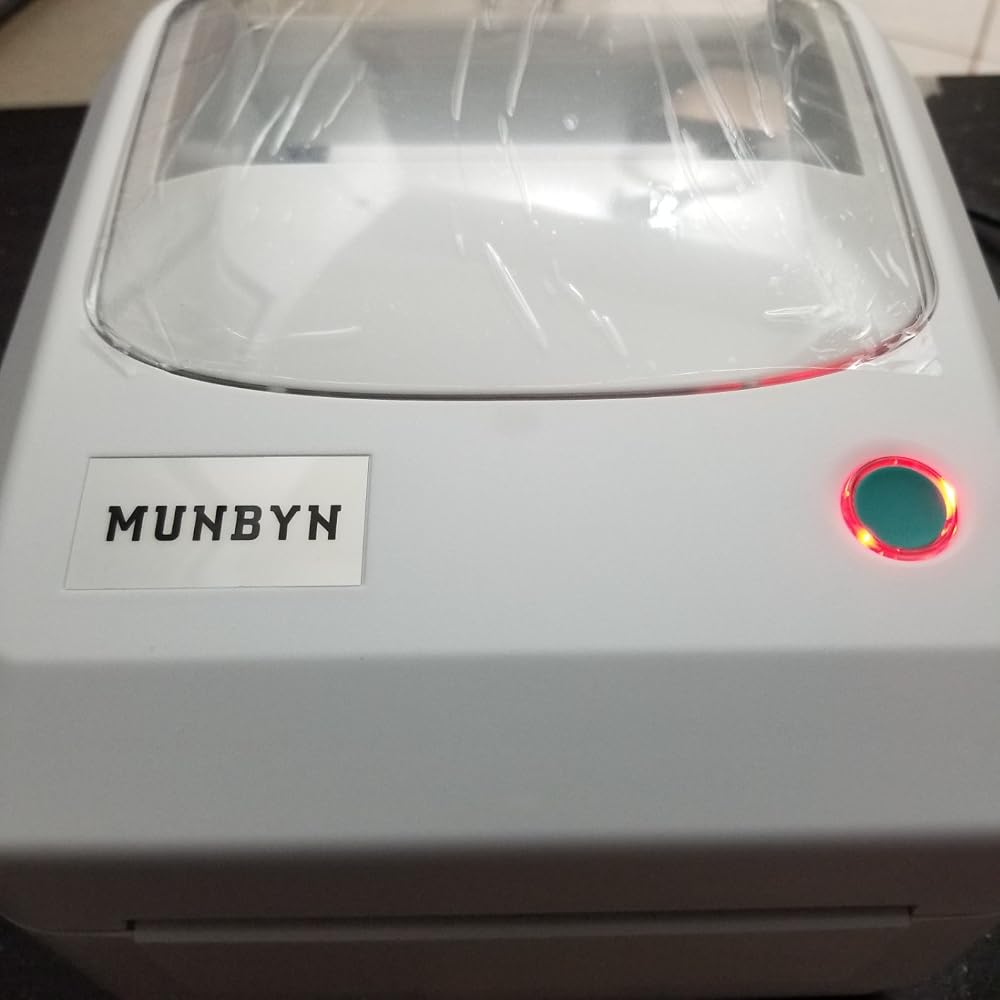
MUNBYN RW941AP AirPrint thermische printer voor veelzijdige labels
186,21€

Produktdetails

Basisintroductie

SKU

- ITPP941AP-WH-EU

Modeltype

- 941AP

Auflösung

- 203 DPI

Printsnelheid

- 150 mm/s

Gewicht

- 0.9 Kg

Productafmetingen

- 198x96x109mm(L*B*H)

Compatibiliteit
Aansluitingen

-WIFI:Windows/Mac/iOS/Android
-USB:windows、Mac os

Compatibele labelformaten

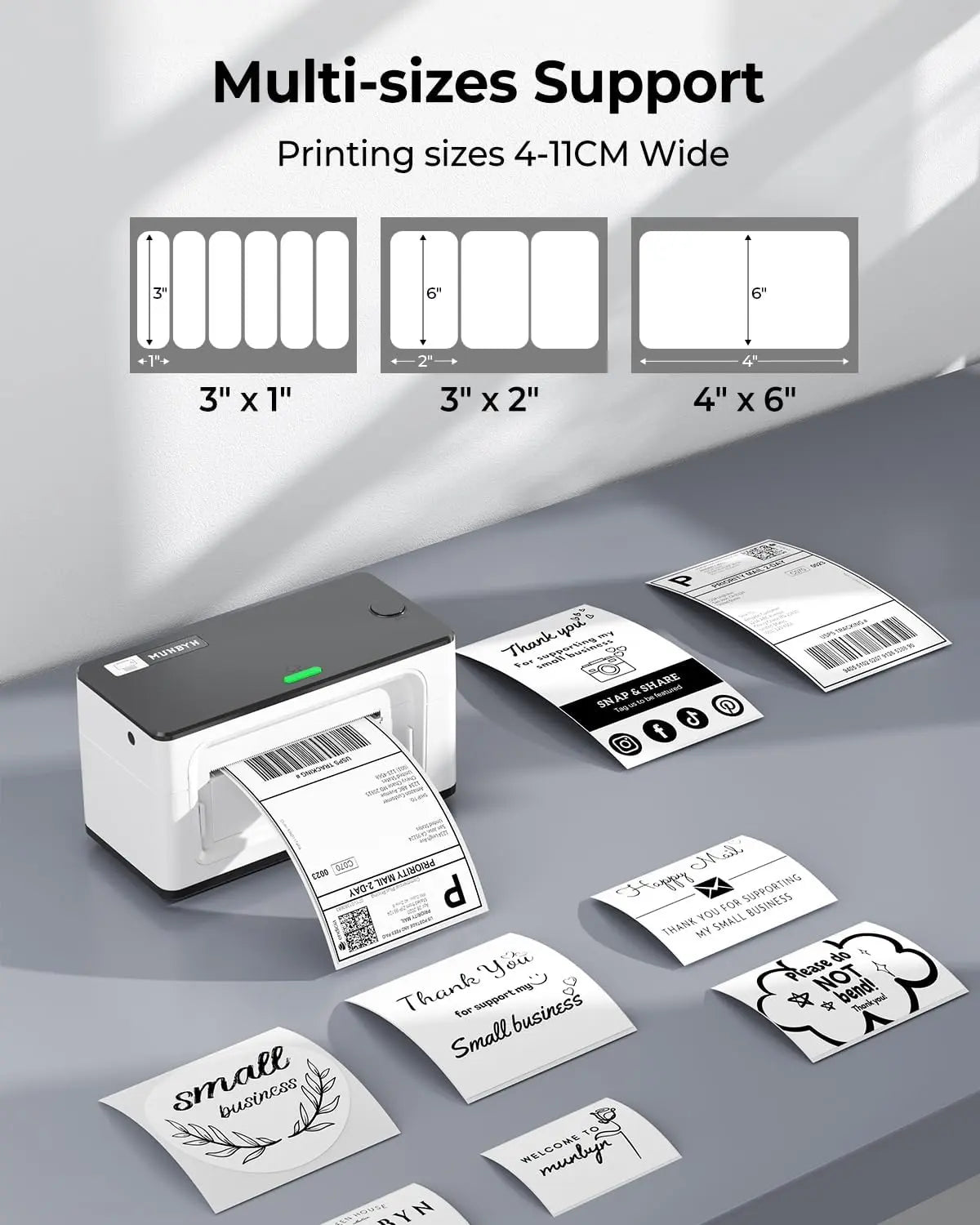
- 40-110 mm

Bijzonder kenmerk

- AirPrint

Compatibele apparaten

- Laptops, pc's, smartphones, tablets

Voedingsadapter

- 24V/2A

Overige
Toepassingen

- Magazijnen
- Retail
- Kantoren
- Bedrijven
- Particuliere huishoudens

Servicegarantie

- 2 jaar garantie
- Technische ondersteuning

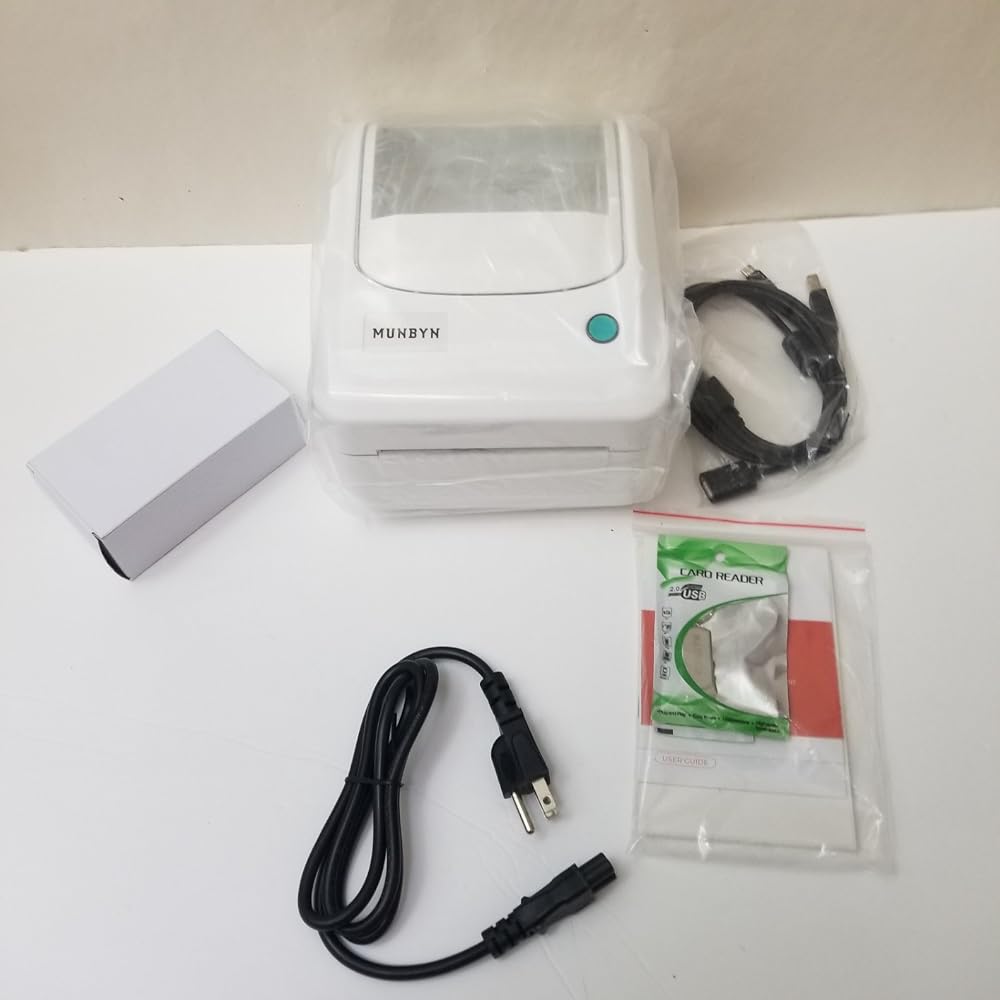
Im Lieferumfang enthalten

  • Printer

  • USB-stick

  • Type-C-kabel

  • USB-kabel

  • Adapter

  • Standaardstekker

  • Gebruikershandleiding

  • Korte tips

  • Labels

Laden Sie unsere App herunter

Hochwertige Etiketten in wenigen Minuten
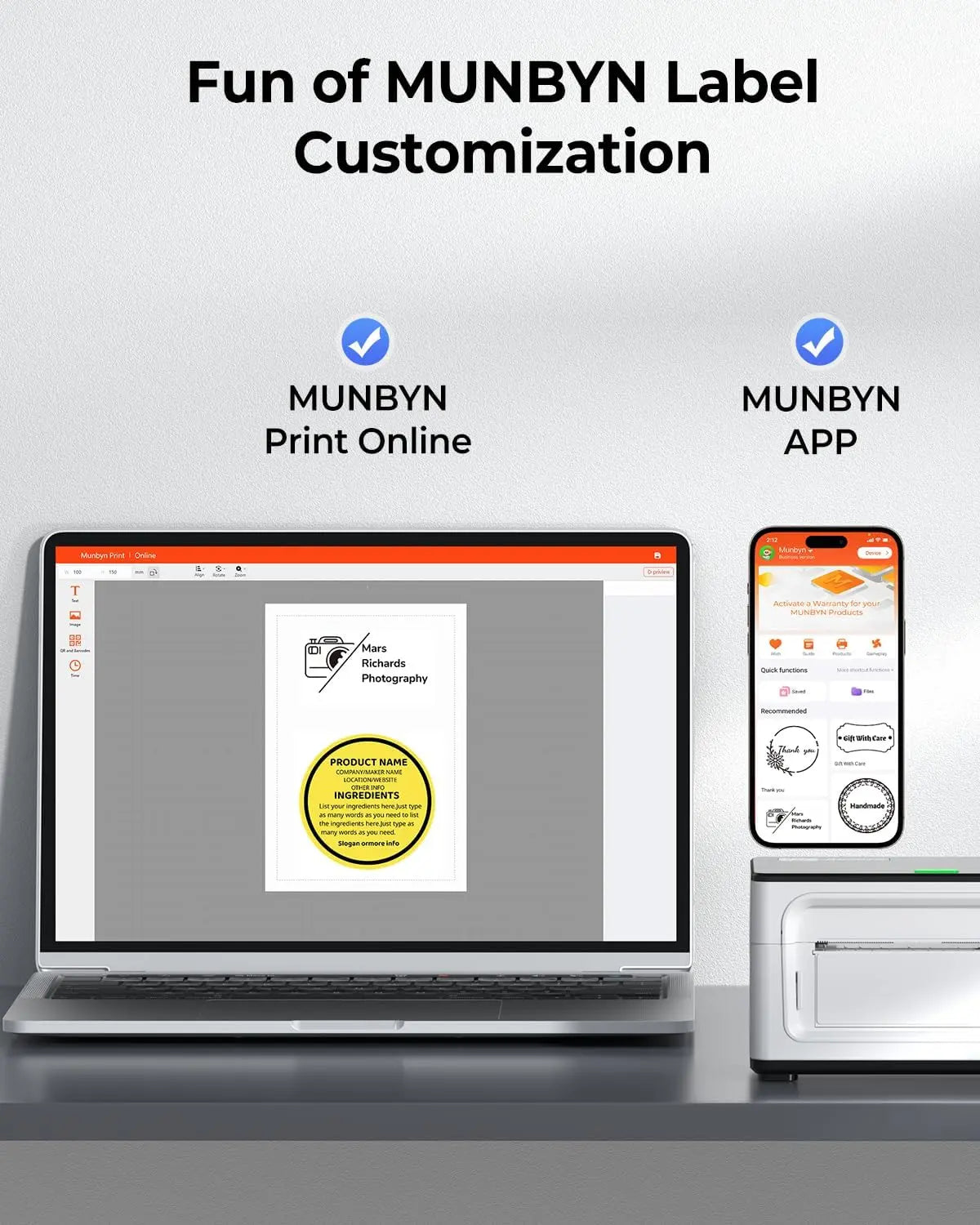
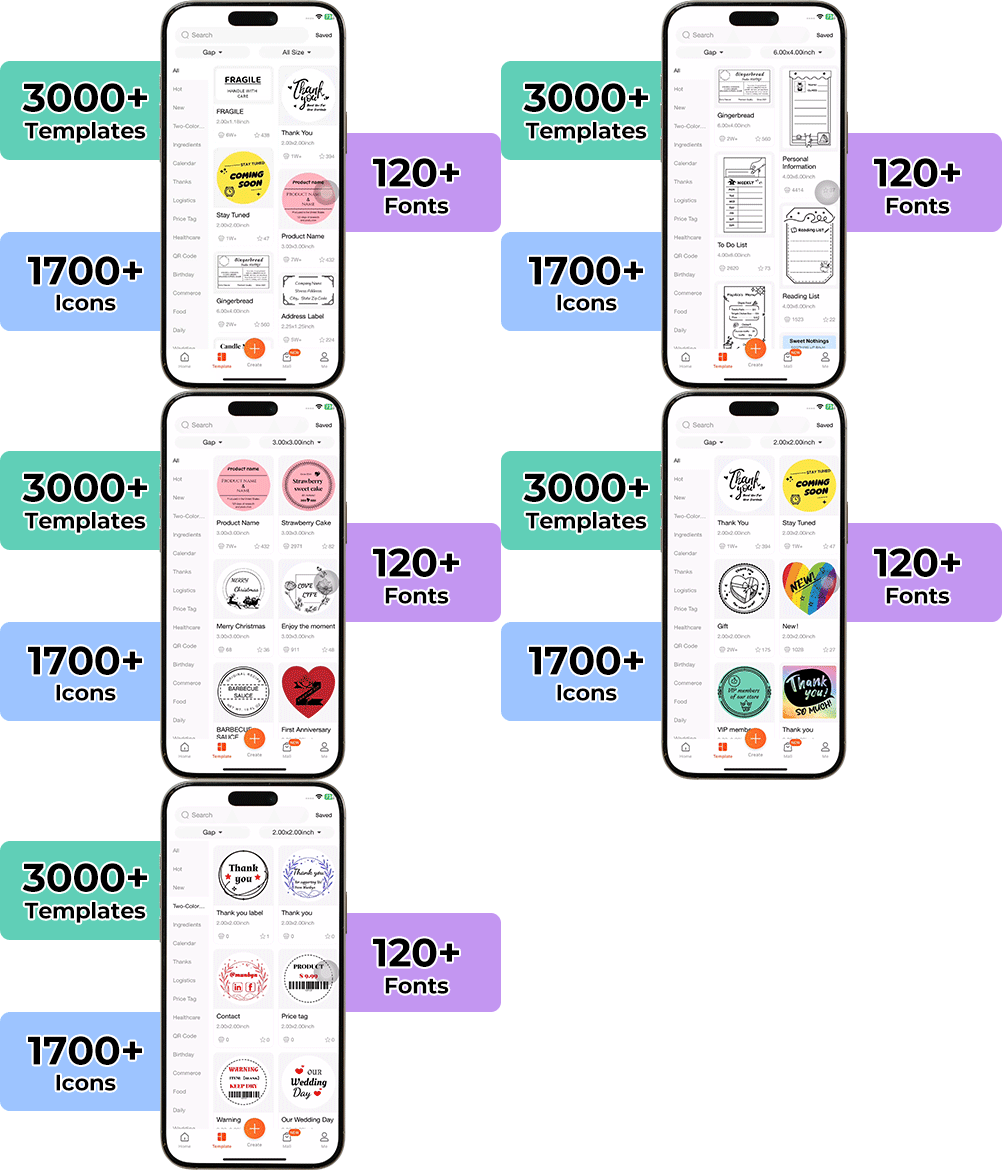
Die Gestaltung individueller Verpackungen war noch nie so einfach. Mit der MUNBYN-App und unseren vielseitigen DIY-Etiketten steht Ihnen eine Bibliothek mit über 3.000 Designelementen und Vorlagen zur Verfügung.

Entwerfen Sie maßgeschneiderte Logos und Werbeaufkleber, die die Persönlichkeit Ihrer Marke perfekt widerspiegeln – und das alles, ohne Ihr Budget zu sprengen.


Google Play

Google Play

Jetzt herunterladen

 
Online-Redakteur

Online-Redakteur

Jetzt erstellen

 
Benutzerhandbuch

Benutzerhandbuch

Jetzt herunterladen

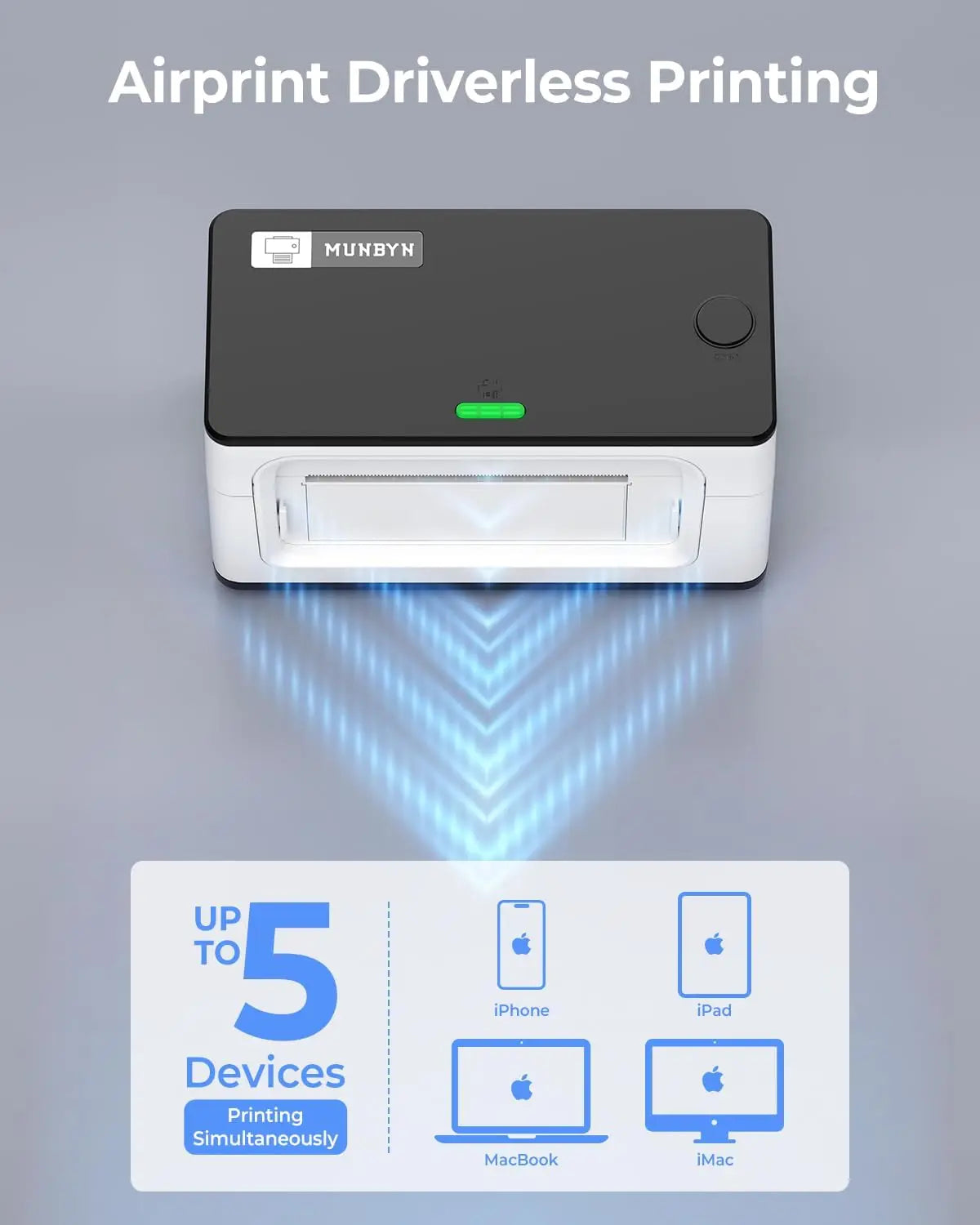
Gebouwd voor het Apple-ecosysteem

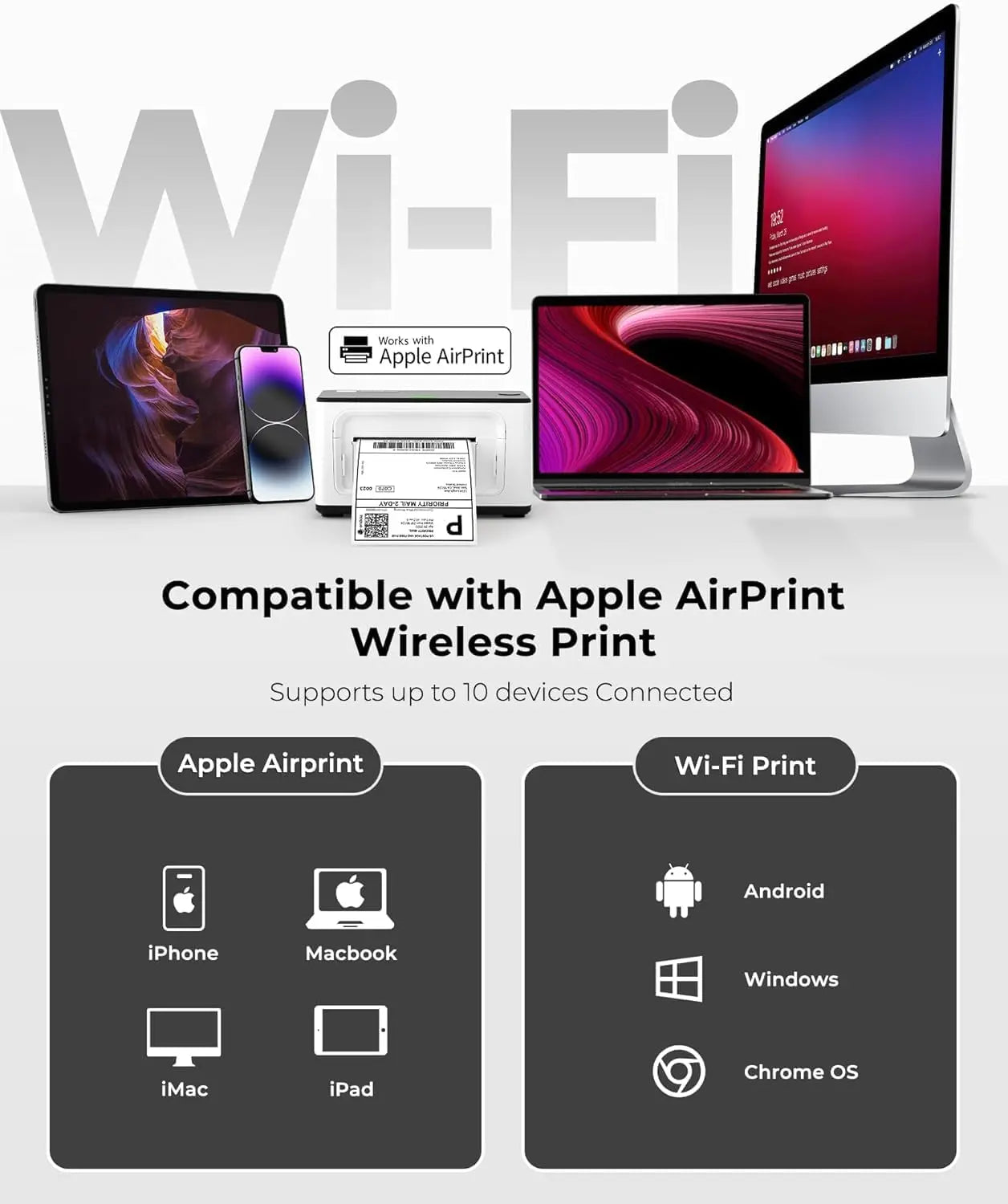
Print direct vanaf je iPhone, iPad of Mac met de 941AP AirPrint thermische printer, zonder drivers, kabels of extra software. Alles werkt vanzelf, precies zoals Apple-gebruikers verwachten.

Thermische labels printen met een tik

Selecteer label, tik op Print, klaar. Deze AirPrint thermische printer detecteert papierformaten automatisch en print een 4x6 label per seconde met 150 mm/s. Pure snelheid en eenvoud voor verzending en labeling met hoge volumes.

Minder installatie. Meer productiviteit.

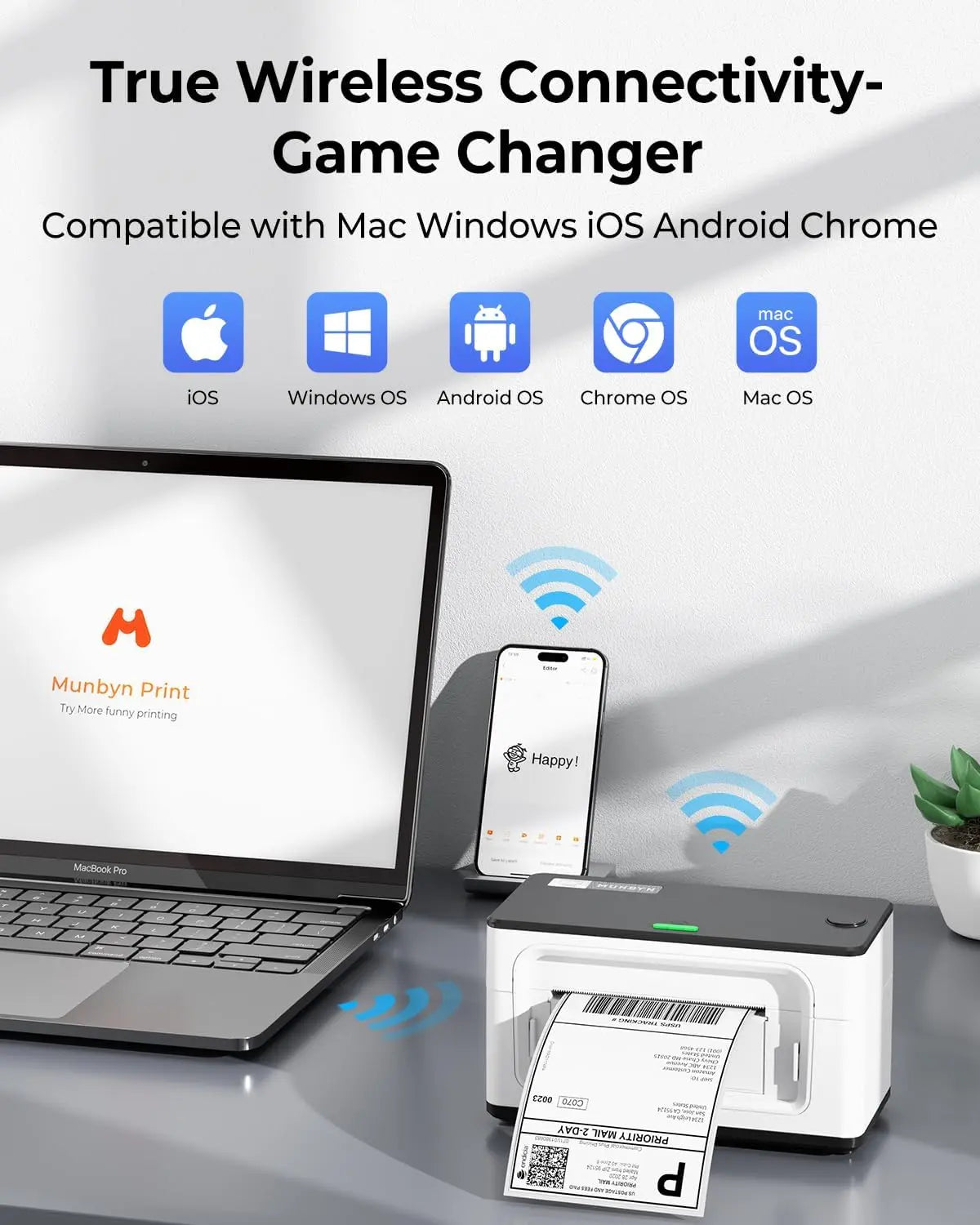
Draadloze vrijheid op meerdere platforms

Deze WiFi thermische printer werkt overal waar je team werkt en is daardoor de ideale labelprinter voor werkplekken met verschillende apparaten en groeiende e-commerceprocessen.

Ihr All-in-One-Tool für die wichtigsten Marktplätze und Mobilfunkanbieter, einschließlich, aber nicht beschränkt auf

Konzipiert für den Druck von mehr als 980.000* Etiketten auf Versandetiketten

Wie Menschen MUNBYN nutzen

Die Angaben zur Druckkopflebensdauer und Etikettenanzahl basieren auf Laborberechnungen (150 km Druckkopflebensdauer × 4×6 Zoll Etikettenlänge). Die tatsächliche Leistung kann je nach Druckhäufigkeit, Etikettenmaterial, Betriebsumgebung und Wartungsbedingungen variieren.

Versandetikett

Benutzerdefiniertes Etikett

Barcode-Etiketten

Zerbrechliche Etiketten

Markenetiketten

Aufkleber für Kita/Schule

  • 5 stars: 61 (80%)
  • 4 stars: 15 (20%)
  • 3 stars: 0 (0%)
  • 2 stars: 0 (0%)
  • 1 star: 0 (0%)
J
Jaime G
Great label printer

Super easy to install on a Mac. I was impressed that it even came with a usb to usbc adapter. Printed very fast with a nice clear print. I have a video but addresses are shown, but the speed of this is just amazing! For the price and the quality it is a no brainer for anyone that needs a label printer!

A
ALICE
works well but print quality is not great

This worked well printing out my posh's shipping labels.The setup was quick and easy. I had no issues when setting up and I am not tech-savvy.The print quality was not great. There were some sections of the label that were a bit faded.I thought maybe it was due to printing the label out as soon as I plugged the printer up, but once the printer remained connected and I printed out another label, the print quality was the same.The information was legible and good enough to ship, but I get better labels from my laser printer and 4x6 index cards, (which is why I wanted this printer to begin with).I did try using other labels that did not come with the printer, but I got the same result.Overall it works well, but not falls short on print quality.

E
EGReviews
Very fast but print quality is not 100%

I ordered this to give my laser printer a break from labels and to not have to tape labels down anymore.This this is VERY fast. For a Single label print; From the time I click print to when I have a label ready is; 3.08 seconds.So I would expect a minimum of 20 labels a minute. Less then what the description says BUT that’s including the time to send the job to the printer after clicking print so I would expect more in a bulk job.What I don’t like is no matter how I set this it prints slightly to the right. In my photo you can see the right boarder is slightly cut off.Also in my photo, the bottom of my labels starts to fade out when printed.Install was a breeze and the included pdf guide with the installer was perfect.I downloaded directly from the site rather then using the flash drive.I did try cleaning the unit and the bottom print is still inconsistent.If I could get the boarder right and the print consistent on the entire label this would be an absolute 5 star printer for me.

G
Gunnar Vogtmann
Thermal Nuclear Reaction

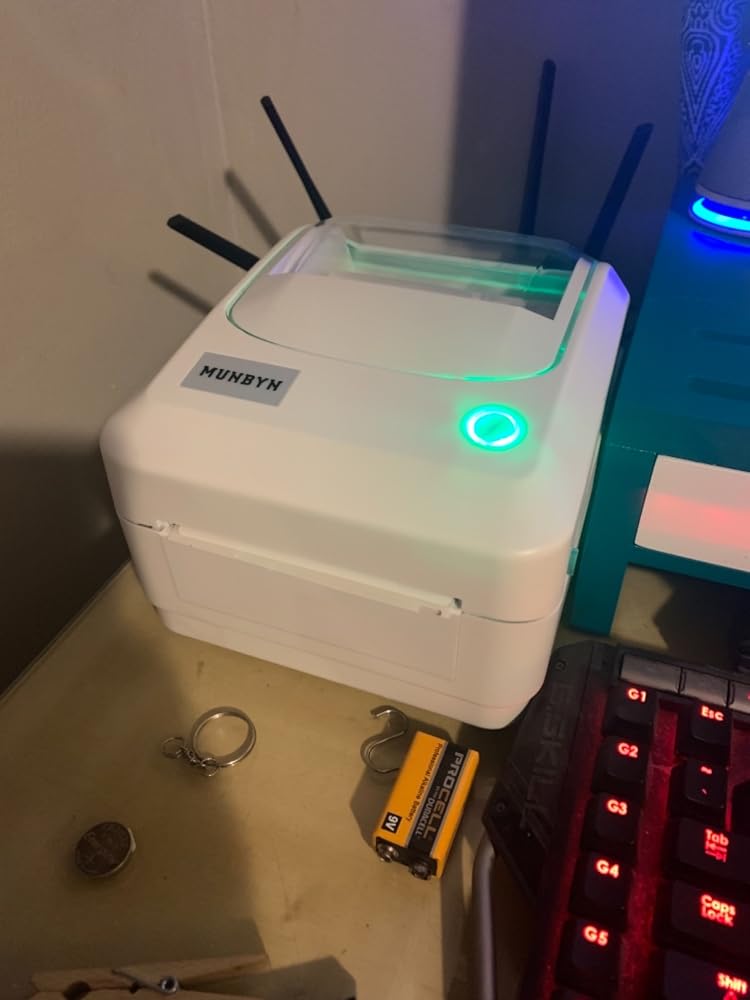
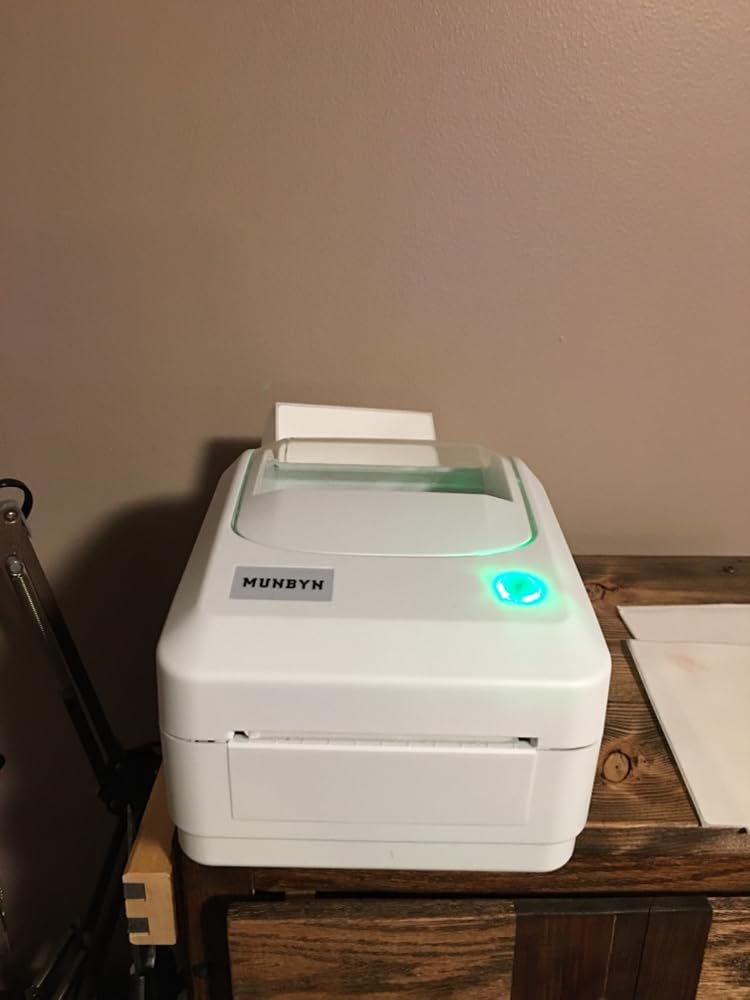
(THERMAL PAPER AS SHOWN NOT INCLUDED) I mean thermal reaction. It’s a solid piece of technology that’s invaluable to any business. It prints like it’s on fire AND owes use money as well. Came with the cables needed to set up. It took about forty minutes to properly program and align paper and get it set up to print on our paper and size. It took a little fanangling (not a word but I like it) to get it all set up our way. No more writers cramp from the millions of labels that need printing (not a million) but close. The time we are saving can be used elsewhere. Instructions were informative and easy to read and understand and the pictures helped us immediately with setup. The English was properly worded and items of interest were pointed out and fully explained. Nice time saving thermal printer and super compact to boot. Four Stars ⭐️⭐️⭐️⭐️!!!

C
Cona
Perfect for my small business

Better than expected and it was super easy to install! Had it running in 10 mins or less.

L
Liz G.
Great printer!

I totally love my Munbyn thermal printer. I've been using it for almost 5 months now for my small business. It was easy to setup and easy to print out my labels.

J
Jon Shearer
Great printer at an affordable price point.

Been using the printer for a few days now(about 35 labels) and have to say I’m loving it. Setup up was super easy, the tutorials included/online show you everything you need to setup for the various selling platforms. So much easier then my old method of cutting out the labels and taping them. Price was right up my alley too.

J
James
Easy install and high quality print

Was very easy to set up and install. I had a few issues trying to get the label to print in the proper layout on the label but Munbyn supplied a walk threw that showed how to take snaps and print the labels perfectly. Took only 5-10 minutes to set up and print the first label. Overall this is a good thermal printer for its price vs some other competitors. I’d recommend this one to any small business.

S
Shannon H.
Love!

Love my printer!! I suggest buying one for all your shipping needs!

A
Ashley C.
Great little printer

I purchased this printer to print labels for Etsy and Shopify orders. It was super easy to set up - you go to a website to download the driver, and install only takes a few minutes (I have a MacBook so it was super helpful that the driver was online). It is really easy to make printer adjustments (I.e. darkness, offset, rotate 180 degrees), and printing couldn’t be quicker or easier. Print quality is very good. I also like how compact it is, especially since you can store the roll inside the printer. A side note, make sure that when you’re printing labels from Etsy, Shopify or another platform, that you adjust the paper size within the platform. All in all I’d say it was a great purchase, and an excellent value.

F
Francis
Good After Sales Team !

Not easy to install on Mac Os. The WiFi connection was really capricious. The printing was skipping labels, ...I contacted after-sales service, we did some tests together, they exchanged the printer for me. Everything is back to normal and I am a satisfied customer. Please note the printer is not yet recognized by the UPS direct system but you can print beautiful UPS labels with 2 additional clicks.

C
Checker
Einwandfrei und zuverlässig

Funktioniert tadellos, Einrichtung easy, druckt ziemlich schnell und vor allem läuft er zuverlässig und störungsfrei, Druckbild einwandfrei, Onlinesoftware funktionsreich und gut und intuitiv bedienbar, er ist seinen Preis wert.

R
Ruud Thummler

Betrouwbaar en snel met printen.

B
Birgit Krohn

Druckt exzellent und schnell - genau was ich brauche. Danke

B
Bobbie
LOVE IT!

This is a great little label printer. It was easy to set up and worked right from the start. I was able to print A LOT of labels quickly. So much easier than printing on sticker paper and cutting them out. I also love that you can use rolls of labels.

P
Paigii
makes printing easier

Works well, easy to print and high quality labels printed. Happy with this product.

Y
YR from Texas
Great Thermal Printer!

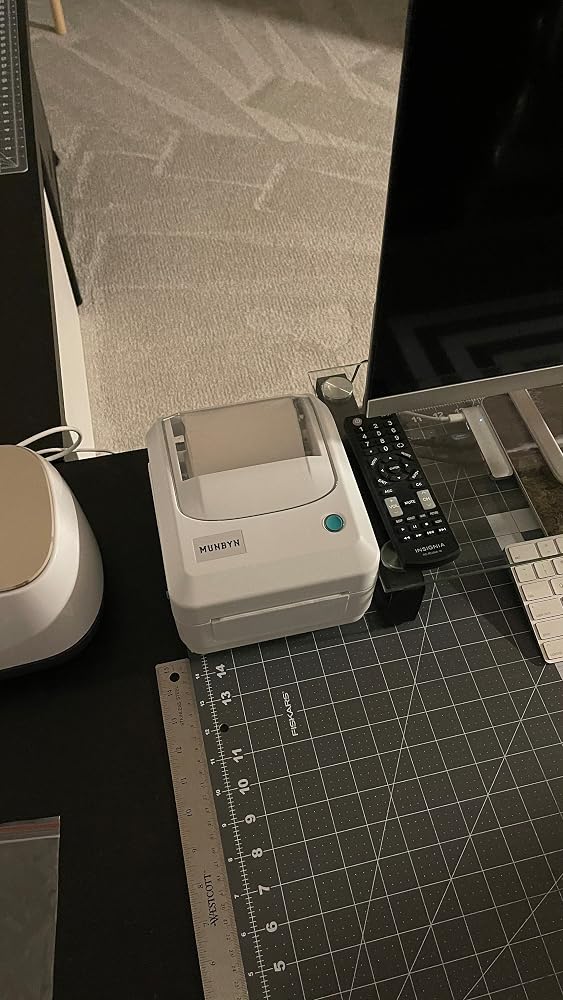
This is a great quality printer. The setup is very easy, connects with my laptop (windows system) easily, I printed out a few mailing labels with no issues, it works better with rolled labels (in my opinion) and it doesn't take up too much room on my desk. I would recommend MUNBYN USB Thermal Label Printer because of the quality.

S
Smart Shopper
The setup is really easy

This review is for MUNBYN USB Thermal Label Printer for Windows Mac 4x6 Thermal Printer One Click Set up Shipping Label Printer Great for Labeling, Filing, Mailing, Barcodes and MoreThe setup is really easy, you need to run the paper calibration on the first run. Multiple sizes of labels can be used but the max width is 4”. The prints are dark and very easy to read. Also, it is really fast if you print in bulk you get about 70 labels in a minute which is really good for the price.

C
Chris Taylor
Works surprisingly well. 0 issues. it just works

I am impressed. cheap little printer I dropped in a roll of 4x6 rando labels and .... it just worked !! I select the printer I select paper size 100x150 (4x6) and click print and it just works. it figured out the labels and just worked.Also comes with a nice little all metal thumbdrive with the drivers on it. power supply and usb cable.Not much more to say I am just pleasantly surprised how well it works and how painlessly.

C
Claire
Easy to use

This thermal printer works really well. I bought it for my sister for her business and she loves it. Set up is very easy and its very easy to use. she hasn’t had any problems with it. She’s been able to step it up when it comes to her business. It’s so much easier and more convenient than printing the traditional way.

l
letmepicyou
Ship things? Wasting paper and ink and taping on shipping labels? STOP!

I don't ship a lot, but when I do, it's a pain for me to print things like...shipping labels. Why? I'm a photographer, and my printer is a dedicated photo printer. That's what it does. And when I print out photos, it SHINES. But when I have to print out, oh, pages of printed text? You wonder why that huge, expensive looking printer is SO SLOW at printing simple pages of text. And why would I waste expensive photo printing ink on such things as shipping labels? Apparently, printer ink is made from unicorn blood and leprechaun tears, given how ridiculously expensive it is.So here's my advice (and I've been working with computers for almost 40 years) to you when it comes to printing.1: If you print photos, GET A PHOTO PRINTER.2: If you print things OTHER than photos, get a 2nd printer.Personally, I have 3 printers. I have my photo printer for photos. I have a laser printer for pages of text, ect. And now, I have a label printer for, you guessed it, shipping labels!Just like you shouldn't ask your dentist to perform your double bypass surgery, don't ask your printer to do ridiculously wasteful things it shouldn't be doing in the first place. If you print shipping labels in any capacity, having something like THIS is a blessing. It does exactly what it should, print shipping labels, without using any ink, and without any needless bells and whistles. Try it and see!

R
R White
Great printer

Works very well. Easy to setup & get printing.

FAQs

Bitte lesen Sie unsere FAQ-Seite, um mehr zu erfahren.

Heb ik Wi-Fi nodig om de MUNBYN AirPrint-labelprinter te gebruiken?

Nee. Wi-Fi is niet vereist. Je kunt de printer via USB met je computer verbinden voor betrouwbare bedrade afdrukken, of Wi-Fi gebruiken voor draadloos gemak. Apple-gebruikers kunnen ook direct printen vanaf compatibele apparaten met AirPrint, zonder extra drivers te installeren.

Kan ik printen vanaf een Android-telefoon?

Ja. Je kunt eenvoudig verzendlabels en andere compatibele labels printen vanaf je Android-telefoon met de MUNBYN Print-app. Verbind je MUNBYN-printer met de app en print direct vanaf je mobiele apparaat.

Is Wi-Fi beter dan Bluetooth voor labels printen?

Dat hangt af van je behoefte. Wi-Fi is ideaal voor drukke thuiskantoren en kleine bedrijven omdat meerdere apparaten op hetzelfde netwerk toegang hebben tot de printer zonder telkens opnieuw te verbinden. Bluetooth is handig voor direct draadloos printen vanaf een nabij compatibel apparaat. Als meerdere gebruikers dezelfde printer delen, biedt Wi-Fi meer flexibiliteit.

Kunnen meerdere mensen een MUNBYN-printer delen?

Ja. Zodra de MUNBYN AirPrint thermische printer met je Wi-Fi-netwerk is verbonden, kunnen meerdere compatibele apparaten op hetzelfde netwerk hem gebruiken. Dit is handig voor gedeelde werkplekken, thuiskantoren en groeiende kleine bedrijven die vanaf verschillende apparaten printen.

Is 203 DPI genoeg?

Voor standaard verzendlabels biedt een 203 DPI labelprinter duidelijke, betrouwbare afdrukken voor dagelijkse logistiek. Als je labels zeer fijne details of kleine graphics bevatten, kun je de 300 DPI van de RW401AP of RW941BP verkiezen voor extra helderheid.

Kan ik labels printen vanuit Shopify, Etsy en eBay?

Ja. De MUNBYN AirPrint-labelprinter werkt met labels die worden gegenereerd door grote e-commerceplatforms en vervoerders, waaronder Shopify, Etsy, eBay, Amazon, Royal Mail, DHL, DPD, UPS en meer.

Wat maakt de AirPrint-printer anders dan standaard USB-labelprinters?

In tegenstelling tot traditionele USB-only printers ondersteunt dit model Wi-Fi en Apple AirPrint, waardoor je flexibeler kunt printen vanaf computers en compatibele mobiele apparaten zonder aan een kabel vast te zitten.

Heb ik speciale labels nodig?

Nee. De MUNBYN AirPrint-printer werkt met standaard direct thermische labels die aan de ondersteunde maten en specificaties voldoen. Er is geen inkt of toner nodig, waardoor verzendlabels en andere compatibele labels makkelijk te printen zijn.

Haben Sie Ihre Antwort nicht gefunden?

Zögern Sie nicht, uns zu kontaktieren.

Kostenloser Versand und kostenlose Rücksendungen