
Scroll to top

Print anything, anywhere

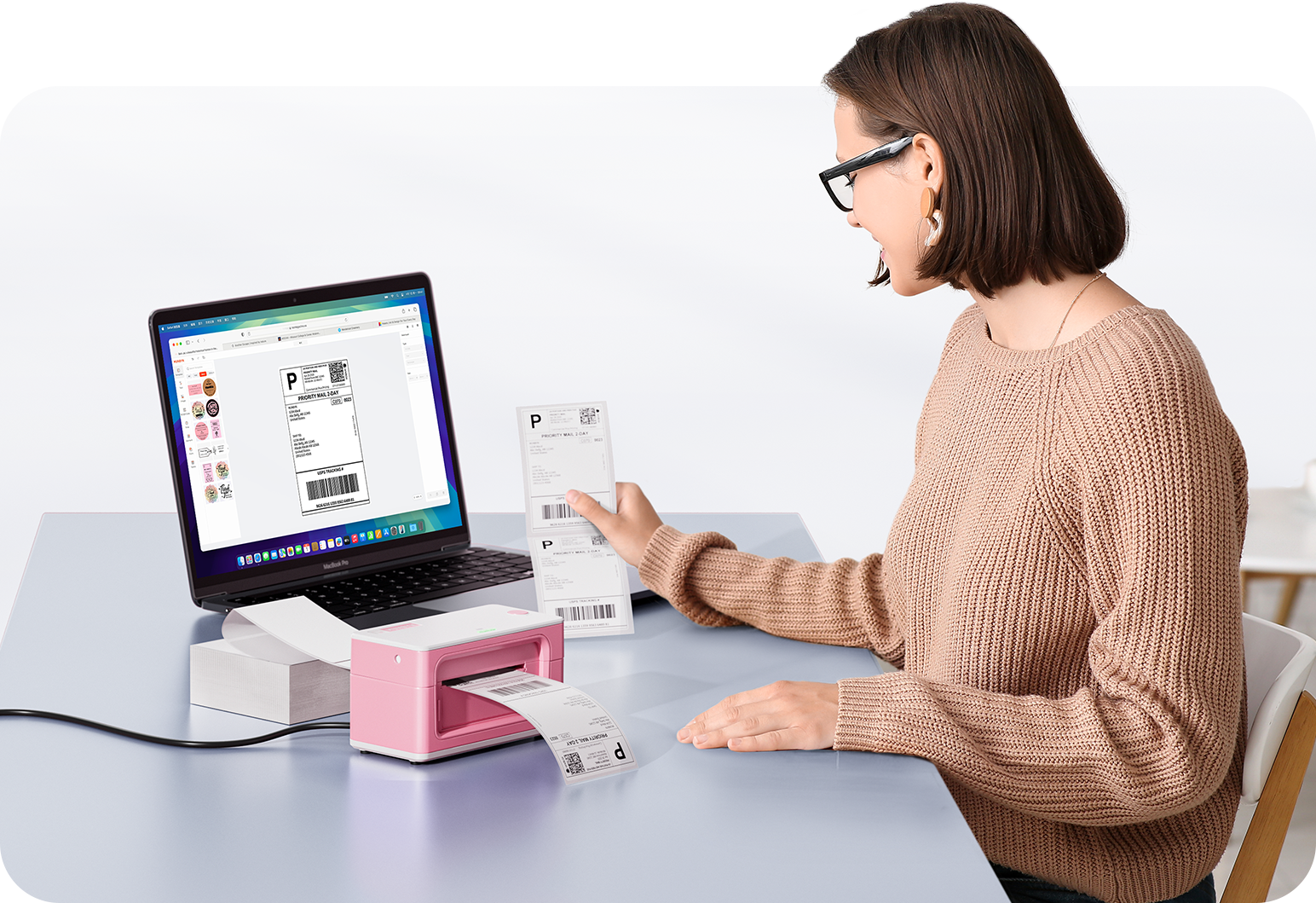
Your ideas, your space – print wherever inspiration strikes.

Ink-free, worry-free

No ink. Saves time, money, and the environment.

Fast to print, easy to keep printing

High Speed: 150 mm/s = one 4x6 label per second.

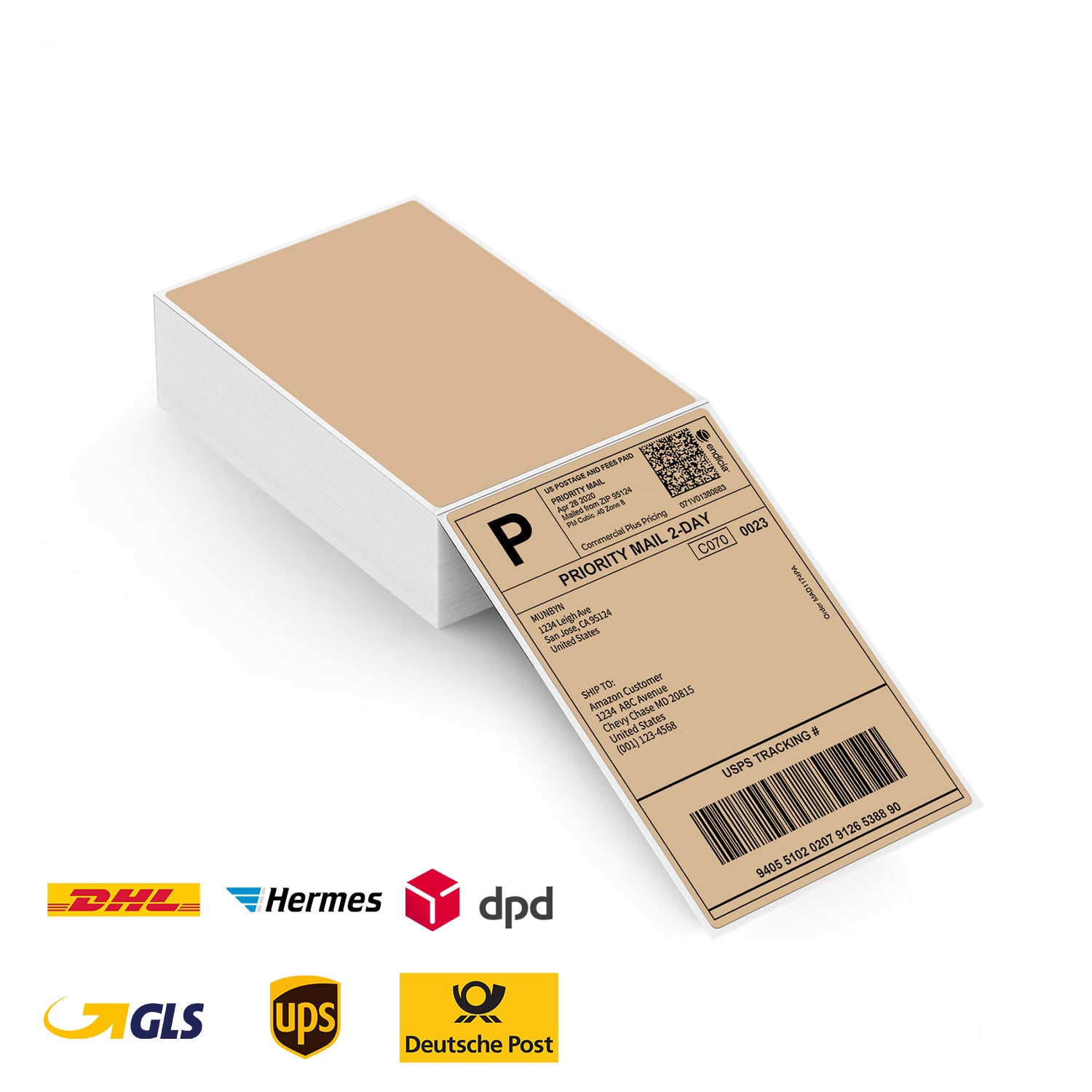
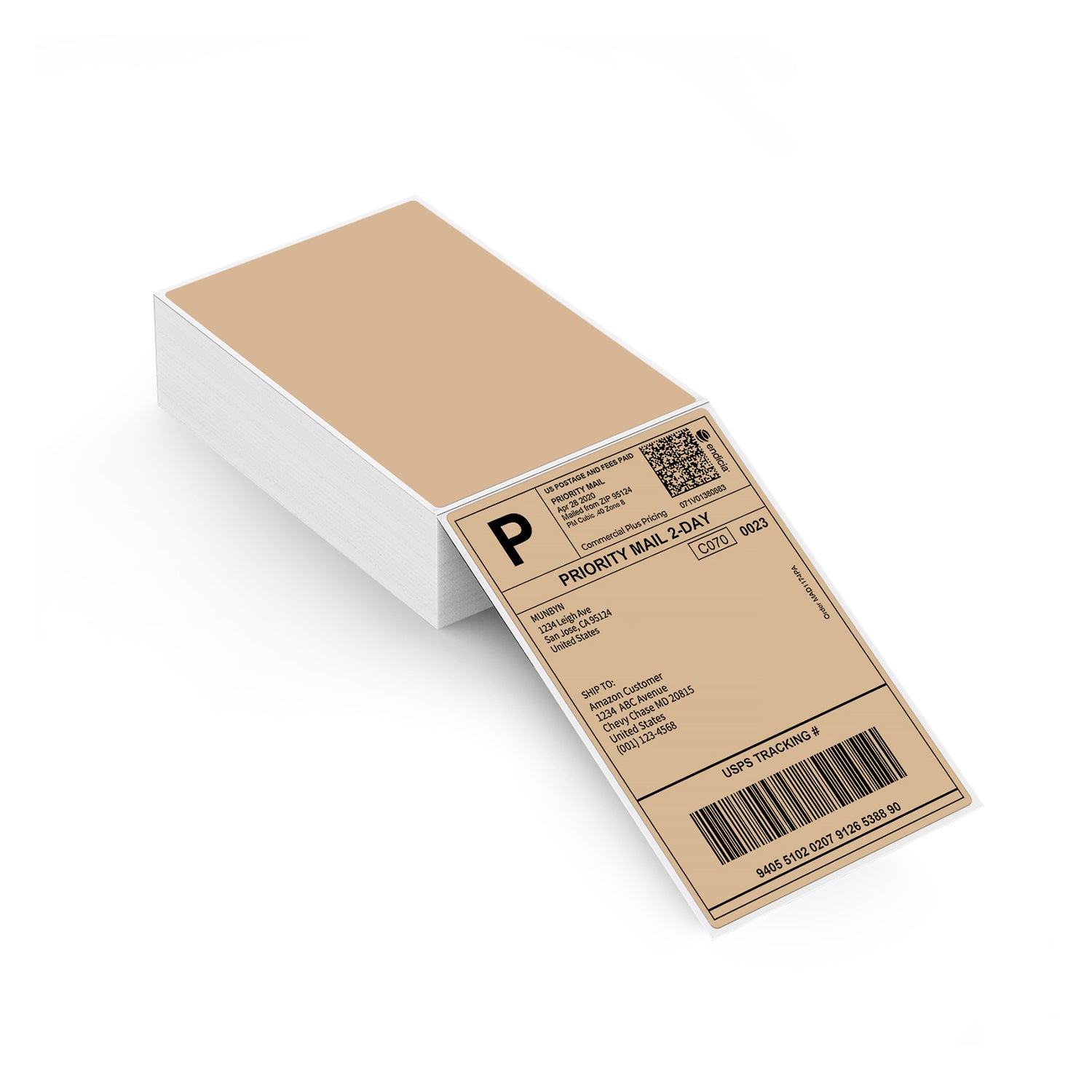
4x6 Foldable Paper Labels | Brown
16,99€

Product details

Download our app

High-Quality Labels in Minutes
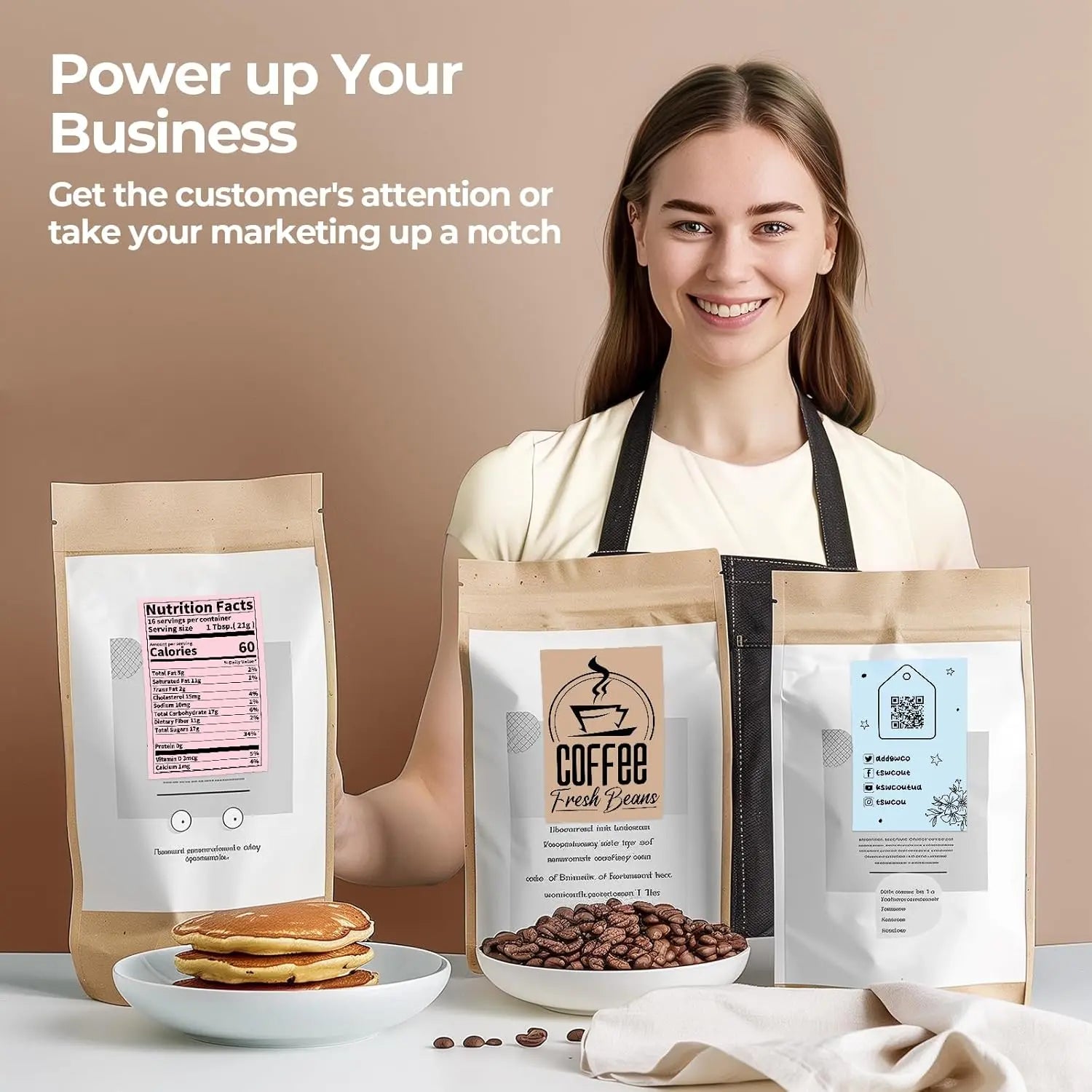
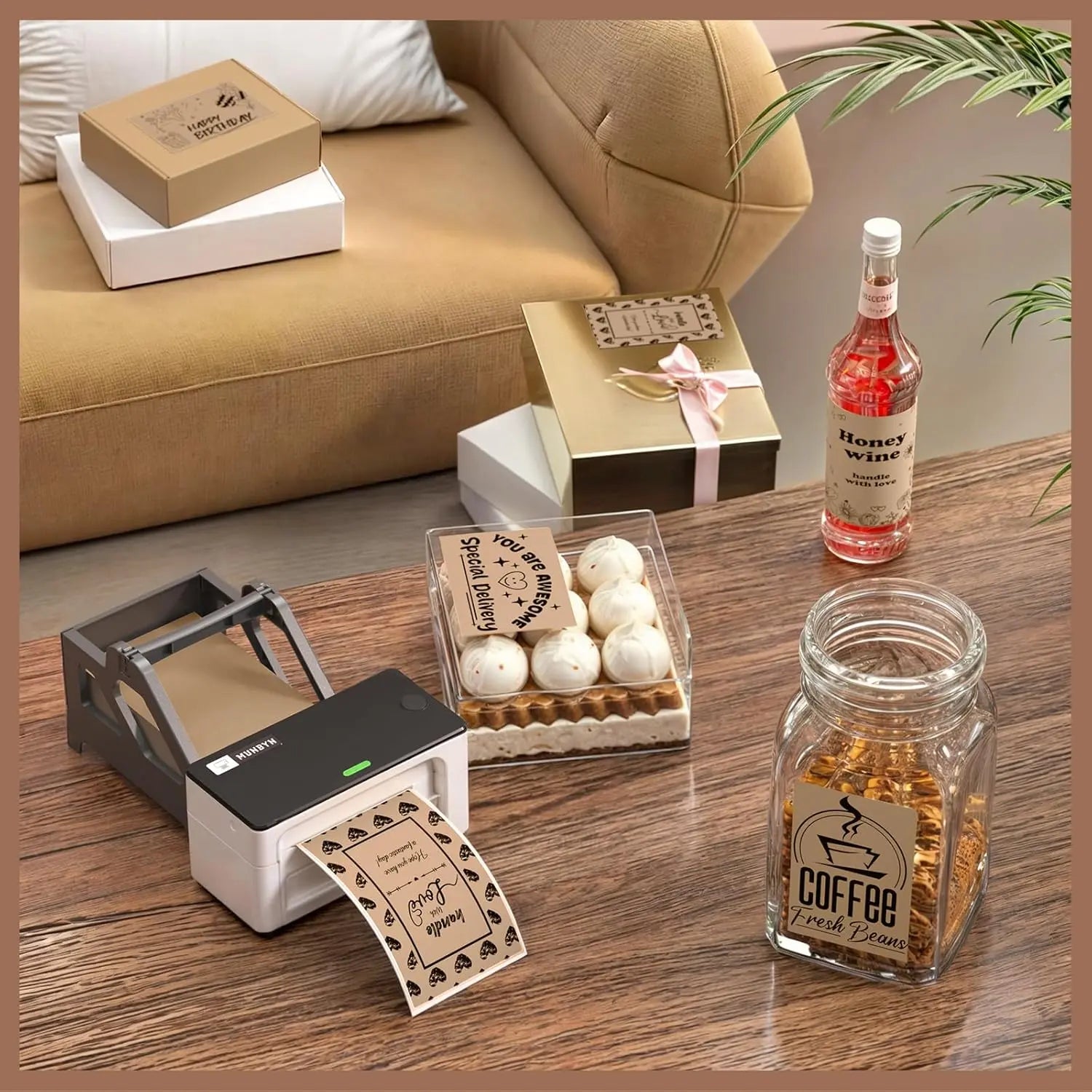
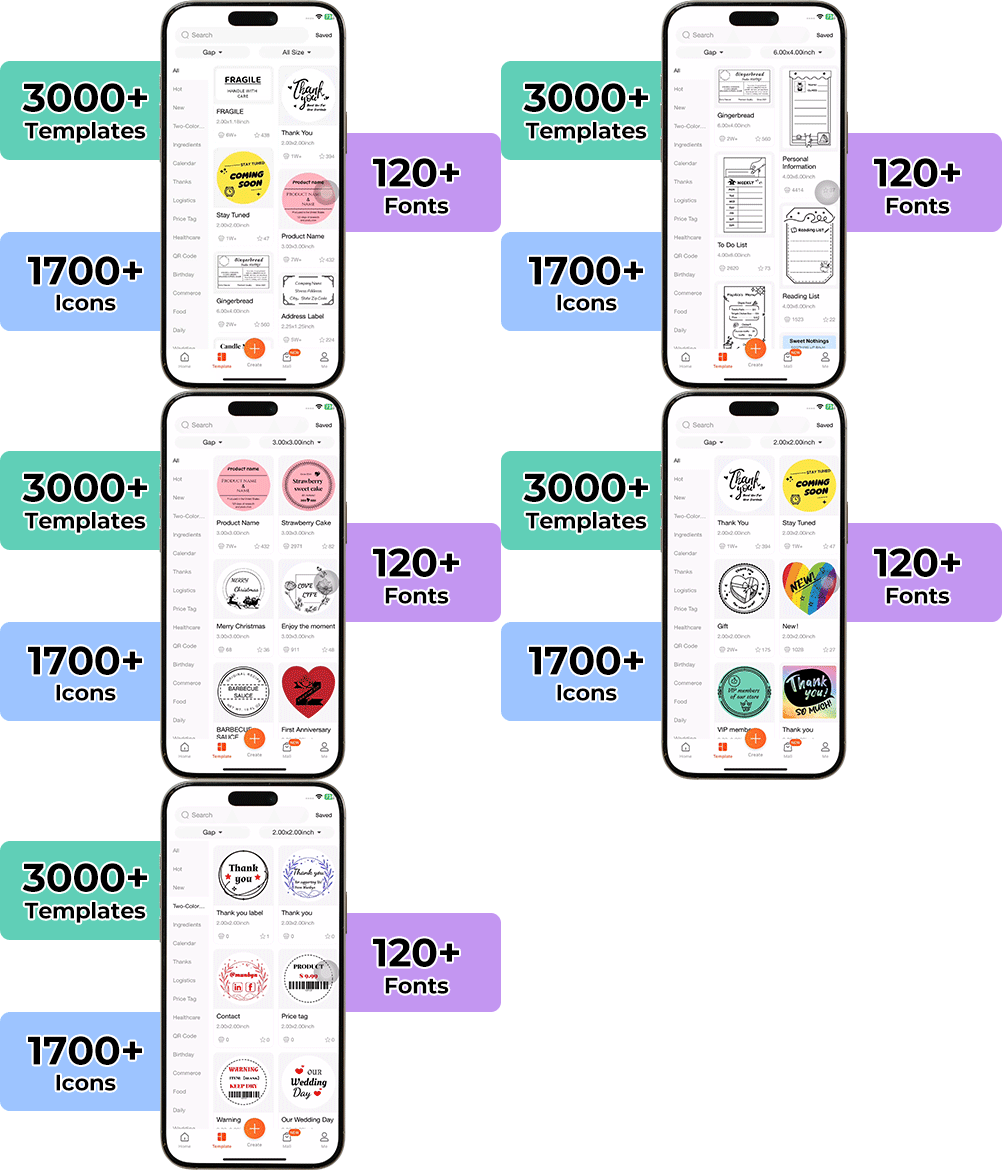
Designing custom packaging has never been easier. With the MUNBYN App and our versatile DIY Labels, you have a library of over 3,000 design elements and templates at your fingertips.

Create custom logos and promotional stickers that perfectly reflect your brand's personality – all without breaking the bank.


Google Play

Google Play

Download now

 
Online Editor

Online Editor

Create now

User Manual

User Manual

Download now

Proud to be led by women

80% of our leadership team are women, who bring empathy and innovative power to every design and decision. Because when women lead, technology becomes more human – and creativity more meaningful.

Wireless Freedom

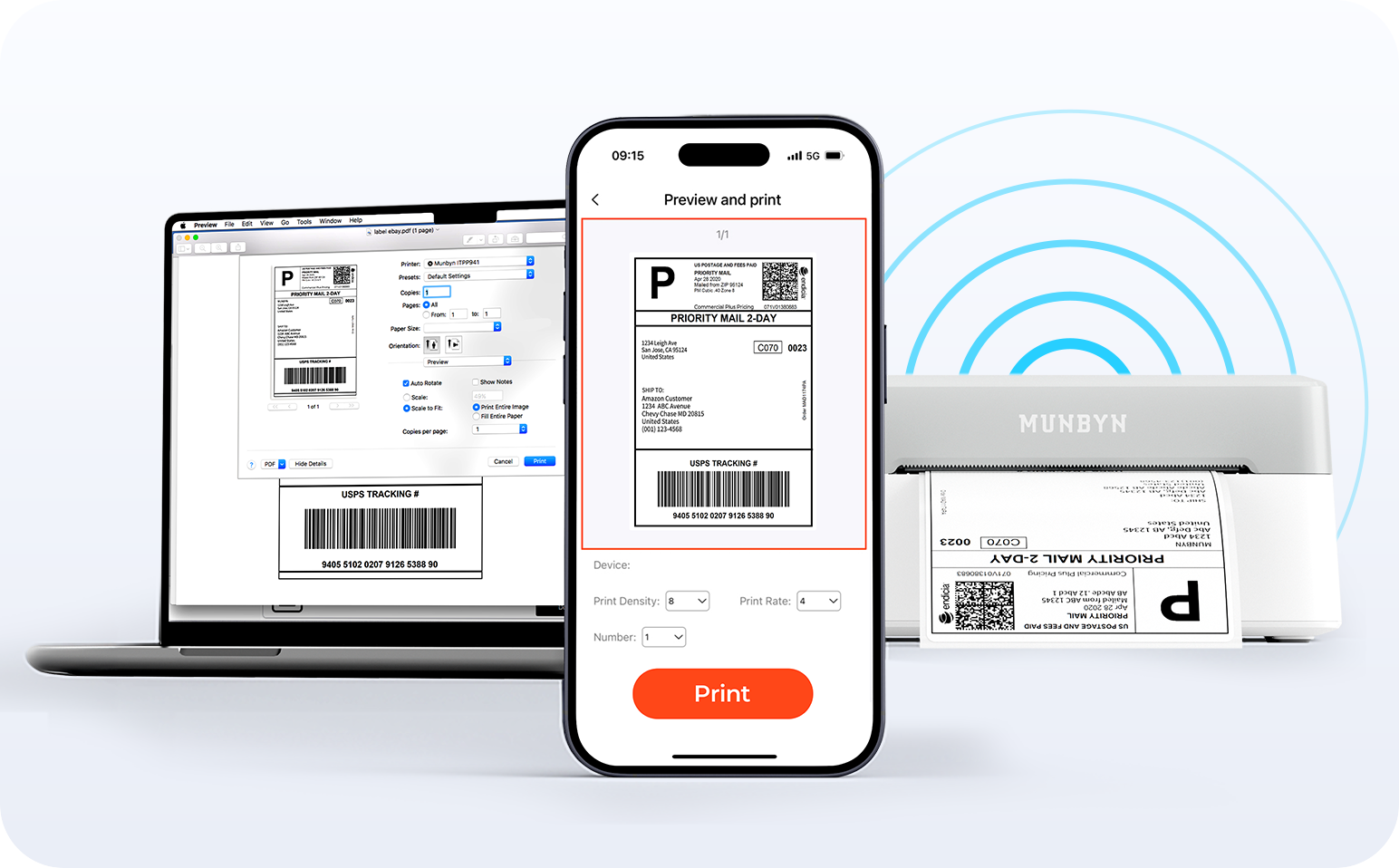
Say goodbye to tangled wires and hello to effortless printing. Enjoy instant Bluetooth connections wherever you work, or plug in via USB when needed. Seamless compatibility with Windows, Mac, iPhone, iPad, and Android – your entire workspace connected, printing made easy.

Load video:

Intelligent Label Recognition

Label Freedom. Effortless printing starts here.

Supports all types of direct thermal labels

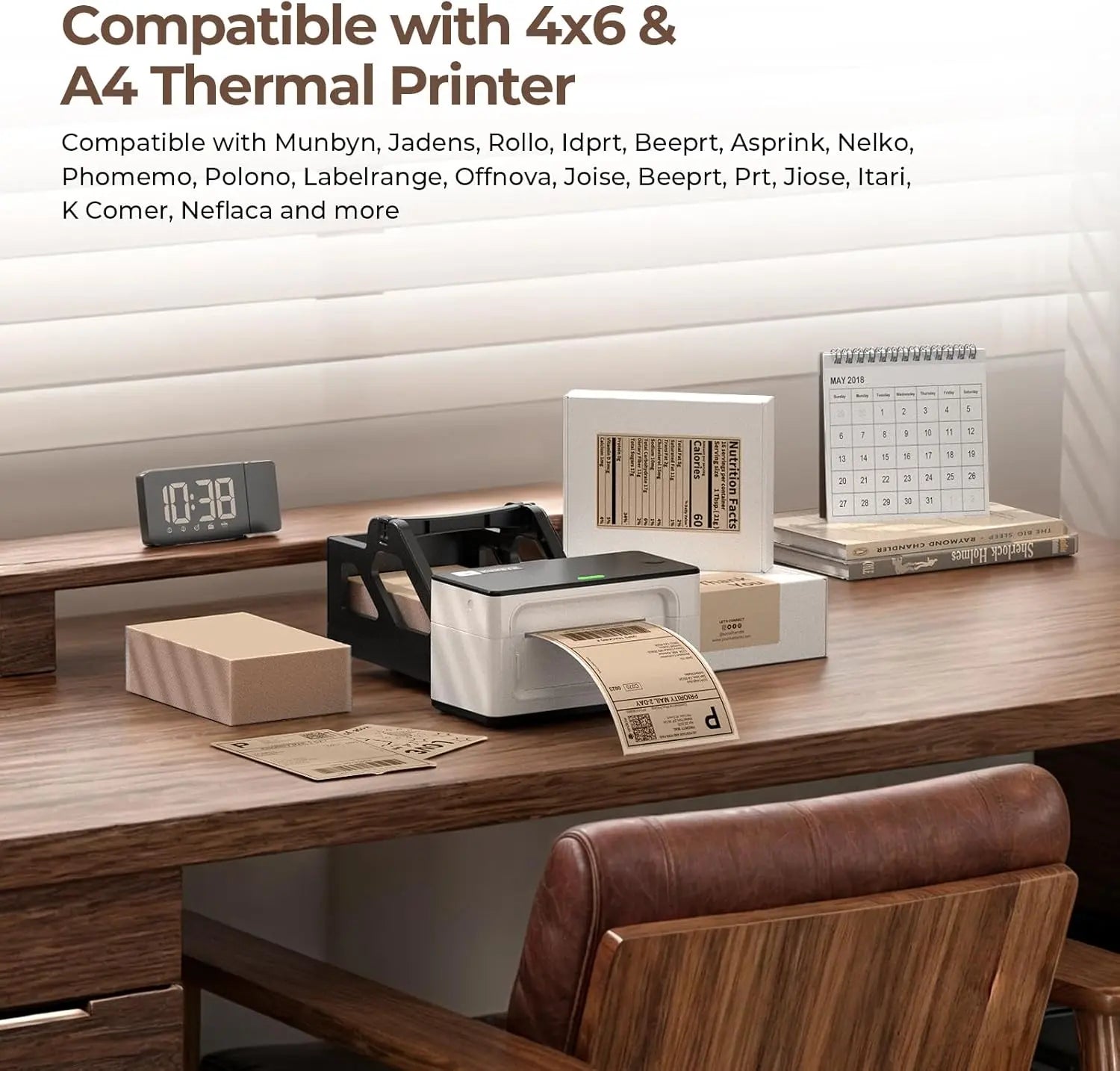
4x6" 3x2" 3x1" 2x1" 4" 2"

Your MUNBYN printer automatically detects and adapts to various label sizes—no manual setup required. From 4×6 shipping labels to 2×2 logo stickers, and a wide spectrum of 40mm to 110mm widths, switching between different tasks only takes seconds.

Your all-in-one tool for the most important marketplaces and mobile network providers, including but not limited to

Designed to print over 980,000* labels on shipping labels

How People Use MUNBYN

Printhead lifespan and label quantity data are based on laboratory calculations (150 km printhead lifespan × 4x6 inch label length). Actual performance may vary depending on printing frequency, label material, operating environment, and maintenance conditions.

Shipping Label

Custom Label

Barcode Labels

Fragile Labels

Brand labels

Stickers for daycare/school

FAQs

Please read our FAQ page to learn more.

1. Why should I choose a MUNBYN thermal printer instead of an inkjet or laser printer?

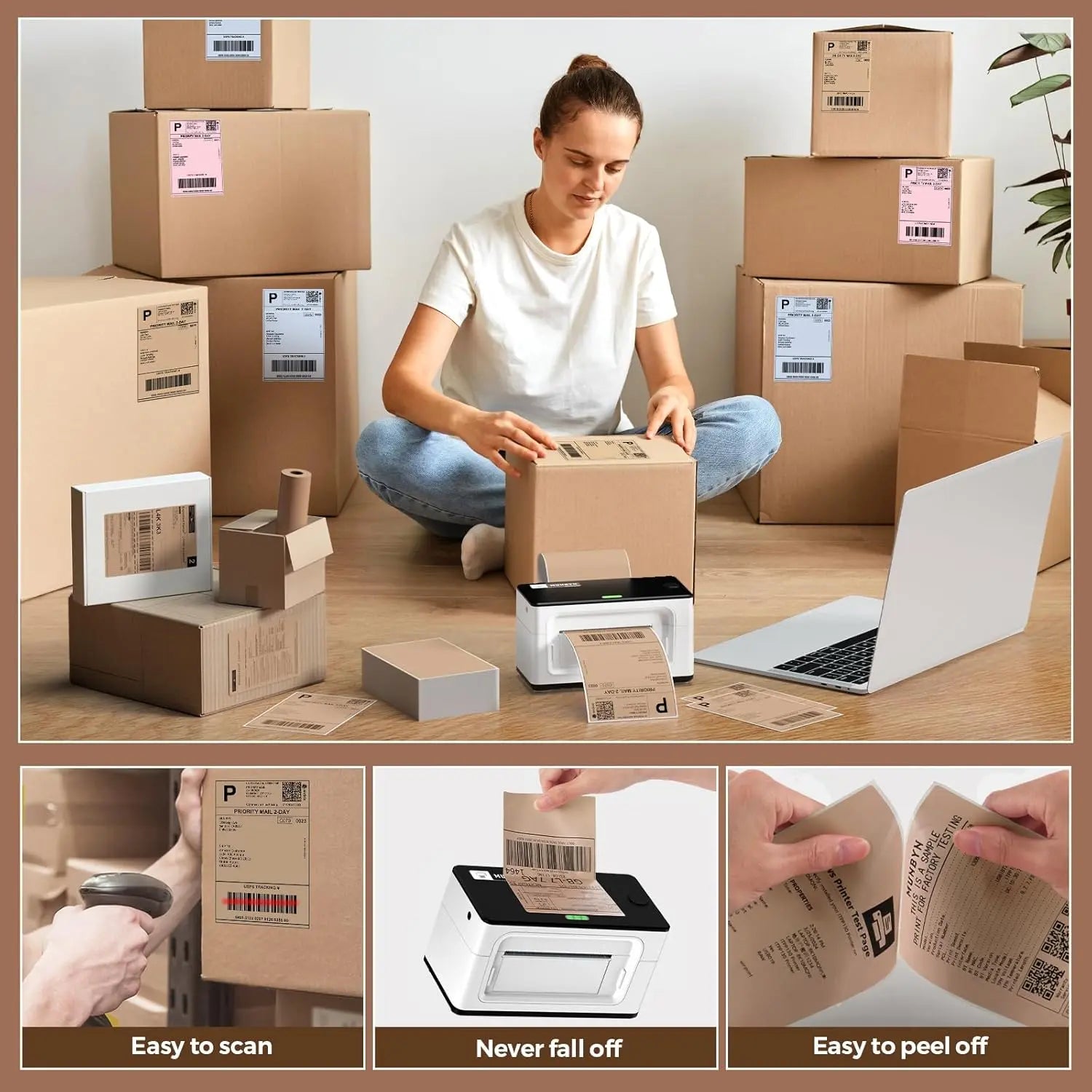
MUNBYN uses advanced thermal printing technology, which means: no ink, no toner, and no ribbons. All you need are thermal labels. This not only saves you hundreds of dollars annually on supply costs but also spares you the mess of leaking cartridges and the frustration of running out of ink in the middle of a shipping process.

2. Can I use thermal labels of any brand with this printer?

Yes! MUNBYN printers are compatible with all thermal direct labels. Whether you prefer fanfold or roll labels, as long as the width is between 1.57" and 4.3" (40 mm – 110 mm), our thermal printer will automatically detect and calibrate to them.

3. Which shipping platforms and marketplaces are compatible?

MUNBYN is a favorite among small business owners. MUNBYN label printers are fully compatible with major platforms, including:

  • Marketplaces: Amazon, eBay, Etsy, Shopify, Zalando, and Shopee.
  • Couriers: UPS, FedEx, ShipStation, Pirate Ship, USPS, and DHL.

4. What labels can I use with this printer?

Our thermal label printers support a wide range of direct thermal labels including 4x6" shipping labels, 3x2" and 2x1" labels, barcode labels, round labels, and custom sticker sizes (40–110 mm wide, depending on the model). The printer automatically identifies the label size—no manual calibration required.

5. Is this label printer easy to set up?

Yes. The label printer is designed for quick setup; step-by-step installation guides and driver downloads are available. Most users can complete the installation in a matter of minutes.

6. How do I calibrate the printer for different label sizes?

Our intelligent automatic label recognition does the work for you. Insert your labels, hold down the top button until you hear a single beep – and the printer automatically adjusts label size and spacing to ensure perfect alignment.

7. What should I do if my labels are printing blurry or with white streaks?

High-quality print results start with a clean print head. If print quality declines:

  1. Turn off the printer and let it cool down.
  2. Wipe the thermal print head with an alcohol swab or a microfiber cloth.
  3. Adjust the print density and print speed settings in the driver settings.

    If the problem persists, please contact customer support for further assistance.

8. Does this label printer come with a warranty?

Yes, all MUNBYN printers come with a 2-year warranty. We stand behind our hardware and will provide a replacement device or perform a repair if you encounter any manufacturing defects.

9. Can I use the label printer for both business and home organization?

Yes. You can use this printer for both business labeling (shipping, barcodes, inventory, retail labels) and home organization (storage labels, pantry labels, files, craft projects). Thanks to its versatile direct thermal printing method and support for numerous label sizes, it is suitable for a wide range of private and professional applications.

10. Are there customization options for labels?

Yes, we offer flexible options for customizing labels – including stickers, logo labels, and creative templates for your branding. Order custom labels here.

Didn't find your answer?

Do not hesitate to contact us.

Free shipping and free returns